About this app
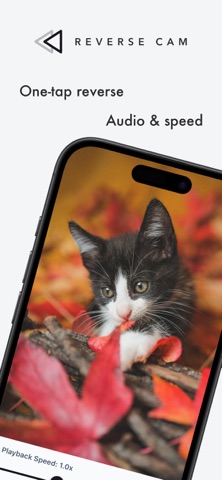
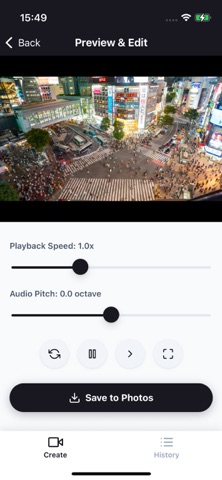
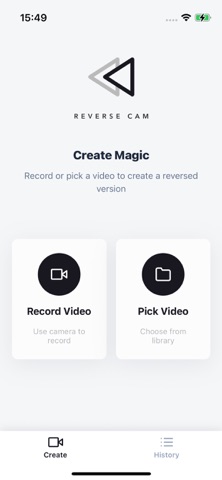
Reverse the ordinary with one tap. ReverseCam turns any shot into a scroll‑stopping loop in seconds. Water climbs back into the glass, confetti gathers itself, broken pieces fly together—little moments become magic. ◆ What you can do • Shoot or import, then apply reverse instantly • Reverse audio too (or mute) • Adjust speed (slower to faster) • Export loops (ping‑pong or single direction) • Trim start/end precisely • Portrait or landscape friendly (great for shorts) • Share to your favorite apps ◆ How it works (3 steps) Open the app and record (or pick a clip) Tweak reverse, speed, and loop Save and share—done in seconds ◆ Ideas to try • Toss and “uncatch” a ball back to your hand • Spilled water or sand that runs back where it came from • Candy or blocks that assemble themselves • Rip → reverse for a quick “restore” trick • Petals, balloons, or confetti that flow back together FAQ Q: Can I reverse long clips? A: Processing time depends on clip length and device. Shorter clips work best. Q: Will quality drop? A: We export to preserve quality as much as possible (results vary by settings and footage). Simple. Fast. Fun. Make mesmerizing reverse videos with ReverseCam.
Latest release
What’s New
We regularly update ReverseCam to make creating reverse videos smoother, smarter, and more enjoyable. This release includes new features, performance improvements, and bug fixes. Please update to the latest version for the best experience. Thanks for creating with ReverseCam!
Audience growth
Ratings growth
Baseline captured. Growth appears after the crawler observes a changed rating count.
Momentum comes from crawler snapshots for the tracked storefront. “Viral growth signal” means unusually fast recent rating gains; it is an indicator, not download data.
Price tracking
Price intelligence
First snapshot captured. The trend line starts after the next crawler price observation.
- First observed Aug 19, 2026 · 9:42 AM Free
Screenshots