About this app
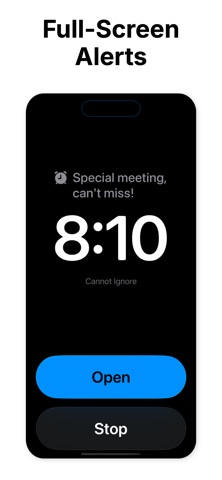
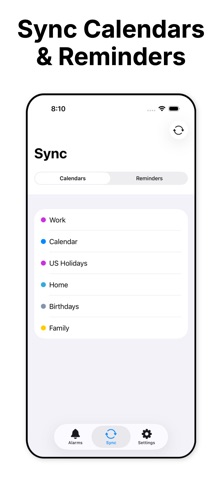
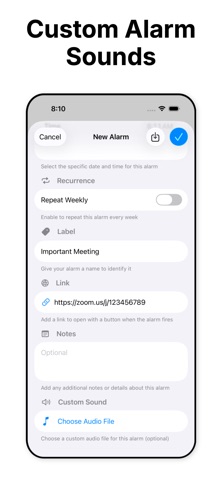
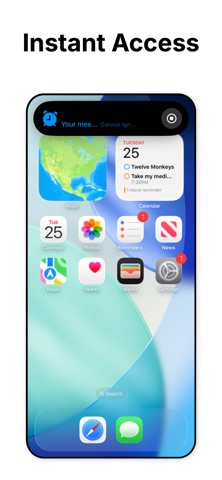
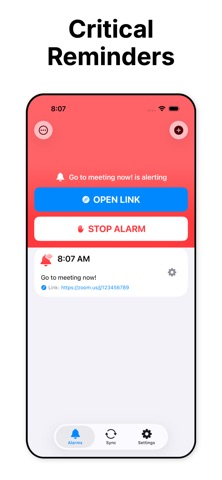
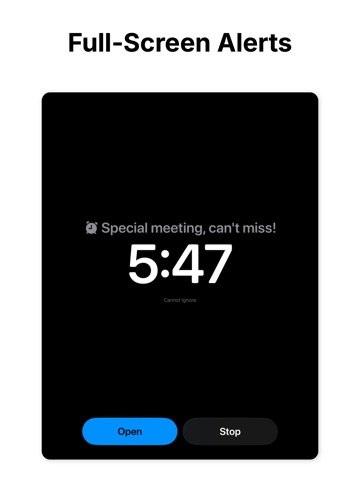
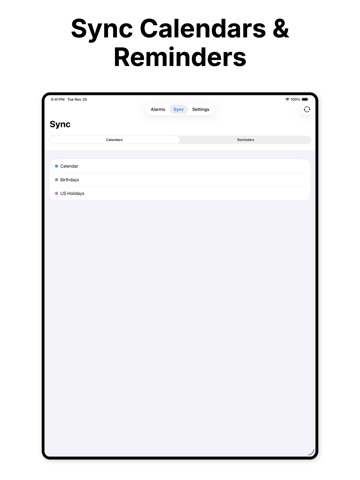
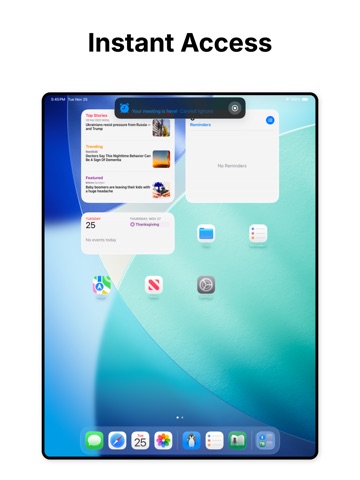
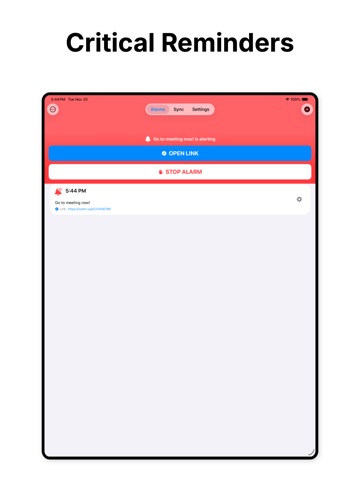
Never miss another important moment. Cannot Ignore is a powerful alarm app designed specifically for those critical, one-time events that demand your full attention. FULL-SCREEN ALARMS THAT DEMAND ATTENTION When your alarm fires, Cannot Ignore takes over your entire screen - whether you're on the lock screen, home screen, or in another app. There's no ignoring it, no accidentally dismissing it. You'll see a full-screen alert with your alarm details and action buttons front and center. CUSTOM SOUNDS FOR MAXIMUM IMPACT Make your alarms unmissable with custom audio files. Upload any sound that will get your attention - whether it's a special ringtone, voice recording, or audio file. Your important alarms deserve more than generic system sounds. SMART CALENDAR & REMINDER INTEGRATION Import upcoming events directly from your Calendar or Reminders with one tap. Cannot Ignore automatically detects and includes: - Video conference links (Zoom, Google Meet, Teams, etc.) - Location URLs - Event notes and URLs - Reminder links No more manually copying details between apps. Set an alarm for your meeting, and access the join link instantly when it fires. INSTANT LINK ACCESS Add any link to your alarm. When it fires, tap "Open" to launch the link immediately - perfect for: - Video conference meetings - Important documents - Location directions - Online forms or registrations - Flight check-ins - Time-sensitive web pages IN-APP ALARM MANAGEMENT Even if you dismiss the full-screen alert, Cannot Ignore keeps you in control: - See which alarms are currently alerting - Stop alarms with one tap from within the app - Open links directly from the alarm list - Edit existing alarms anytime DESIGNED FOR CRITICAL MOMENTS Cannot Ignore is purpose-built for important, out-of-the-ordinary events: - Job interviews and important meetings - Medical appointments - Flight departures - Deadline submissions - Time-sensitive phone calls - Special occasions you can't afford to miss SIMPLE, FOCUSED DESIGN No complicated settings or features you'll never use. Cannot Ignore does one thing exceptionally well: ensures you never miss what matters most. Clean interface with intuitive controls gets you from "create alarm" to "done" in seconds. KEY FEATURES • Full-screen alarms that take over your device • Custom audio file support for unique alarm sounds • Import from Calendar events with automatic link detection • Import from Reminders with automatic link detection • Add links that open with one tap when alarms fire • In-app alarm control and monitoring • Edit existing alarms • Real-time alarm state tracking • Clean, intuitive interface • Requires iOS 26 or later PERFECT FOR • Business professionals with critical meetings • Students with exam schedules • Travelers with flight departures • Healthcare appointments • Remote workers with video conferences • Anyone with important deadlines • Time-sensitive commitments that cannot be missed Stop relying on easy-to-dismiss notifications. For the moments that truly matter, use Cannot Ignore. For terms of use for in-app purchases and subscriptions, see https://www.apple.com/legal/internet-services/itunes/dev/stdeula/
Latest release
What’s New
Language clarification in app text.
Audience growth
Ratings growth
Baseline captured. Growth appears after the crawler observes a changed rating count.
Momentum comes from crawler snapshots for the tracked storefront. “Viral growth signal” means unusually fast recent rating gains; it is an indicator, not download data.
Price tracking
Price intelligence
First snapshot captured. The trend line starts after the next crawler price observation.
- First observed Aug 21, 2026 · 7:35 PM Free
Screenshots