About this app
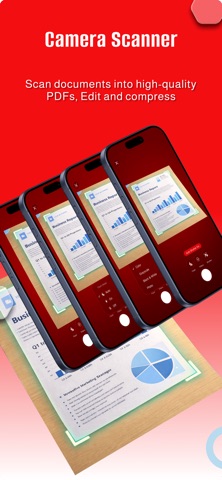
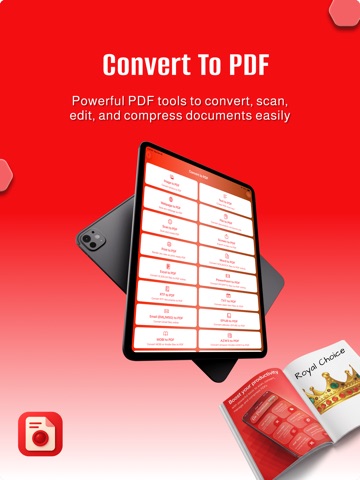
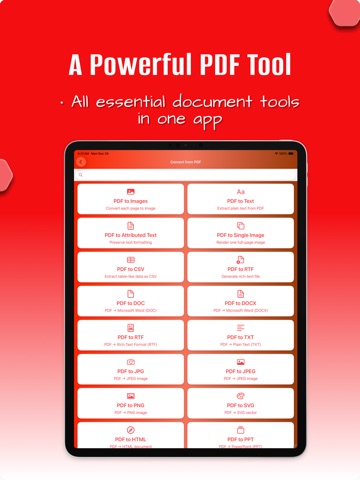
Meet Docora, your all-in-one document companion designed to make scanning, converting, and organizing files effortless. Whether you’re handling receipts, IDs, contracts, study notes, business papers, or photos, Docora turns your device into a fast and powerful PDF workspace. With a clean interface and smart AI-powered tools, you can digitize anything in seconds, enhance quality automatically, and convert pages into professional PDFs instantly. Key Features • Smart Document Scanner • Scan paper documents with your camera • Automatic edge detection & image cleanup • Remove shadows, adjust brightness & sharpen text • Save scans as PDF, JPG, or share instantly Convert Anything to PDF • Convert images, notes, screenshots & files • Merge multiple pages into one PDF • Rearrange, delete, or add pages easily Sign & Fill Forms • Add your signature using touch • Sign contracts, agreements & forms quickly • Fill fields and export securely OCR Text Recognition • Extract text from images & scanned pages • Copy, edit, or share text with one tap • Supports multiple languages Document Organizer • Keep all your documents neatly arranged • Create custom folders • Rename, reorder, and manage files with ease Quick Export & Share • Share PDFs via email, messaging, or cloud • Export in high-quality formats • Print directly from the app Why Choose Docora? Docora is built to offer a smooth, powerful, and reliable document experience. From office work to school assignments, from business trips to home organization — everything stays clear, organized, and instantly accessible. Privacy Policy: https://sites.google.com/view/fluent-fix/privacy Terms of Use: https://sites.google.com/view/fluent-fix/term-of-use
Latest release
What’s New
Minor bug fixes and performance improvements for a smoother experience.
Audience growth
Ratings growth
Baseline captured. Growth appears after the crawler observes a changed rating count.
Momentum comes from crawler snapshots for the tracked storefront. “Viral growth signal” means unusually fast recent rating gains; it is an indicator, not download data.
Price tracking
Price intelligence
First snapshot captured. The trend line starts after the next crawler price observation.
- First observed Aug 8, 2026 · 4:41 PM Free
Screenshots