About this app
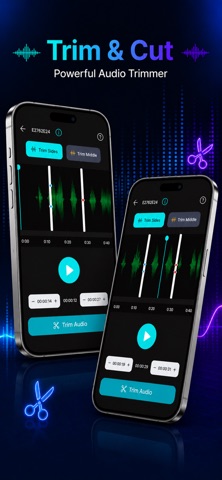
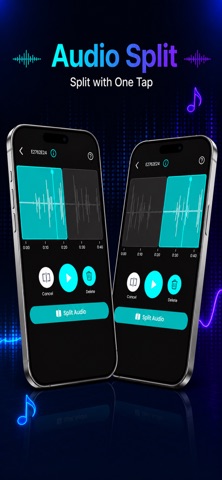
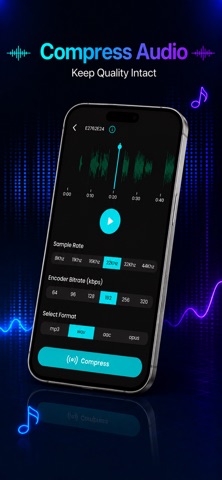
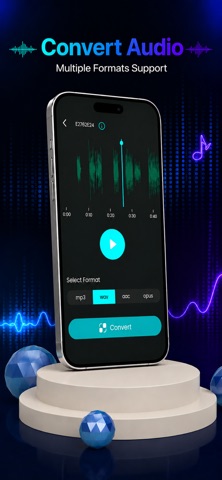
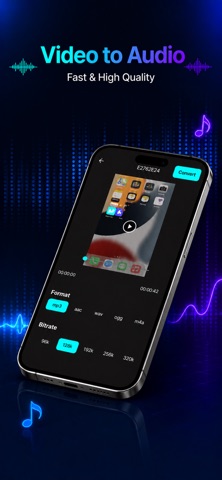
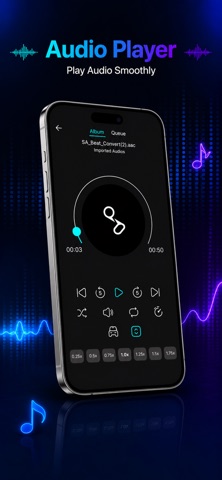
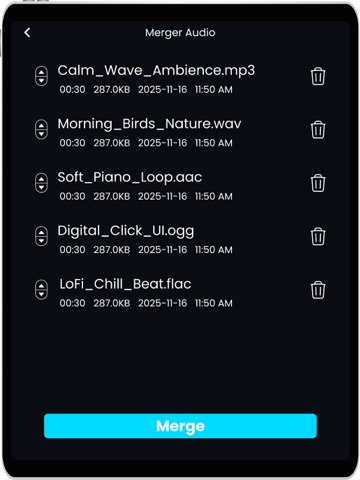
Transform Your Audio with Ease! Our all-in-one music editing app lets you take control of your sound editing like never before. Whether you're a content creator, podcaster, musician, or just someone who loves experimenting with audio songs, this app has everything you need to refine, enhance, and customize or edit audio files. Key Features: Audio Editing: Edit audio with powerful tools to make your sound crisp and clear. Cut, trim, or rearrange sections easily. Trim Audio: Cut out unwanted parts of your tracks to create the perfect version. Quick and efficient audio trimming with no hassle. Merge Audio: Combine multiple audio files into one seamless track. Whether you're creating a medley, podcast, or music mix, merging songs is quick and easy. Split Audio: Need to divide a long audio file? Audio split it into separate clips with just a few taps. Convert Video to Audio: Extract high-quality audio from your videos. Convert MP4, MOV, or other formats to MP3 or WAV for easy listening and editing. Voice Changer: Have some fun by altering your voice with a variety of effects. Change pitch, tone, and modulation to create unique sounds and effects.. Pitch Shifter: Adjust the pitch of any audio file to create unique effects, fix off-key notes, or match different audio tracks to your desired key. Why Choose Our Music App? User-Friendly Interface: Designed to be intuitive, the app makes audio editing accessible for both beginners and professionals. No complicated tools or steep learning curves—just powerful features at your fingertips. High-Quality Audio Processing: Our app ensures that your audio remains pristine after editing. Enjoy lossless quality for your tracks, even after trimming, merging, or converting. Multiple Formats Supported: Whether you're working with MP3, WAV, FLAC, or video files, this app supports a wide range of formats, giving you the flexibility to work with anything. Customizable Effects: With voice changers, pitch shifters, and other audio effects, the app offers endless creative possibilities to make your tracks stand out. Perfect for: Content creators looking to improve their audio for videos and podcasts. Musicians wanting to experiment with sound and pitch. Anyone who wants to easily manage and edit audio files on their mobile device. Whether you're editing a podcast episode, creating the next big hit, or just tweaking a favorite track, this app has everything you need to make your audio projects sound amazing. Download Now and Start Editing! By using this app, you agree to Apple’s standard End User License Agreement (EULA), available at: https://www.apple.com/legal/internet-services/itunes/dev/stdeula/
Latest release
What’s New
Improved the UI and fixed minor bugs to enhance stability.
Audience growth
Ratings growth
Baseline captured. Growth appears after the crawler observes a changed rating count.
Momentum comes from crawler snapshots for the tracked storefront. “Viral growth signal” means unusually fast recent rating gains; it is an indicator, not download data.
Price tracking
Price intelligence
First snapshot captured. The trend line starts after the next crawler price observation.
- First observed Aug 19, 2026 · 11:47 PM Free
Screenshots