About this app
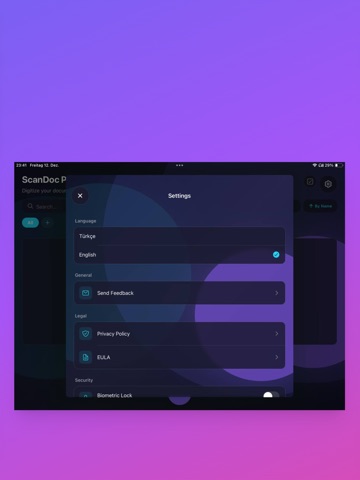
ScanDoc Pro - Professional Document Scanner Turn your phone into a powerful scanner! Scan, edit, and share your documents in seconds with ScanDoc Pro. KEY FEATURES SMART SCANNING • High-quality document scanning • Automatic edge detection • Multi-page scanning support • Import from photo gallery OCR TEXT EXTRACTION • Extract text from images (OCR) • Multi-language support • Easy copy & paste • Text editing TRANSLATION • Instant translation to 12 languages • English, Turkish, German, French • Spanish, Italian, Portuguese • Russian, Arabic, Chinese, Japanese, Korean ORGANIZE & MANAGE • Organize with folders • Custom folder colors • Rename documents • Search and sort PDF CREATION • One-tap PDF creation • Share PDFs easily • High-quality output •SECURITY • Face ID / Touch ID protection • Secure document processing • Privacy-first design WHY SCANDOC PRO? • Completely free • No ads • Fast and easy to use • Modern, beautiful interface • Continuously updated features Invoices, documents, IDs, notes, business cards - scan and digitize everything!
Audience growth
Ratings growth
Baseline captured. Growth appears after the crawler observes a changed rating count.
Momentum comes from crawler snapshots for the tracked storefront. “Viral growth signal” means unusually fast recent rating gains; it is an indicator, not download data.
Price tracking
Price intelligence
First snapshot captured. The trend line starts after the next crawler price observation.
- First observed Aug 7, 2026 · 8:13 PM Free
Screenshots