About this app
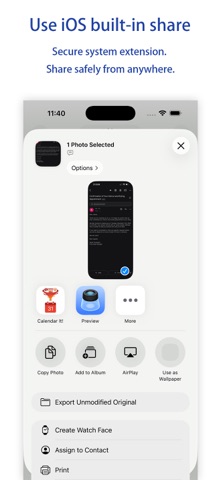
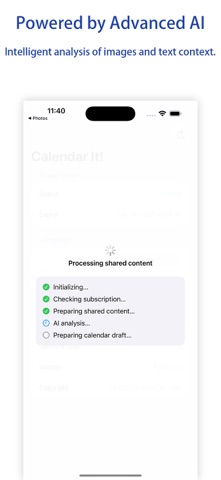
Calendar It! turns screenshots, photos, PDFs, and copied text into calendar events in seconds. Share content from any app, review the detected events, and save them without retyping dates, times, locations, or notes. Version 3.0 adds faster ways to save: • Review opens the familiar Apple Calendar editor for manual confirmation • Add saves an event directly to your default calendar • Always add automatically can skip the result list and save after a 3-second cancel window • Location text is geocoded when possible, so saved events can include a structured location • Web meeting links are preserved as event URLs Calendar It! works well for travel confirmations, class schedules, event posters, chat screenshots, receipts, meeting invites, and any plan that appears outside your calendar. Requires a subscription (in-app purchase) to use. First-time monthly subscribers get a 7-day free trial. Terms of Use (EULA): https://www.apple.com/legal/internet-services/itunes/dev/stdeula/
Latest release
What’s New
Version 3.0 adds direct calendar writing, geocoded locations, and an automatic add mode. Review events in Apple Calendar as before, or tap Add to save directly to your default calendar. Automatic add gives you a 3-second cancel window with event summaries before saving.
Audience growth
Ratings growth
Baseline captured. Growth appears after the crawler observes a changed rating count.
Momentum comes from crawler snapshots for the tracked storefront. “Viral growth signal” means unusually fast recent rating gains; it is an indicator, not download data.
Price tracking
Price intelligence
First snapshot captured. The trend line starts after the next crawler price observation.
- First observed Aug 21, 2026 · 8:17 AM Free
Screenshots