About this app
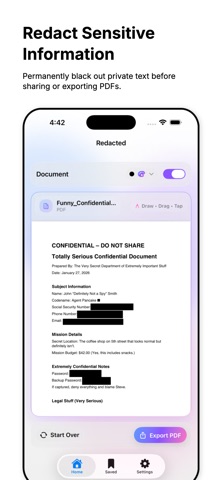
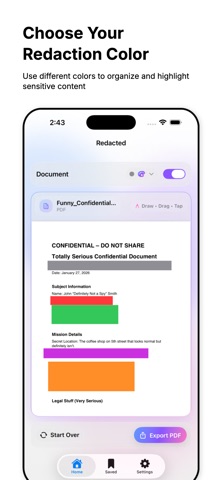
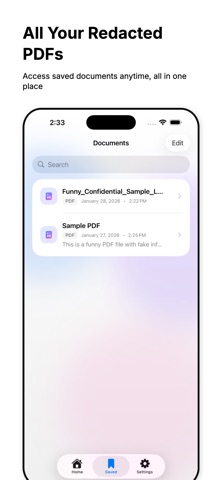
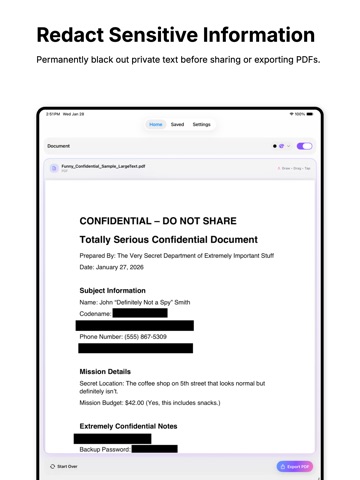
Redacted helps you permanently black out sensitive text in PDF files before sharing or exporting. Designed for clarity and control, Redacted lets you redact information directly on PDFs so private data stays private. Features: • Permanently black out text in PDF documents • Multiple blackout colors to suit different redaction needs • Simple and precise redaction tools • Access both original and redacted versions of your documents • Share original or redacted PDFs with ease • One-time export option • On-device storage with optional private CloudKit sync • Fast, lightweight, and privacy-focused Whether you’re preparing documents for sharing, archiving, or personal records, Redacted makes PDF redaction simple, flexible, and reliable. Terms of Service https://www.apple.com/legal/internet-services/itunes/dev/stdeula/ Privacy Policy https://azamsharp.com/redacted-privacy-policy.html
Audience growth
Ratings growth
Baseline captured. Growth appears after the crawler observes a changed rating count.
Momentum comes from crawler snapshots for the tracked storefront. “Viral growth signal” means unusually fast recent rating gains; it is an indicator, not download data.
Price tracking
Price intelligence
First snapshot captured. The trend line starts after the next crawler price observation.
- First observed Aug 12, 2026 · 1:19 AM Free
Screenshots