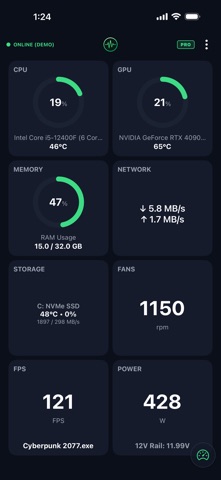
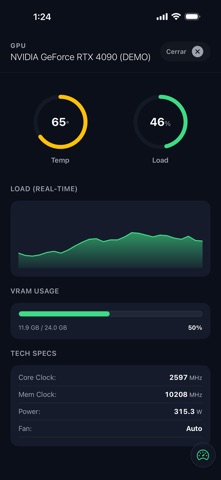
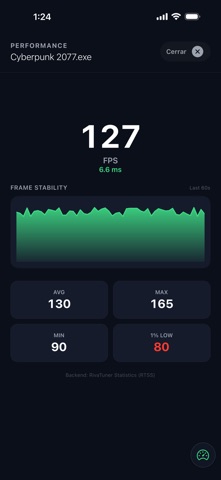
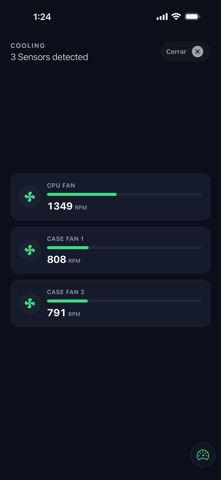
About this app
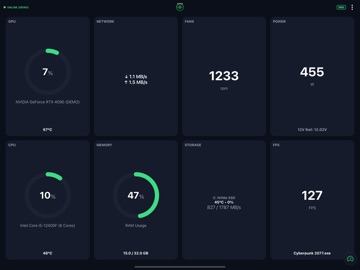
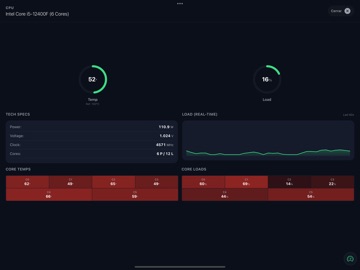
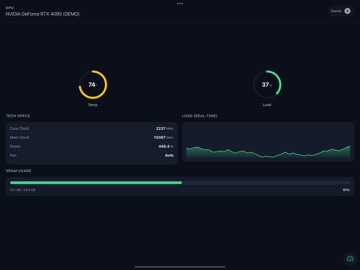
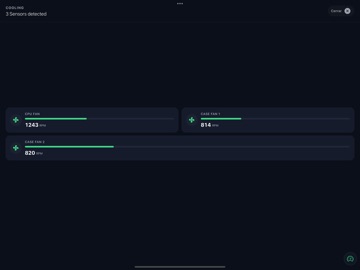
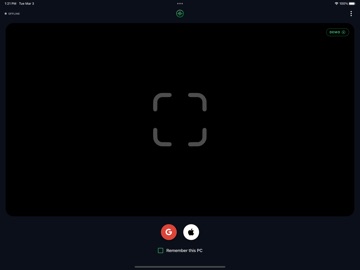
Turn your iPhone or iPad into the ultimate real-time PC hardware monitor. MetricViewer is a sleek, customizable dashboard designed for gamers, streamers, and PC enthusiasts who want to keep an eye on their system’s telemetry without cluttering their main monitor. Track your temperatures, loads, and in-game performance from the palm of your hand. KEY FEATURES • CPU & GPU Telemetry: Monitor temperatures, utilization, and clock speeds in real-time. • Power Consumption & Graphs: Track your system's power draw (Watts) with beautiful, independent real-time graphs for both CPU and GPU. • In-Game Performance: Track your FPS while you play to ensure a smooth gaming experience. • System Memory & Storage: Keep an eye on your RAM usage and disk read/write speeds. • Network Stats: Monitor your upload and download speeds. • Customizable Grid: Rearrange the layout to prioritize the metrics that matter most to you. • Dark Mode UI: A gorgeous, battery-friendly interface that looks amazing on any setup. DEMO MODE INCLUDED Not sure how it looks? MetricViewer includes a built-in Demo Mode with simulated data. Explore the full UI, test the animations, and see the app in all its glory before even installing the PC client! HOW IT WORKS Download this app on your iPhone or iPad. Download and run the lightweight, free MetricViewer Windows Client from our official website (metricviewer.app). Connect both devices to the same local Wi-Fi network, scan the QR code, and you are ready to go! LIFETIME PRO LICENSE (NO SUBSCRIPTIONS) We hate monthly fees as much as you do. MetricViewer operates on a "Try before you buy" model. Test the connection and basic metrics for free, and if you love it, unlock the full potential of the app with a single, one-time Lifetime PRO purchase. HARDWARE DISCLAIMER Advanced metrics (such as precise voltages, individual core temps, and fan speeds) rely on low-level motherboard drivers and third-party APIs. Due to the vast variety of PC components on the market, some specific sensors may not be available on all setups.
Latest release
What’s New
Report a problem Something not working? You can now send us a report straight from the app menu, with or without a description. It carries the technical detail we need to track the issue down — never your email, your licence, or your PC's address. Steadier dashboard Rearranging your cards is smoother, with no jumping or flicker while you drag. Fewer dead ends If the app ever runs into an error, you now get a screen you can recover from instead of a blank one. Crashes are reported automatically, so we can fix them without waiting to hear about them. Rebuilt on the latest iOS foundations for better performance and more reliable rendering.
Audience growth
Ratings growth
Baseline captured. Growth appears after the crawler observes a changed rating count.
Momentum comes from crawler snapshots for the tracked storefront. “Viral growth signal” means unusually fast recent rating gains; it is an indicator, not download data.
Price tracking
Price intelligence
First snapshot captured. The trend line starts after the next crawler price observation.
- First observed Aug 19, 2026 · 5:39 PM Free
Screenshots