About this app
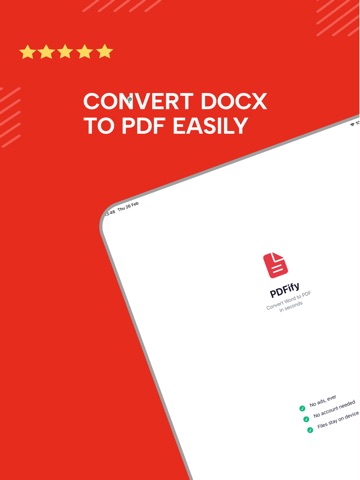
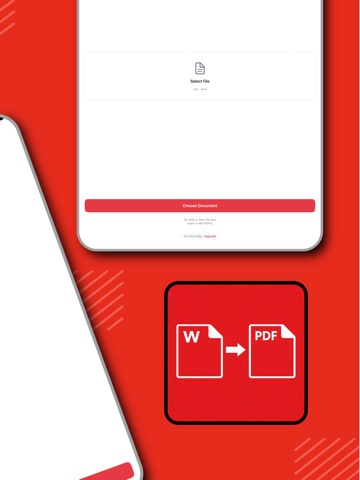
PDFify turns Word documents into clean, shareable PDFs in seconds. Pick a .doc or .docx file and get back a PDF with your layout, fonts, tables and page breaks intact - ready to send, print or keep. HOW IT WORKS 1. Tap Choose Document 2. Pick your Word file 3. Preview, save or share the PDF FEATURES - Word to PDF - .doc and .docx, files up to 25 MB - Layout preserved - headings, tables, images and page breaks stay where you put them - Built-in preview - check the result before you send it - Conversion history - every PDF you have made, ready to open or share again - Share anywhere - Mail, Messages, AirDrop, Files, or print - Dark mode - No account, no sign-up, no ads PRICING 5 free conversions every day. PDFify Pro removes the limit with a weekly or annual subscription. Conversion runs on our servers so the result matches desktop-quality output, which means an internet connection is required. Privacy Policy: https://potylabs.com/apps/pdfify/privacy Terms of Service: https://potylabs.com/apps/pdfify/terms Contact: contact@potylabs.com
Latest release
What’s New
Thanks for using PDFify! This update brings behind-the-scenes improvements for faster, more reliable Word-to-PDF conversions, plus a handful of bug fixes. Have feedback or a feature you'd like to see? We'd love to hear from you.
Audience growth
Ratings growth
Baseline captured. Growth appears after the crawler observes a changed rating count.
Momentum comes from crawler snapshots for the tracked storefront. “Viral growth signal” means unusually fast recent rating gains; it is an indicator, not download data.
Price tracking
Price intelligence
First snapshot captured. The trend line starts after the next crawler price observation.
- First observed Aug 17, 2026 · 10:27 PM Free
Screenshots