About this app
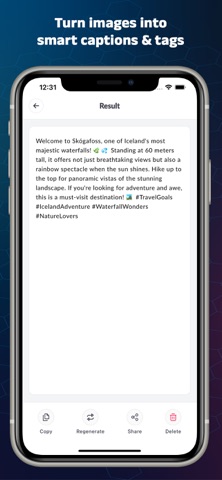
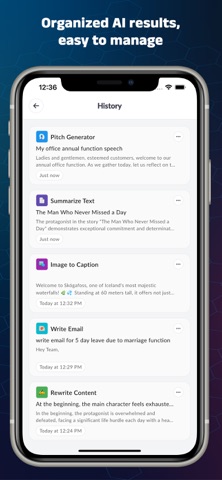
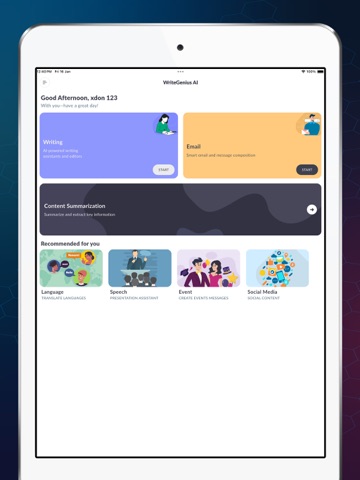
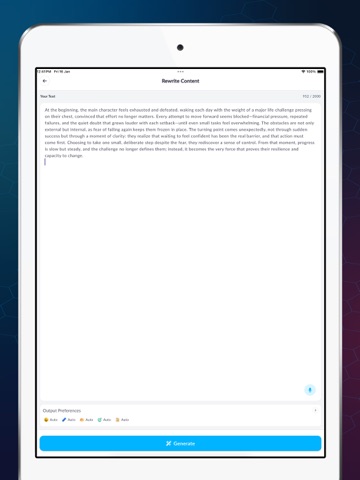
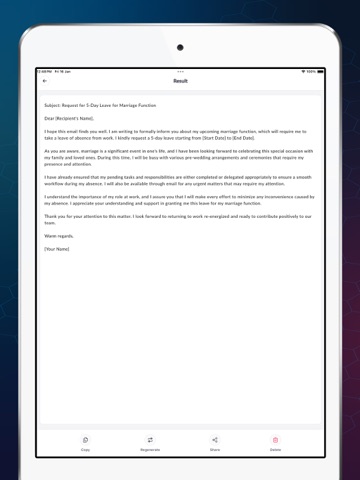
Write smarter, faster, and better with AI. WriteGenius AI is an all-in-one AI writing assistant designed to help you write professional content, emails, social media posts, and everyday text in seconds. Whether you are a student, professional, creator, or business owner, WriteGenius AI gives you powerful AI tools to improve productivity and writing quality. AI Writing & Editing Tools Create high-quality content instantly using advanced AI writing tools: Rewrite Text – Rephrase sentences to sound clearer, more engaging, and professional Fix Grammar – Correct grammar, spelling, and punctuation instantly Shorten Text – Convert long text into concise, meaningful content Expand Text – Add detail and depth to your writing Bullet Point Generator – Turn paragraphs into clean bullet points Change Tone – Rewrite text in formal, casual, professional, or friendly tone Text to Headline – Generate eye-catching titles and headlines Text to Quote – Convert ideas into powerful, shareable quotes AI Email & Letter Writing Tools Write professional emails and messages in seconds: Write Email – Create structured emails from simple prompts Email Responder – Generate quick and polite replies Write Letter – Draft formal or personal letters Meeting Request – Professional meeting request emails Follow-Up Reminder – Polite follow-up messages that get responses Thank You Note – Thoughtful thank-you messages Customer Care Replies – Professional customer support responses Birthday Message Generator – Personalized birthday wishes AI Content Summary Tools Save time with smart content analysis: Summarize Text – Get short and clear summaries instantly Keyword Extractor – Extract important keywords from any text Language & Translation Tools Communicate globally with confidence: Translate Text – Accurate AI translation for multiple languages Tone Changer – Adjust emotional or professional tone easily Speech & Presentation Tools Perfect for business, startups, and students: Pitch Generator – Create powerful pitches for ideas and products Slide Outline Generator – Structured presentation outlines Event & Occasion Writing Write messages for every special moment: Event Invitation Writer – Attractive event invites Holiday Greetings – Festive messages for all occasions Congratulation Messages – Warm and professional congratulations AI Social Media Tools Grow your online presence: Text to Hashtags – Relevant hashtags to boost engagement YouTube Description Generator – SEO-friendly video descriptions Image to Caption – Social captions from images LinkedIn Post Writer – Professional LinkedIn content Bio Maker – Short and impactful bios App Features Save & manage writing history Share & Regenerate Clean, fast, and user-friendly design Privacy-focused AI experience Why Choose WriteGenius AI? 30+ AI Writing Tools in one app Best AI Writer & Email Generator Perfect for work, study, and content creation Trusted AI writing assistant for daily use Download WriteGenius AI – Writing Tools today and write smarter with powerful AI writing, email, and content tools. # Subscription Details # • Upgrade to Premium for faster results, smarter output, time-saving AI tools, and unlimited creativity. • Weekly, Monthly and Six Monthly subscriptions are available. • Payment will be charged to your iTunes account at confirmation of purchase. • Your subscription will automatically renew unless auto-renew is disabled at least 24 hours before the end of the current subscription period. • Automatic renewals will be charged at the same price you were originally charged for the subscription. • Subscriptions can be managed by going to Account Settings on the App Store after purchase. Privacy Policy: https://sites.google.com/view/msdev
Latest release
What’s New
- minor bug fix
Audience growth
Ratings growth
Baseline captured. Growth appears after the crawler observes a changed rating count.
Momentum comes from crawler snapshots for the tracked storefront. “Viral growth signal” means unusually fast recent rating gains; it is an indicator, not download data.
Price tracking
Price intelligence
First snapshot captured. The trend line starts after the next crawler price observation.
- First observed Aug 14, 2026 · 3:45 PM Free
Screenshots