About this app
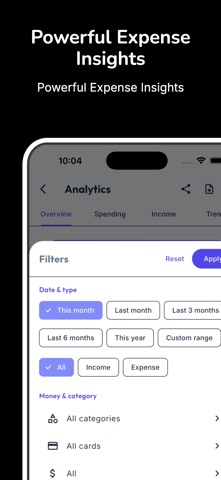
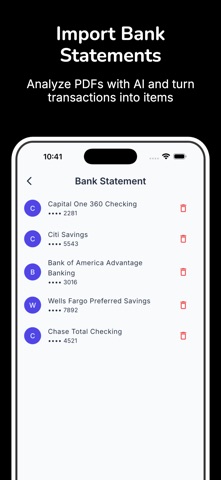
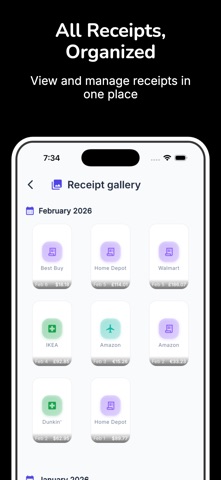
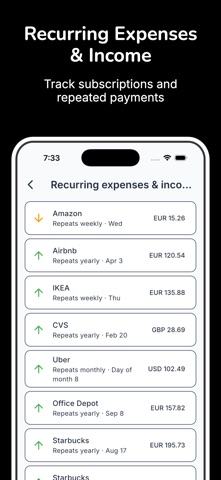
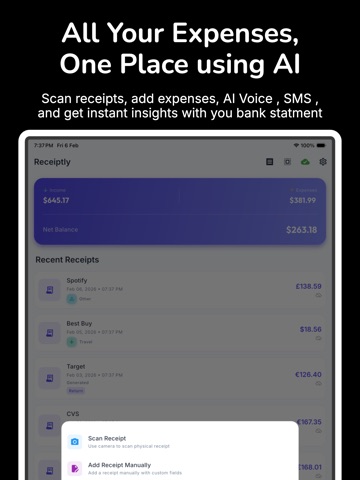
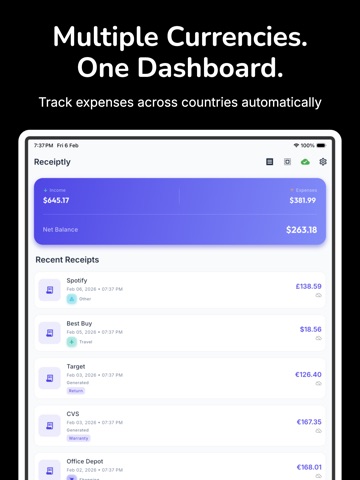
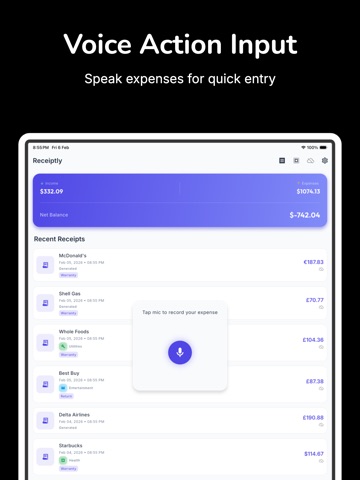
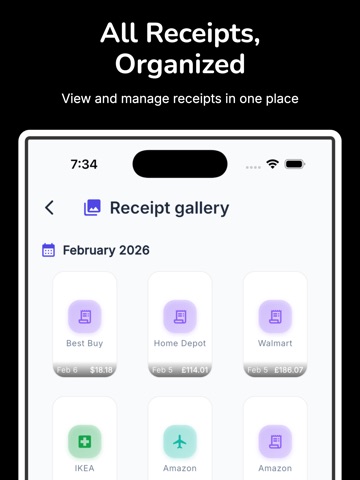
Receiptly is the ultimate receipt scanner and expense tracker designed to simplify the way you manage your financial records. Say goodbye to messy paper receipts and chaotic spreadsheets. Whether you are prepping for tax season, tracking business expenses, or maintaining a personal budget, Receiptly gives you a fast and accurate way to manage all your receipts and expenses in one secure location. Key Features: - Instant Receipt Scanner: Capture clear, high-resolution scans of paper receipts in seconds using high-precision OCR technology. - Smart Expense Organization: Categorize expenses automatically by store, date, project, or tax deduction type to stay completely organized. - Effortless Tax Preparation: Generate organized reports detailing all your business expenses and deductible receipts for stress-free tax filing. - Secure Data Backup: Keep your valuable financial data safely stored and synced across devices so you never lose a deduction. - Export & Share: Easily export detailed receipt summaries as PDF or CSV files for your accountant or bookkeeping software. Why Users Love Receiptly: Users trust Receiptly because it eliminates manual entry and takes the friction out of daily money management. Its intuitive interface lets you snap a photo of any receipt, automatically extract total amounts and itemized data, and store everything safely. By helping you catch every tax write-off and keep a clear breakdown of daily expenses, Receiptly saves both time and money. Take control of your finances today. Download Receiptly now to experience the easiest way to manage every receipt and expense with total confidence! Terms of Use: https://www.apple.com/legal/internet-services/itunes/dev/stdeula/
Latest release
What’s New
Improved receipt capture reliability, transaction parsing, and overall performance.
Audience growth
Ratings growth
Baseline captured. Growth appears after the crawler observes a changed rating count.
Momentum comes from crawler snapshots for the tracked storefront. “Viral growth signal” means unusually fast recent rating gains; it is an indicator, not download data.
Price tracking
Price intelligence
- First observed Aug 15, 2026 · 6:41 AM Free
Screenshots