About this app
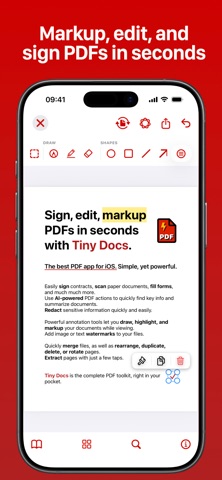
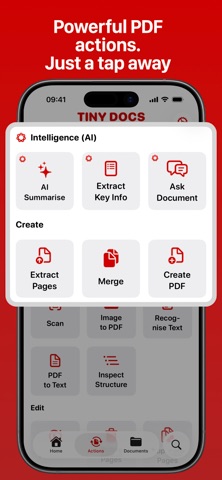
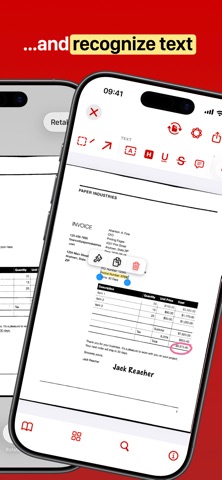
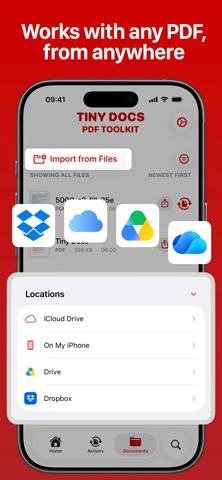
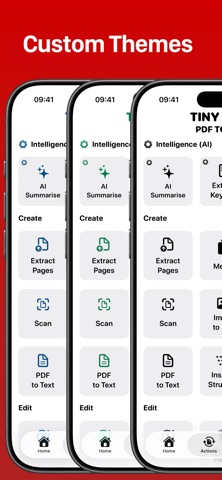
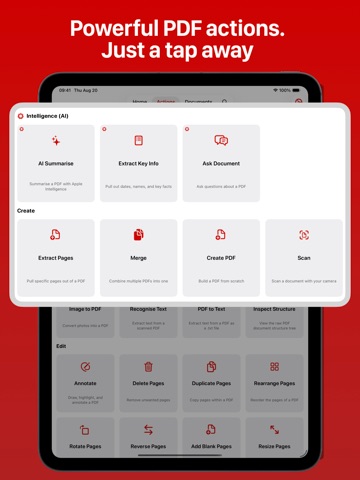
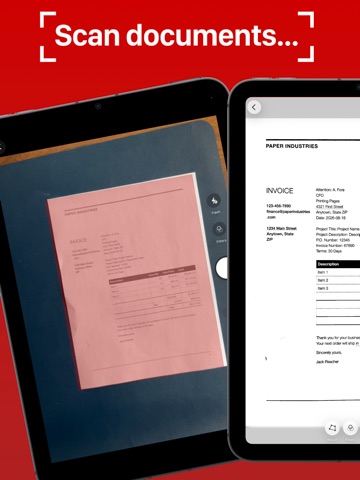
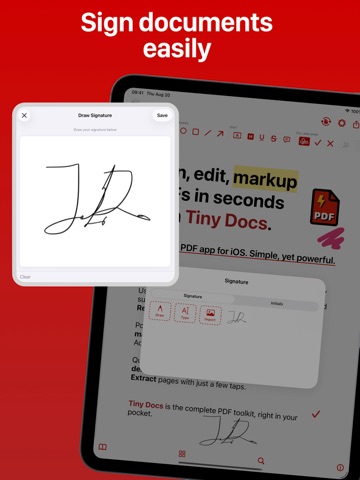
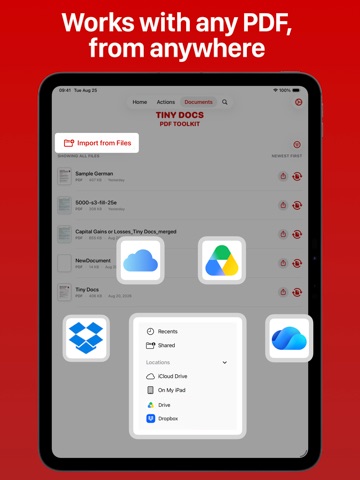
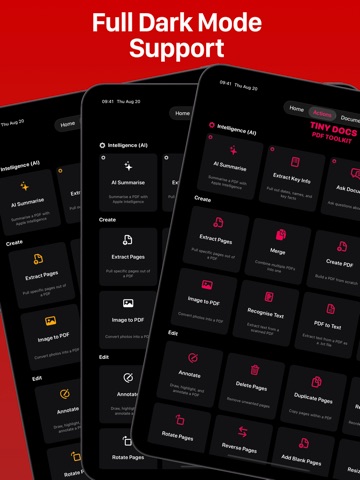
Tiny Docs is a fast, well-designed PDF editor built for everyday work. View, annotate, sign, merge, split, and compress your documents in just a couple of taps. Thoughtfully designed to be the best PDF viewer for iOS and iPad OS. Mark up documents with a full set of annotation tools: highlight, underline, add notes, draw, and sign directly on the page. Combine multiple files into one, split a document into parts, or shrink file sizes for easy sharing. Tiny Docs also brings AI into your workflow when you need it. AI Summarise gives you an instant overview of any document. Ask Document lets you ask a question and get an answer pulled straight from the file, without scrolling through pages to find it. Extract Key Info automatically surfaces the names, dates, and numbers that matter most. Whether you're reviewing contracts, marking up lecture notes, or clearing out a backlog of scanned paperwork, Tiny Docs keeps things simple and gets you through your documents faster. Tiny Docs is the best PDF toolkit in your pocket. INTELLIGENCE (AI) • Summarise — Summarise a PDF with AI • Extract Key Info — Pull out dates, names, and key facts from a document using AI • Ask Document — Ask questions about a PDF and get answers powered by AI CREATE • Scan — Scan a document with your camera and save it as a PDF instantly. • Recognise Text (OCR) — Extract searchable text from a scanned PDF using optical character recognition. • Image to PDF — Convert one or more photos into a single PDF document. • Create PDF — Build a PDF from scratch by adding blank pages. Plain | Lined | Isometric | Graph • Merge — Combine multiple PDFs into one seamless document. • Extract Pages — Pull specific pages out of a PDF and save them as a new file, or as individual files. • PDF to Text — Export the text content of a PDF as a plain .txt file. • Inspect Structure — View the raw PDF document structure tree. EDIT • Watermark — Add images or text as watermarks to your documents. • Page Numbers — Add custom page numbers to a PDF. • Delete Pages — Remove unwanted pages from a PDF. • Duplicate Pages — Copy pages within a PDF. • Rearrange Pages — Drag and drop to reorder the pages of a PDF. • Rotate Pages — Rotate one or more pages to the correct orientation. • Reverse Pages — Flip the entire page order of a PDF in one tap. • Compress — Reduce the file size of a PDF while preserving quality. • Flatten — Burn annotations and form fields permanently into the PDF. • Edit Metadata — Edit the title, author, and subject of a PDF document. • Add Blank Pages — Insert blank pages anywhere in a PDF. • Resize Pages — Scale pages to a different standard paper size. SECURITY • Sign Document — Add your signature or initials to a PDF as a moveable annotation. • Lock Document — Password-protect a PDF to restrict access. • Remove Password — Remove an existing password from a PDF. IMAGE • PDF to Image — Export PDF pages as high-quality image files. (JPG, PNG) EULA: https://www.apple.com/legal/internet-services/itunes/dev/stdeula/
Latest release
What’s New
** A brand new, powerful and capable PDF viewer and editor. ** • View and annotate your documents with a beautifully-designed interface and a full suite of PDF annotation tools. • A beautiful new UI with easy access to your documents and PDF tools, as well as a powerful search feature so you can get your work done even faster. • Redact your documents to protect sensitive information. • Inspect PDF structure: view the raw PDF document structure tree.
Audience growth
Ratings growth
Baseline captured. Growth appears after the crawler observes a changed rating count.
Momentum comes from crawler snapshots for the tracked storefront. “Viral growth signal” means unusually fast recent rating gains; it is an indicator, not download data.
Price tracking
Price intelligence
First snapshot captured. The trend line starts after the next crawler price observation.
- First observed Sep 4, 2026 · 7:44 AM Free
Screenshots