About this app
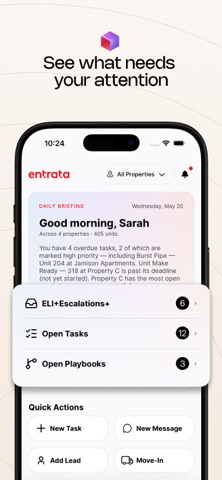
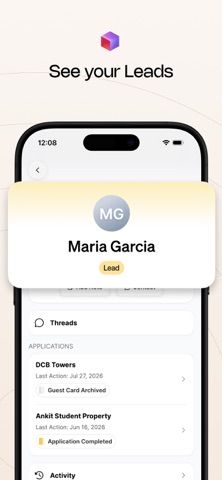
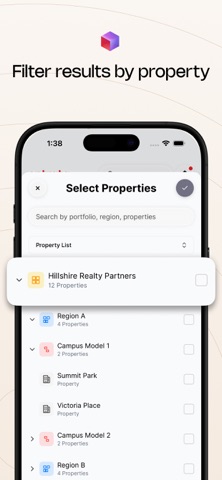
Home (Command Center). A daily briefing names what needs attention—overdue work, messages waiting, and playbooks that have stalled—scoped to the communities you pick. Ask ELI+ from Home without leaving the briefing. Quick actions from the property. Log a package, start a thread, start a move-in, create a work order, check unit availability, add a lead, add a task, or launch a playbook. Escalations. See, create, complete, and reassign tasks from the phone, including notes and photos from the field. Messages. One inbox for chat, phone, and email. Filter to Open Threads, Mentions, or Needs Action when ELI+ has asked a person to step in. Reply, leave a private note, or resolve from the thread. Leads. Look up a lead and keep the conversation going while you are touring. Workforce and trainings. See who is on the team. Open the SOP you need while you are on site (More > Workforce, More > Trainings and SOPs). Your communities only. The property filter on Home scopes the briefing, tasks, messages, and leads. Account. Name, and push notifications for Escalations, Playbooks, and Messages live under More > Account.
Audience growth
Ratings growth
Baseline captured. Growth appears after the crawler observes a changed rating count.
Momentum comes from crawler snapshots for the tracked storefront. “Viral growth signal” means unusually fast recent rating gains; it is an indicator, not download data.
Price tracking
Price intelligence
First snapshot captured. The trend line starts after the next crawler price observation.
- First observed Sep 24, 2026 · 5:10 AM Free
Screenshots