About this app
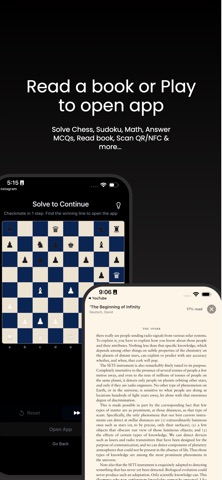
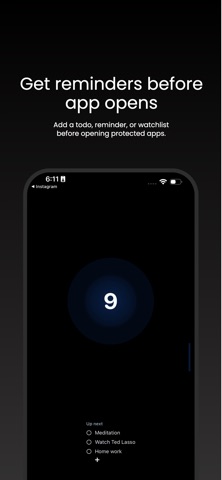
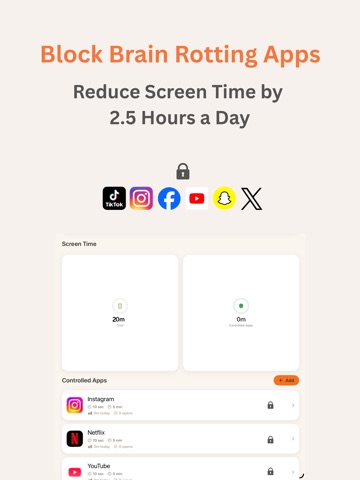
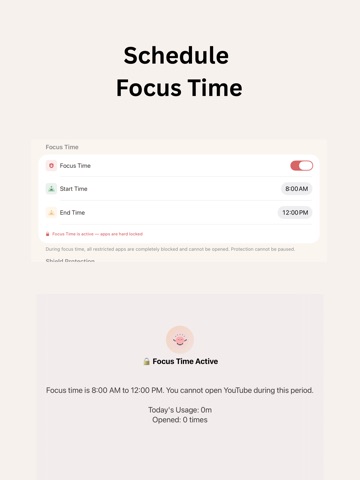
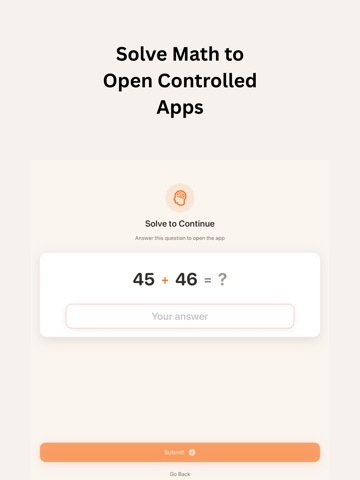
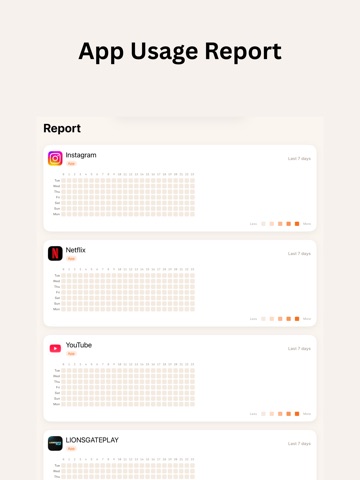
Take back control of your screen time. ScreenLimit helps you cut down on mindless scrolling by adding a pause before you open addictive apps. That moment of friction gives your brain time to choose instead of acting on impulse. How it works When you try to open an app you’ve selected (social media, YouTube Shorts, games, etc.), ScreenLimit shows a short delay screen. You can close the app right away or wait for the timer and then open it. That pause makes the decision conscious instead of automatic. Features Intentional delay – Set a 5-second to 1-minute wait before opening controlled apps, so you can notice and redirect the urge Session limits – Cap each session (1–60 minutes) and get notified when time’s up Daily limits – Limit how often you can open each app per day (3–15 times or unlimited) Math Challenge (PRO) – Optional quick math problem to unlock an app and add extra friction Solve MCQs – Generate & solve MCQs before opening controlled apps Focus Time (PRO) – Scheduled blocks (e.g., work or study) when all selected apps stay blocked Screen time summary – See total and controlled-app usage at a glance Pause options – Temporarily pause protection for 1 hour or for the day when needed Daily recap – End-of-day notification with your screen time Privacy-first Reclaim your focus. Unrot your brain. All settings and usage stay on your device. Nothing is collected or sent to our servers. Privacy Policy: https://www.getuntap.com/privacy Terms: https://www.getuntap.com/terms
Latest release
What’s New
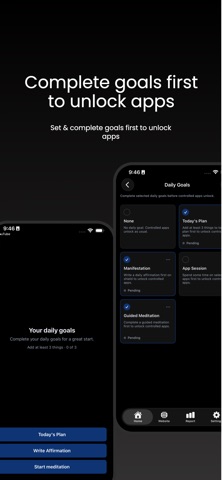
Added PDF books support Daily Goals
Audience growth
Ratings growth
Baseline captured. Growth appears after the crawler observes a changed rating count.
Momentum comes from crawler snapshots for the tracked storefront. “Viral growth signal” means unusually fast recent rating gains; it is an indicator, not download data.
Price tracking
Price intelligence
First snapshot captured. The trend line starts after the next crawler price observation.
- First observed Aug 20, 2026 · 12:20 AM Free
Screenshots