About this app
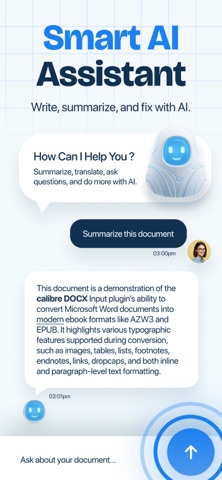
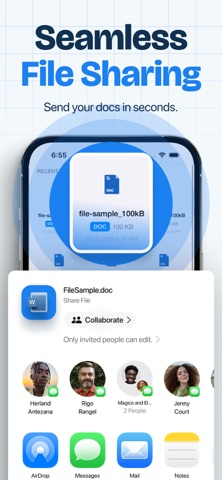
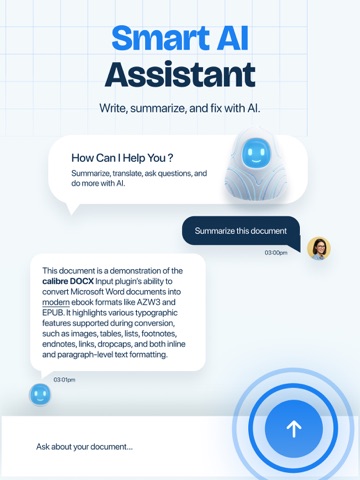
Work smarter with Word Editor, your all-in-one mobile office for handling documents anytime, anywhere. Create, edit, read, convert, and share all your files from a single powerful app — no need to switch between multiple tools. Whether you’re preparing a report, reviewing homework, updating a document, or exporting to PDF, Word Editor gives you a fast and smooth productivity experience on iPhone and iPad. .:: Powerful Document Editing ::. Open and edit Word files with professional formatting tools. • Edit DOC & DOCX files easily • Change fonts, styles, colors and alignment • Insert images, tables and text blocks • Highlight, underline and format paragraphs • Smooth and responsive typing experience Write documents just like you would on a computer — but optimized for mobile. - Cloud Integration & File Manager Access your files wherever they are stored. • Connect Google Drive, Dropbox • Import and export files easily • Organize folders and documents • Work across devices effortlessly Your documents always stay within reach. - Comfortable Reading & Offline Mode • Dark & Light themes • Adjustable text size • Offline editing support Continue working even without internet. Why Word Editor? With Word Editor, everything you need to create, edit, convert, and manage documents lives in one place. Perfect for: • Students • Professionals • Freelancers • Business owners • Everyday document tasks Fast. Simple. Reliable. Your pocket office is ready. Subscriptions renew automatically unless cancelled at least 24 hours before the end of the current period. You can manage or cancel anytime in your App Store account settings. More Subscription Information: - Weekly plan, annual plan and lifetime are available. - Payment will be charged to your Apple ID account at confirmation of purchase. - Subscription automatically renews unless auto-renew is turned off at least 24 hours before the end of the current period. - Within 24-hours prior to the end of the current period, the account will be charged for the renewal of the subscription, indicating the cost of the renewal. - You can manage subscriptions and turn off auto-renewal after purchase by going to your App Store account settings. - Any unused portion of a free trial period, if offered, will be forfeited when purchasing a subscription. Privacy Policy: https://loopmobile.io/privacy.html Terms of Use: https://loopmobile.io/tos.html
Latest release
What’s New
Bug fixes and performance improvements.
Audience growth
Ratings growth
Momentum comes from crawler snapshots for the tracked storefront. “Viral growth signal” means unusually fast recent rating gains; it is an indicator, not download data.
Price tracking
Price intelligence
- First observed Aug 18, 2026 · 10:30 AM Free
Screenshots