About this app
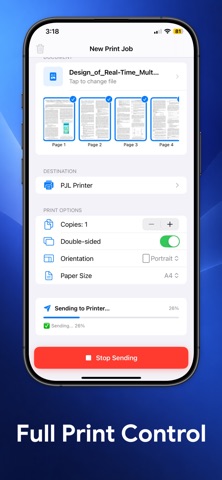
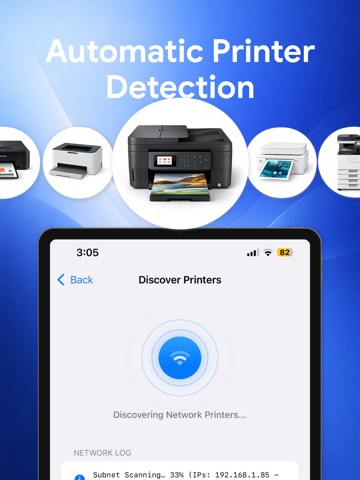
Turn your iPhone into a smart printer center for mobile printing of photos, PDFs, and documents. Print Directly to Compatible Network Printers AnyPrinter connects directly to supported Wi-Fi printers on your local network — no AirPrint, drivers, or cloud services required. Designed especially for many office and enterprise printers that support direct network printing. Fast Local Printing: • Direct connection over Wi-Fi • No computer required • No internet printing • Secure local communication • Reliable performance Ideal for Business & Office Devices: Many professional printers support direct network printing even when AirPrint is unavailable. Perfect for: • Office laser printers • Enterprise network printers • Shared workplace printers • Older business devices Print Documents Easily: Send PDF files from your iPhone or iPad: • Reports • Forms • Tickets • Documents Full Print Control: • Select pages • Choose the number of copies • Orientation options • Paper size settings Private & Secure: Printing happens entirely within your local network. Your documents never leave your device. Compatibility Notice: AnyPrinter works only with printers that support direct network printing over Wi-Fi. Some consumer inkjet printers may not be supported. Requirements: • iPhone or iPad on the same Wi-Fi network as the printer • Compatible network printer
Latest release
What’s New
Bug fixes and performance improvements.
Audience growth
Ratings growth
Baseline captured. Growth appears after the crawler observes a changed rating count.
Momentum comes from crawler snapshots for the tracked storefront. “Viral growth signal” means unusually fast recent rating gains; it is an indicator, not download data.
Price tracking
Price intelligence
First snapshot captured. The trend line starts after the next crawler price observation.
- First observed Aug 19, 2026 · 9:05 AM Free
Screenshots