About this app
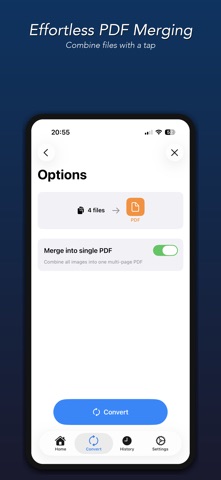
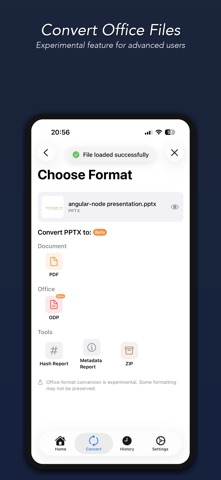
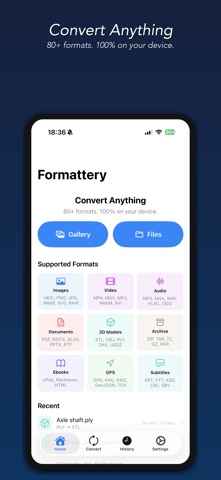
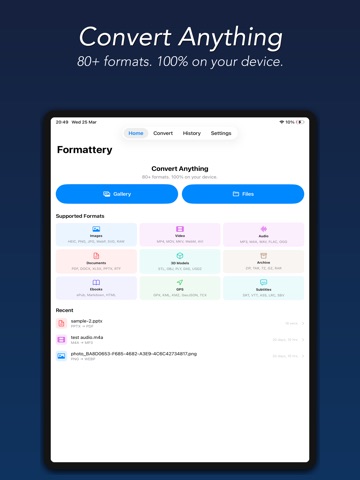
Convert any file — fast, private, and 100% on your device. Formattery converts images, documents, videos, and audio files instantly without uploading anything to the cloud. Your files never leave your iPhone or iPad. SUPPORTED FORMATS Images: HEIC/HEIF, WebP, SVG, PNG, JPG/JPEG, TIFF/TIF, BMP, GIF, ICO, PSD Camera RAW: DNG, CR2, NEF, ARW, ORF, RW2, RAF Documents: PDF, RTF Office: DOCX, XLSX, PPTX, CSV, ODT, ODP, XLS, Pages, Keynote (experimental) Video: MP4, MOV, MKV, WebM, AVI, FLV, WMV, 3GP, OGV Audio: MP3, M4A, WAV, AAC, AIFF, FLAC, OGG, Opus, WMA, AC3 Ebooks: ePub Subtitle: SRT, VTT, ASS, LRC, SBV, SUB GPS: GPX, KML, KMZ, GeoJSON, TCX 3D Models: STL, OBJ, PLY, DAE, USDZ Markup: Markdown (.md/.markdown), HTML/HTM, Plain Text Archive: ZIP, TAR, GZ/GZIP, 7Z, RAR, CBR, CBZ Tools: File Hash (MD5, SHA-1/256/384/512, CRC32), Metadata Viewer KEY FEATURES - 100% offline — no internet required, no cloud uploads - Batch conversion — convert multiple files at once - Adjustable quality — fine-tune compression and video resolution - Office documents — convert DOCX, XLSX, PPTX and more (experimental) - File preview — preview converted files before sharing - Source file thumbnails — see what you're converting at a glance - Quick Look preview — tap history to preview any converted file - Photo library integration — saves to a dedicated Formattery album - Conversion history — easily find and share past conversions - 3D model conversion — STL, OBJ, PLY, DAE, USDZ - ePub ebooks — read and create ePub files - Archive formats — ZIP, TAR, GZ, 7Z, RAR extraction - Dark mode — beautiful in any lighting FREE & PRO Image conversions are completely free. Upgrade once to unlock PDF, video, and audio conversions — no subscriptions, no ads, ever. PRIVACY FIRST Every conversion happens entirely on your device. We never collect data, track usage, or upload your files anywhere. What stays on your device is yours alone.
Latest release
What’s New
- New: Maximum size — tell Formattery a limit, say 25 MB, and your video or photo is made to fit under it. - New: Compress in one tap — the Compress card sits right above the format list, with Resize next to it for photos. - Fixed: Batch conversions now apply your settings to every file, show real progress while merging, and keep your files when you switch tabs.
Audience growth
Ratings growth
Baseline captured. Growth appears after the crawler observes a changed rating count.
Momentum comes from crawler snapshots for the tracked storefront. “Viral growth signal” means unusually fast recent rating gains; it is an indicator, not download data.
Price tracking
Price intelligence
- First observed Sep 17, 2026 · 6:49 PM Free
Screenshots