About this app
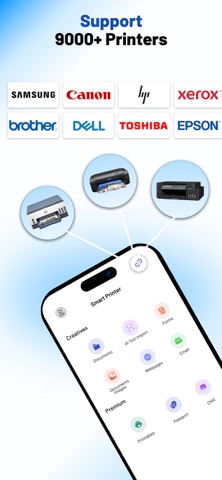
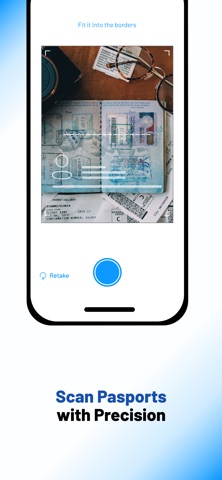
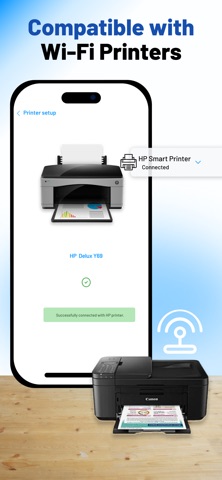
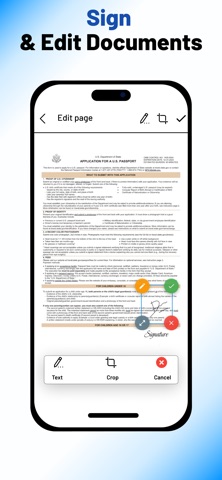
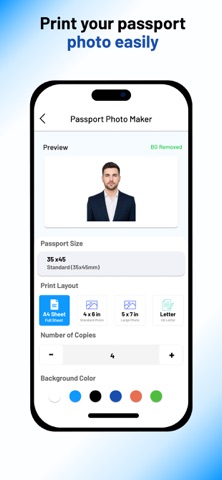
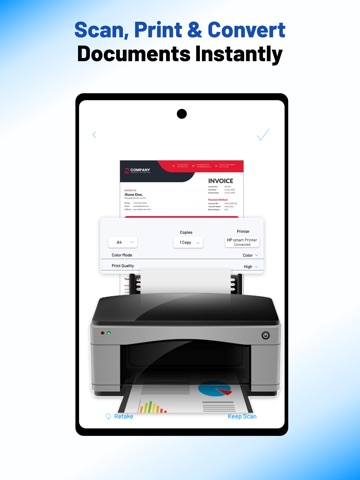
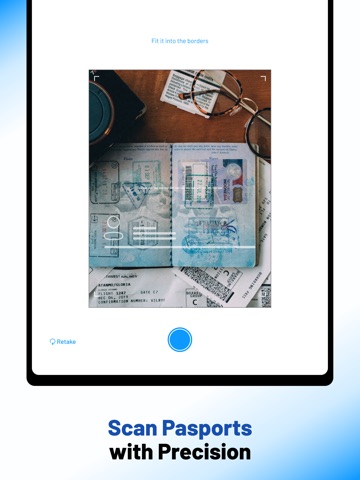
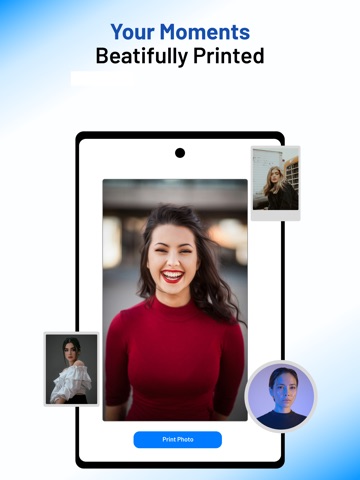
Smart Printer Mobile is a mobile printing and scanning application designed to help users manage everyday printing tasks directly from their smartphones. It supports different types of content including documents, photos, PDFs, and web pages, allowing users to handle printing needs without using a computer. The app is built for simple mobile workflows, making it easier to connect with compatible printers and complete tasks quickly. It also includes scanning functionality, where users scan physical documents using the phone camera and convert them into PDF files. These files can be saved, shared, or printed directly from the app. Smart Printer Mobile supports both personal and office use, helping with documents, forms, tickets, photos, and passport photo printing. It works with wireless and network-based printers, reducing the need for cables and manual setup. 2- Features of Smart Printer: • Wireless Smart Printer connectivity support. • Print web pages directly from mobile browser or app. • Print documents and photos from device storage. • Scan documents and convert them into PDF files. • Smart PDF Printer support for direct PDF printing. • Smart Print Mobile system for full mobile control. • Compatibility with wireless printers and network printers. • Smart Wireless Printer integration for modern devices. • Smart Print support for compatible printers. • Passport photo printing and adjustment feature. 3- How it helps users: Smart Printer Mobile helps users by simplifying the entire printing process directly from their smartphones. It removes the need for a computer and allows users to access, manage, and print files from anywhere. Users can quickly select documents, photos, or web pages from their device and send them to a connected printer in a few simple steps. It also supports scanning physical documents using the phone camera, converting them into PDF files for easy storage, sharing, or printing later. This makes it useful for office work, school tasks, travel documents, and personal needs. It also helps users create and print passport-sized photos directly from their mobile gallery, reducing the need for external photo services. 4- Why it is better than competitors: Smart Printer Mobile is designed as an all-in-one solution that combines printing, scanning, and PDF management in a single application, reducing the need to use multiple tools. It supports a wide range of connection options including wireless smart printer, smart printer wireless, and smart print, making it compatible with different modern printers. The app focuses on a simple mobile-first experience where users can complete tasks with fewer steps and less setup effort. It also handles both documents and photos within the same system, including web page printing and scan to PDF conversion. This unified approach provides more consistent usability for home, office, and personal printing needs compared to apps that only focus on single functions. 5- Premium Subscription Information: Subscription Plans: We offer flexible premium subscription options, including Weekly, Monthly, and Yearly plans. (Prices may vary depending on your region and are explicitly displayed inside the app paywall prior to purchase). • Payment: Payment will be charged to your iTunes Account at confirmation of purchase. • Auto Renewal: Subscriptions automatically renew unless auto-renew is turned off at least 24 hours before the end of the current billing period. • Renewal Charge: Your account will be charged for renewal within 24 hours prior to the end of the current period. • Managing Subscriptions: You can manage or turn off auto-renewal at any time by going to your Apple ID Account Settings after purchase. Cancellations take effect at the end of the active subscription period. • Terms of Use (EULA): https://sites.google.com/view/smartprinter-termsofuse/home • Privacy Policy: https://sites.google.com/view/privacy-policy-smartprinter/home
Latest release
What’s New
Enhanced Document Scanner: Enjoy sharper, clearer scans with our improved auto-edge detection and image enhancement tools. Pro-Level ID Photo Maker: Effortlessly format, crop, and print your ID photos with our new dedicated layout presets. Faster PDF Generation: Experience lightning-fast conversion from images and text to high-quality PDF files. Optimized Wireless Printing: Improved Bluetooth and network connectivity for a more reliable printing experience across more devices. UI/UX Refinements: A cleaner, faster interface designed to help you scan, print, and share in fewer taps. Bug Fixes & Stability: We’ve squashed annoying bugs and improved overall app stability to ensure a seamless experience.
Audience growth
Ratings growth
Baseline captured. Growth appears after the crawler observes a changed rating count.
Momentum comes from crawler snapshots for the tracked storefront. “Viral growth signal” means unusually fast recent rating gains; it is an indicator, not download data.
Price tracking
Price intelligence
First snapshot captured. The trend line starts after the next crawler price observation.
- First observed Aug 31, 2026 · 7:10 AM Free
Screenshots