About this app
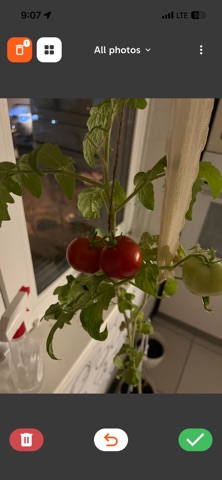
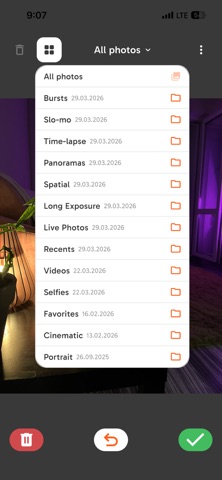
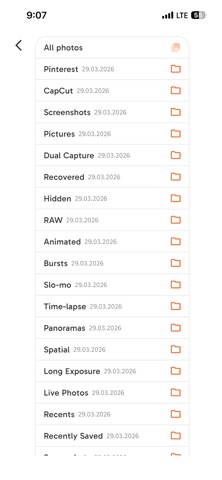
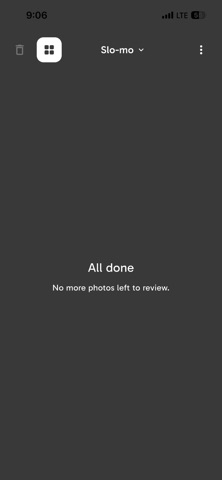
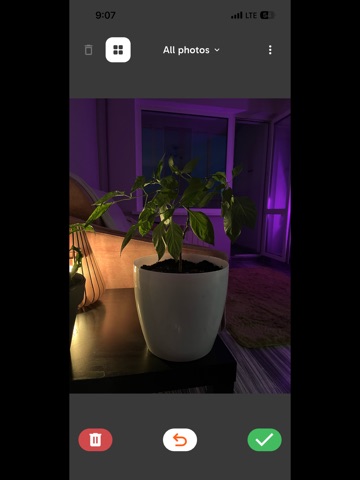
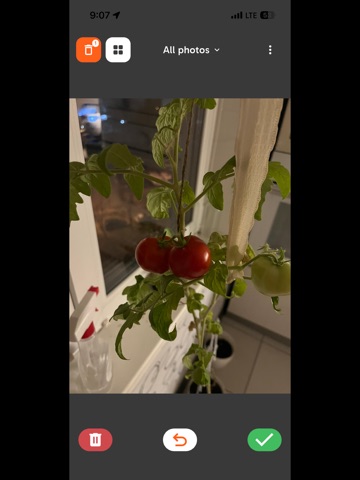
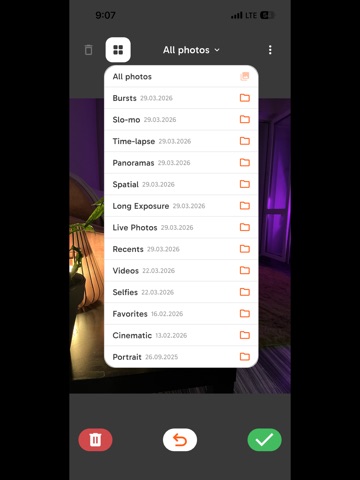
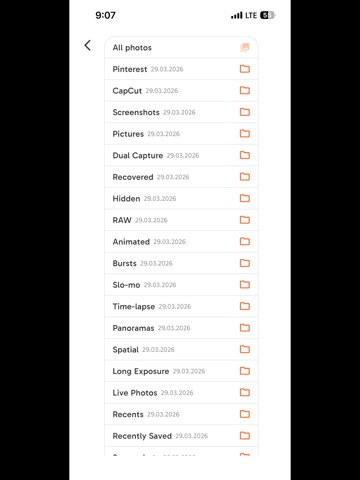
Is your photo library a mess? Blurry shots, accidental taps, multiple takes of the same moment — they pile up fast. Swipe Clean is the effortless way to fix that. Swipe left — Delete Swipe right — Keep One photo at a time. Clean, focused, satisfying. HOW IT WORKS Swipe Clean shows your photos one by one in a full-screen view. You decide instantly — swipe left to delete, swipe right to keep. Zoom in if you need a closer look. Undo if you change your mind. When you're done, review what's in the Bin before anything is permanently removed. FEATURES • Swipe left / right — the fastest way to review photos • Safe Bin — deleted photos are held for review before permanent deletion • Instant undo — take back any decision without interrupting your flow • Albums & Collections — clean your whole library or just one folder • Daily reminders — gentle nudges to keep things tidy • Works offline — nothing ever leaves your device • No account required — open the app and start swiping PRIVATE BY DESIGN Swipe Clean reads your photo library purely to display your photos. It does not upload your photos, does not require sign-in, and does not track your behavior. Your memories stay on your device, always. FREE & NO SUBSCRIPTIONS Swipe Clean is completely free. No premium tier, no in-app purchases, no ads. Install it, start swiping, and take back control of your photo library — one swipe at a time.
Latest release
What’s New
Fixed small bugs
Audience growth
Ratings growth
Baseline captured. Growth appears after the crawler observes a changed rating count.
Momentum comes from crawler snapshots for the tracked storefront. “Viral growth signal” means unusually fast recent rating gains; it is an indicator, not download data.
Price tracking
Price intelligence
First snapshot captured. The trend line starts after the next crawler price observation.
- First observed Sep 5, 2026 · 11:39 PM Free
Screenshots