About this app
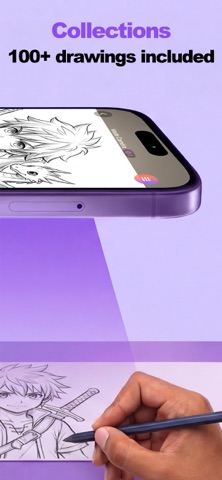
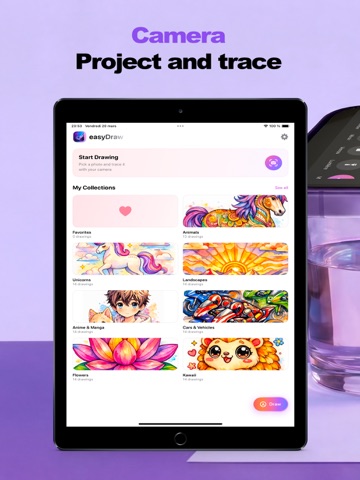
Drawing Projector turns your phone into a drawing assistant. Use your camera to project any image onto paper and trace it in real time — or place paper directly on your screen and follow the lines. Choose from 100+ ready-made drawings across 7 collections: Animals, Unicorns, Landscapes, Anime & Manga, Cars & Vehicles, Flowers, and Kawaii. Or use your own photos. Apply AI-powered styles to transform your images into Simple Sketch, Detailed Sketch, Anime, Anime Color, or Cartoon before tracing. Features: • Camera Mode — project drawings through your camera onto paper • Screen Mode — lay paper on your screen and trace directly • 100+ included drawings across 7 themed collections • 5 AI styles to transform any image • Adjustable opacity, zoom, mirror, and invert controls • Lock position while drawing • Ultra-wide camera support • Save styled images to your photo library • Create and organize your own collections Start drawing like a pro — no artistic skills required Full access requires a subscription. Subscriptions automatically renew unless canceled at least 24 hours before the end of the current period. An internet connection is required. Privacy Policy: https://www.drawingprojector-ai.com/privacy.html Terms of Use (EULA): https://www.drawingprojector-ai.com/terms.html
Audience growth
Ratings growth
Baseline captured. Growth appears after the crawler observes a changed rating count.
Momentum comes from crawler snapshots for the tracked storefront. “Viral growth signal” means unusually fast recent rating gains; it is an indicator, not download data.
Price tracking
Price intelligence
First snapshot captured. The trend line starts after the next crawler price observation.
- First observed Aug 24, 2026 · 12:21 PM Free
Screenshots