About this app
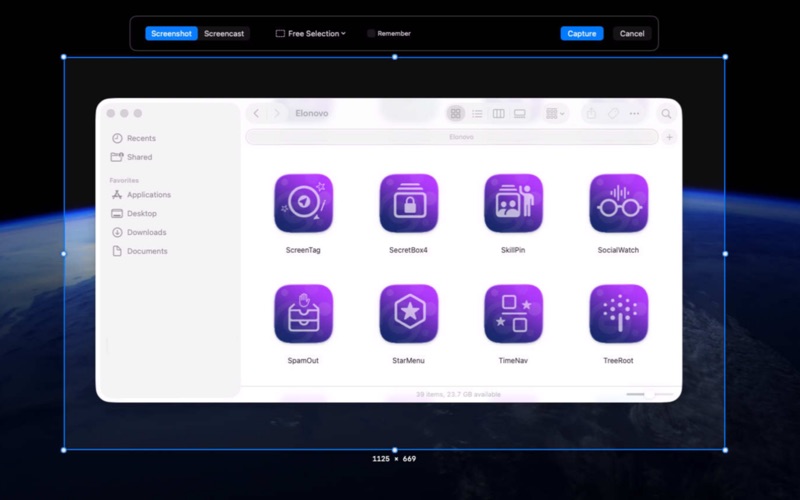
ScreenTag helps you capture, explain, and share ideas with clarity in just a few clicks. Whether you're creating tutorials, documenting software, reporting bugs, preparing presentations, or collaborating with colleagues, ScreenTag transforms screenshots and screen recordings into professional visual communication that everyone can understand. Capture your entire screen, a selected area, or a specific window, then instantly annotate images with arrows, shapes, text, and drawings to highlight what matters most. Record screencasts with ease and communicate complex ideas faster, reducing misunderstandings and making collaboration more efficient across teams. Built natively for macOS, ScreenTag delivers a fast, lightweight experience that integrates seamlessly into your daily workflow. Visit the website for more information.
Latest release
What’s New
- Access to the microphone is now optional in the screencast palette - Improved contrast of the palette window - Improved on-boarding window - Improved reliability
Audience growth
Ratings growth
Baseline captured. Growth appears after the crawler observes a changed rating count.
Momentum comes from crawler snapshots for the tracked storefront. “Viral growth signal” means unusually fast recent rating gains; it is an indicator, not download data.
Price tracking
Price intelligence
First snapshot captured. The trend line starts after the next crawler price observation.
- First observed Aug 8, 2026 · 3:04 PM Free
Screenshots