About this app
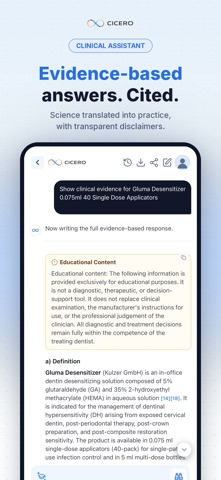
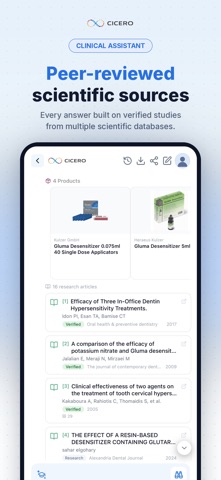
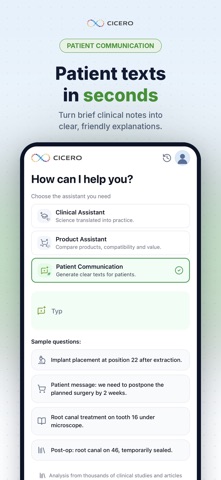
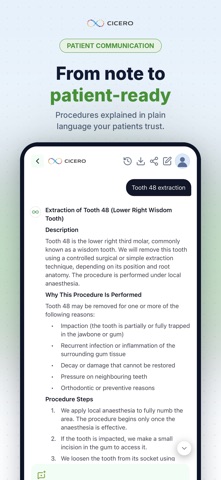
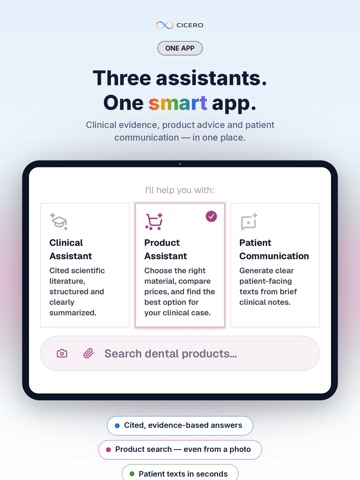
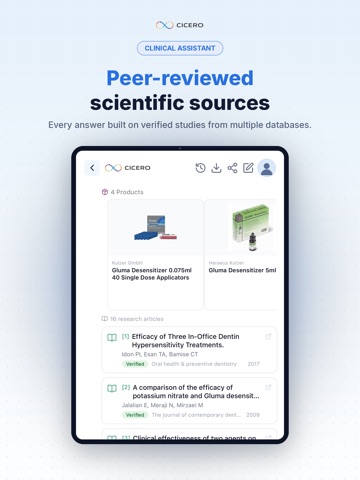
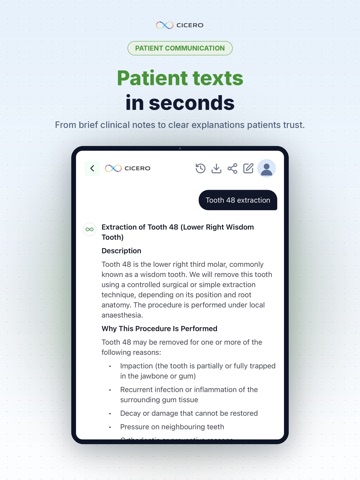
Cicero Assistant is a professional AI workspace built specifically for dental professionals who need fast, structured access to scientific knowledge, product information, and clear patient communication. Three specialized assistants. One dental workspace. Clinical Knowledge Search and summarize scientific dental literature. Transform complex research into organized, easy-to-reference educational summaries you can use in daily practice, study, and team discussions. Product Support Understand dental materials, instruments, and technologies. Get structured overviews of product properties, indications, and manufacturer information to support informed professional decisions. Patient Communication Turn technical concepts into clear, respectful explanations for patients. Prepare consultation notes, treatment information leaflets, and follow-up summaries that patients actually understand. Built for Dentistry Unlike general AI tools, Cicero is designed around the workflows and vocabulary of dental professionals. From endodontics to prosthodontics, implantology to preventive care, every output is structured for clinical relevance and educational clarity. Key Features Evidence-based literature search and summarization — with citations linking to the source studies Structured product and material information Patient-friendly communication drafts Organized outputs ready for daily professional use Designed for dentists, hygienists, students, and dental teams Important Notice Cicero Assistant is intended for educational and scientific information support only. It does not provide diagnosis, treatment decisions, prescriptions, or individual medical recommendations. All clinical decisions remain the responsibility of the qualified dental professional. Users should verify information against the cited primary sources. Terms of Use (EULA): https://www.apple.com/legal/internet-services/itunes/dev/stdeula/
Latest release
What’s New
• Deep Search now explains itself — one tap turns it on and shows what it does and that the answer takes 3–5 minutes. • New "i" icons in Learning explain how questions are chosen, what the levels mean and how badges are earned. • The keyboard no longer covers the question field. • PDF export shows progress and no longer stalls on long conversations. • The app tells you when a newer version is available. • Fixes to dark mode, expired sessions and a button hidden behind the system bar.
Audience growth
Ratings growth
Baseline captured. Growth appears after the crawler observes a changed rating count.
Momentum comes from crawler snapshots for the tracked storefront. “Viral growth signal” means unusually fast recent rating gains; it is an indicator, not download data.
Price tracking
Price intelligence
First snapshot captured. The trend line starts after the next crawler price observation.
- First observed Sep 4, 2026 · 6:08 AM Free
Screenshots