About this app
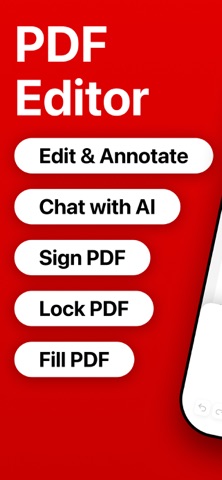
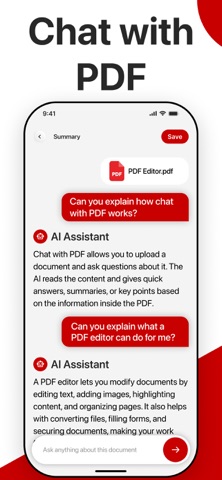
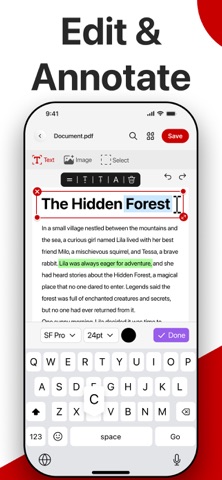
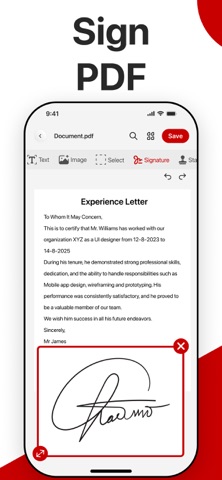
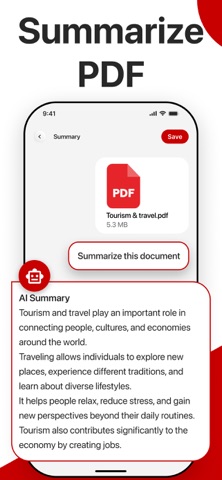
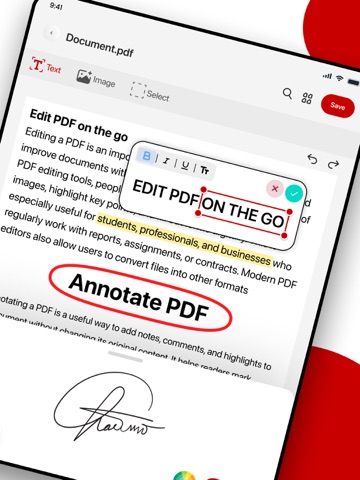
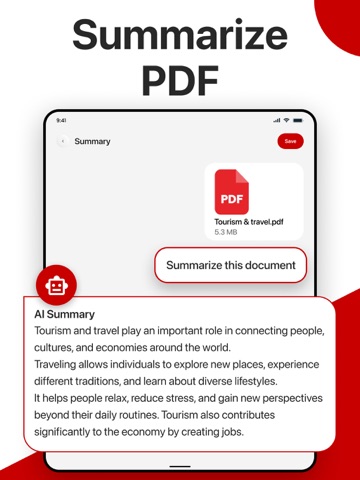
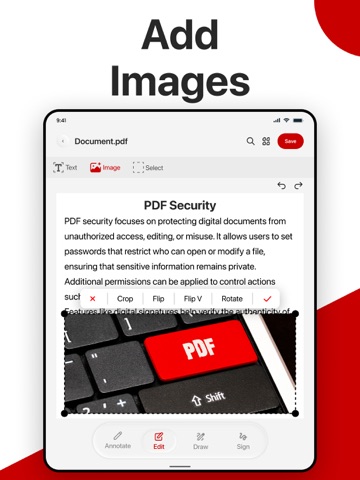
An all-in-one PDF editor and PDF reader is built to help you edit, scan, convert, and manage documents with speed and precision. Whether you're working on important files or organizing personal documents, this app gives you complete control in seconds. Designed for professionals and everyday users alike, this smart PDF solution combines advanced tools with a simple, intuitive interface. Edit PDFs, scan documents, convert files, and secure your data, all in one place. No technical skills needed. Everything is optimized to help you work faster, stay organized, and improve productivity without hassle. Key features of our PDF Editor: Fill, Sign & Secure • Advanced PDF Editor Edit PDF text, images, and pages easily. Make quick updates while keeping original formatting intact. Perfect for accurate and professional PDF editing. • Professional PDF Creator Create PDF files from documents, images, or scans instantly. Generate high-quality PDFs for work, school, or personal use. •Advanced PDF Annotation & Markup Apne documents ko pro-level tools se review karein. Text ko highlight karein, feedback ke liye comments aur sticky notes add karein, ya freehand drawing aur shapes ka istemal karein. Study notes aur professional collaboration ke liye perfect feature. • E-Sign PDF & Secure Files Add digital signatures and sign documents quickly. Keep your PDFs safe and legally reliable with strong security tools. • Smart PDF Scanner Scan documents using your camera and convert them into clear, high-quality PDFs. Ideal for receipts, notes, contracts, and more. Image to PDF Converter Convert images to PDF in seconds. Turn photos into organized documents with sharp resolution. • PDF Protection & Security Lock your PDF files with passwords and protect sensitive information from unauthorized access. • Compress PDF Files Reduce PDF file size without losing quality. Share files faster and save valuable storage space. • Merge & Manage PDFs Merge multiple PDF files into a single document and easily organize pages for a better workflow. • Access & Use Anywhere Use this PDF editor anytime, anywhere. Read, edit, and manage PDFs on the go without limitations. Why Choose This PDF Editor? • Fast and smooth PDF editing experience • Simple interface designed for all users • Powerful PDF tools in one app • Secure and reliable document handling • Save time and boost productivity daily. This is more than just a PDF editor. It’s a complete PDF toolkit built for speed, simplicity, and performance. From editing and scanning to converting and protecting files, every feature is designed to make your work easier. Whether you're a student, professional, or business user, this app helps you stay productive and organized. Download now and experience a smarter way to manage your PDFs. Download the ultimate PDF Editor today and start managing your documents like a pro. Transform your mobile workflow now! Privacy Policy: https://clixade.com/privacy-policy Terms and Conditions: https://clixade.com/terms-and-conditions Don't hesitate to get in touch with us by email for support, feedback, or inquiries. contact.clixade@gmail.com
Latest release
What’s New
What's New Improved PDF editing experience Faster PDF merge & compression Enhanced AI PDF Chat Better document scanning Performance improvements & bug fixes
Audience growth
Ratings growth
Baseline captured. Growth appears after the crawler observes a changed rating count.
Momentum comes from crawler snapshots for the tracked storefront. “Viral growth signal” means unusually fast recent rating gains; it is an indicator, not download data.
Price tracking
Price intelligence
First snapshot captured. The trend line starts after the next crawler price observation.
- First observed Aug 6, 2026 · 4:04 AM Free
Screenshots