About this app
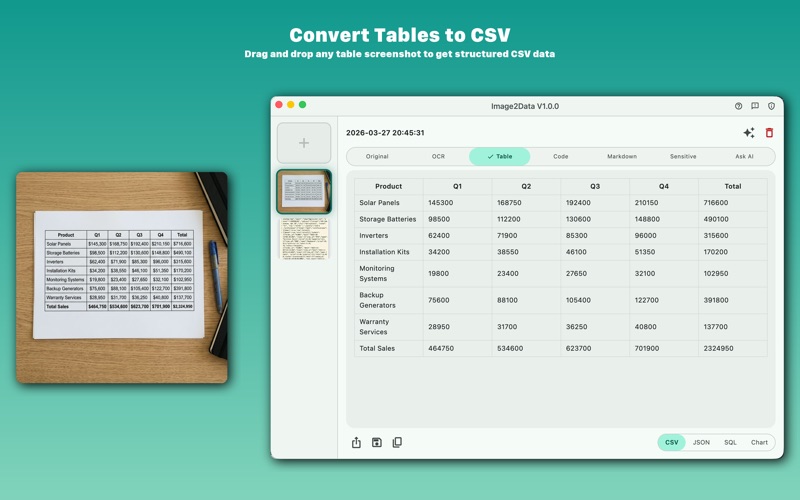
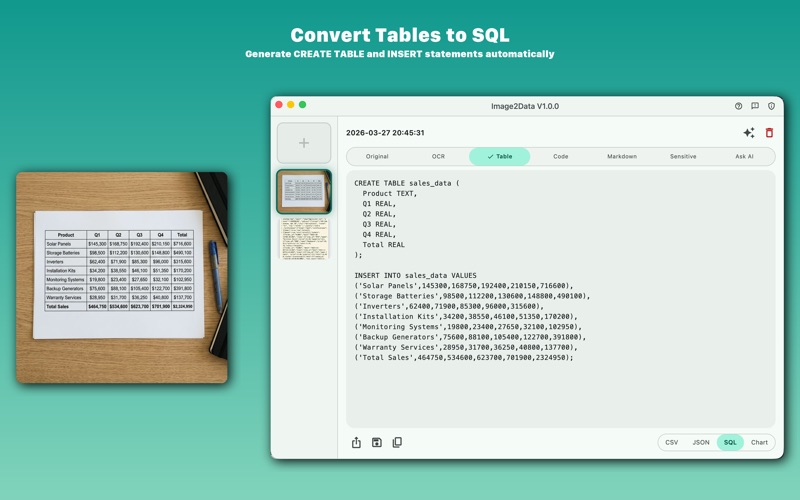
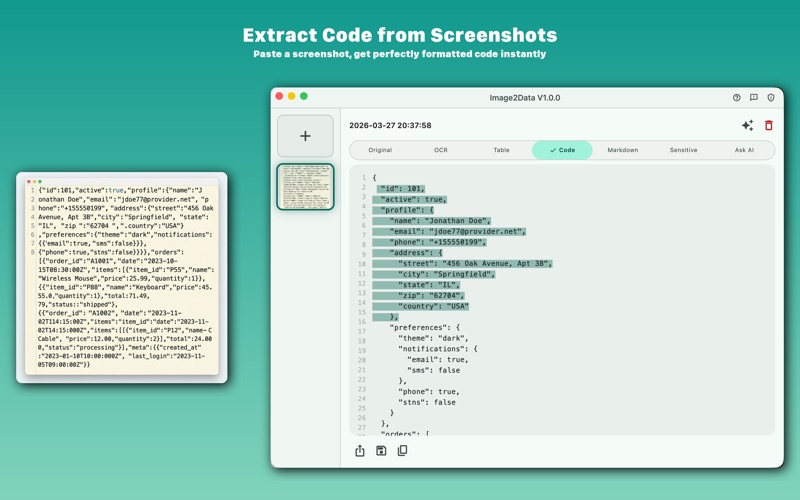
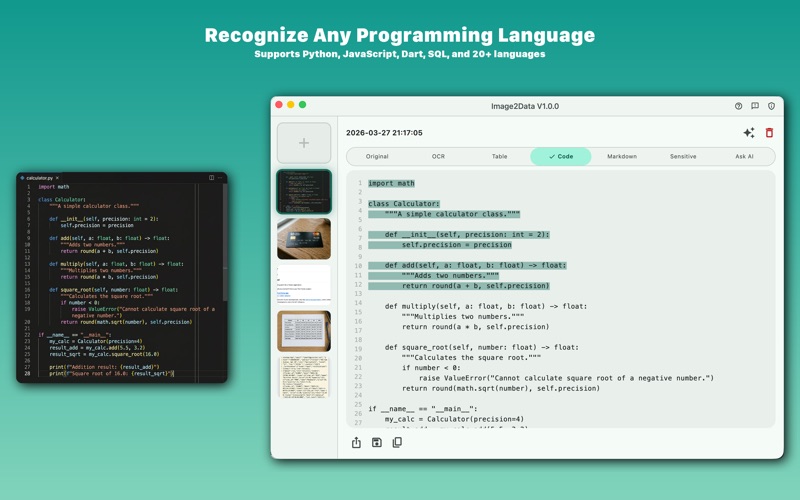
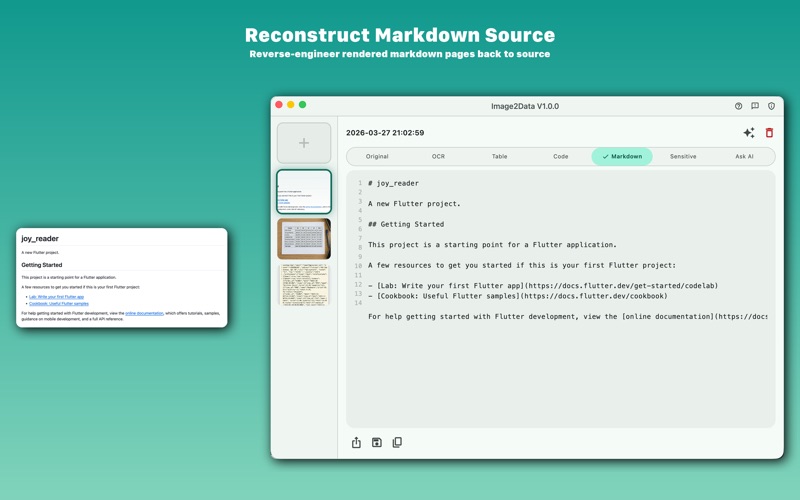
Image2Data turns screenshots into usable data in seconds. Drop an image — get clean CSV, JSON, SQL, formatted code, or markdown. Powered by AI, built for developers, analysts, and anyone who works with visual data. WHAT IT DOES • Drag and drop any image into the app • AI automatically detects the content type and extracts structured data • Browse results across multiple tabs — copy, save, or share with one click SUPPORTED CONTENT TYPES Tables & Spreadsheets Drop a screenshot of any table, spreadsheet, or invoice. Get the data as: - CSV — ready for Excel or Google Sheets - JSON — clean, properly formatted arrays - SQL — complete CREATE TABLE + INSERT statements - Chart — instant data visualization Code Screenshots Paste a screenshot from any code editor or terminal. Image2Data extracts the complete, formatted source code — supporting Python, JavaScript, Dart, Swift, SQL, JSON, XML, YAML, HTML, CSS, Shell, and 20+ languages. Rendered Markdown Take a screenshot of any README, documentation page, or blog post. Image2Data reconstructs the original markdown source — headings, lists, code blocks, links, and all. Sensitive Information Drop a photo of a credit card, ID, or personal document. AI detects and highlights sensitive regions, generating a desensitized version with private data masked. OCR Text Extraction Every image is processed with on-device OCR (Apple Vision) to extract all visible text — no internet required for text extraction. AI Description Get an intelligent description of any image, including context and analysis. PRIVACY FIRST • OCR runs entirely on your device using Apple Vision — no cloud needed • Only compressed images are sent to AI for analysis, then immediately deleted • All data stored locally in a sandboxed database • No accounts, no tracking, no analytics • Delete the app = delete all data DESIGNED FOR macOS • Native macOS app with a clean, modern interface • Drag and drop from Finder, browser, or any app • Keyboard shortcuts for power users • Share, save, or copy results to clipboard instantly PERFECT FOR • Developers — extract code from tutorials, Stack Overflow, or documentation • Data analysts — convert table screenshots to CSV/JSON/SQL • Students & researchers — digitize notes and documentation • Content creators — reverse-engineer markdown from rendered pages • Security-conscious users — quickly redact sensitive information from photos Image2Data is the fastest way to turn what you see into what you can use.
Audience growth
Ratings growth
Baseline captured. Growth appears after the crawler observes a changed rating count.
Momentum comes from crawler snapshots for the tracked storefront. “Viral growth signal” means unusually fast recent rating gains; it is an indicator, not download data.
Price tracking
Price intelligence
First snapshot captured. The trend line starts after the next crawler price observation.
- First observed Aug 7, 2026 · 10:26 PM $4.99
Screenshots