About this app
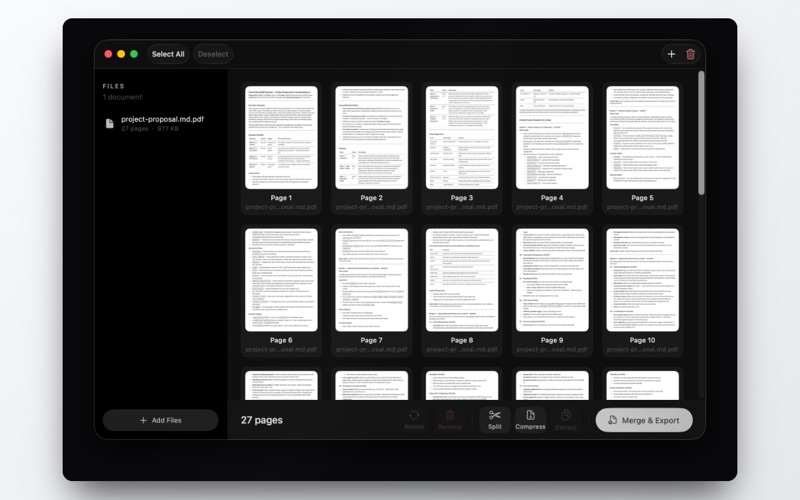
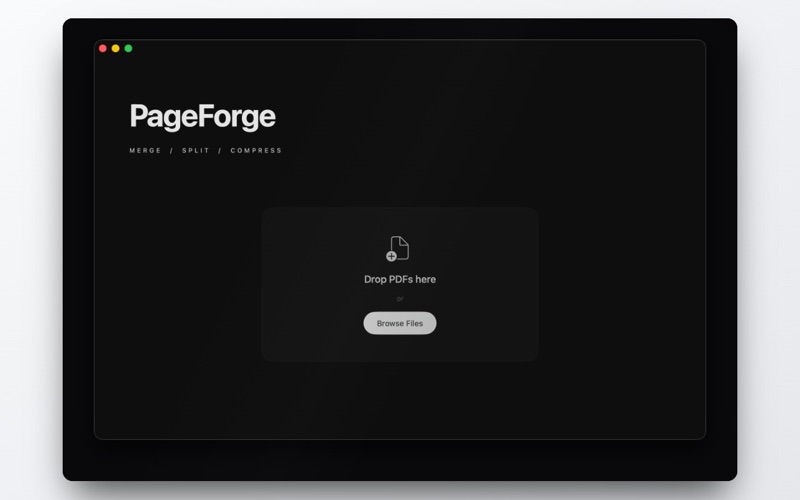
PageForge is the fast, private way to work with PDFs on your Mac. Merge, split, compress, rotate, extract and reorganise pages — all in one clean, native app. No accounts, no uploads, no subscriptions. Your files never leave your computer. MERGE Combine any number of PDFs into a single document. Arrange the pages in exactly the order you want, then export in one click. SPLIT Break a large PDF into separate files by page range — perfect for sharing just the part someone needs. COMPRESS Shrink oversized PDFs so they are easy to email and upload, with a simple choice between smaller size and higher quality. ROTATE & ORGANISE Rotate pages, remove the ones you do not need, and rearrange everything with simple drag-and-drop. EXTRACT Pull selected pages out into a brand-new PDF without changing the original. WHY PAGEFORGE • 100% offline — your documents stay on your Mac • Native macOS app, built for speed and a calm, focused workflow • One-time purchase — no subscription, no ads • Light and Dark mode • Full keyboard shortcuts and drag-and-drop PageForge handles the everyday PDF jobs quickly, then gets out of your way.
Latest release
What’s New
New in 1.1 • A refreshed, more polished interface with a cleaner, easier layout • New Light Mode, plus a System / Light / Dark appearance setting • Smoother processing that no longer freezes on large files • Clearer messages when a file cannot be opened or saved • Keyboard shortcuts for every action and a new menu bar • Stability and reliability improvements throughout
Audience growth
Ratings growth
Baseline captured. Growth appears after the crawler observes a changed rating count.
Momentum comes from crawler snapshots for the tracked storefront. “Viral growth signal” means unusually fast recent rating gains; it is an indicator, not download data.
Price tracking
Price intelligence
First snapshot captured. The trend line starts after the next crawler price observation.
- First observed Aug 11, 2026 · 8:25 AM $6.99
Screenshots