About this app
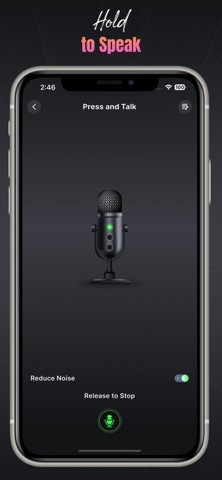
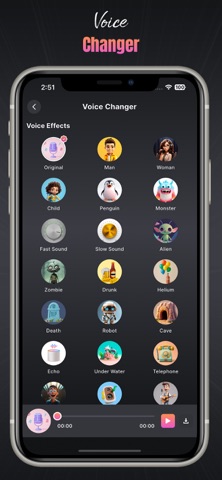
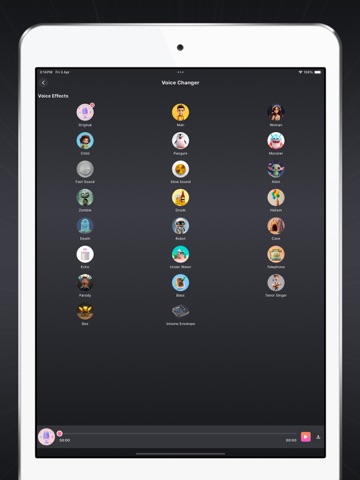
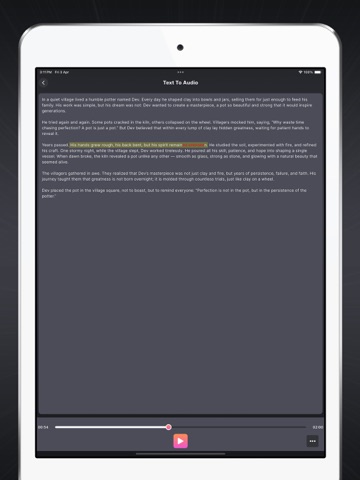
Live Mobile Mic to BT Speaker – Turn Your iPhone into a Wireless Microphone Transform your iPhone into a powerful live microphone for Bluetooth speakers, headphones, and audio devices. With Live Mobile Mic to BT Speaker, you can instantly connect your device and speak in real time with clear, loud sound. Perfect for karaoke, public speaking, announcements, teaching, parties, and fun voice effects. Whether you want to use your phone as a wireless mic, record your voice, or apply fun effects, this all-in-one app gives you everything you need. Key Features • Live Mic to Bluetooth Speaker Use your iPhone microphone to speak live through Bluetooth speakers and headsets. • Push-to-Talk Control Quickly enable or mute your microphone with a single tap. • Voice Recorder & Playback Record live audio clips, save them, and listen anytime. • Voice Effects & Changer Apply echo, fun sound filters, and voice-changing effects. • Text to Speech (TTS) Convert text into natural-sounding speech in multiple languages. • Pitch & Speed Controls Adjust voice tone, pitch, and playback speed. • OCR Text Reader Extract text from images or PDFs and listen to it aloud. • Audio File Manager Rename, share, delete, or organize recordings easily. • Bulk Actions Delete or share multiple audio files at once. • Noise Reduction Reduce unwanted background sound for clearer audio. • Echo & Karaoke Effects Add realistic stage-like echo effects for singing and fun. Perfect For • Karaoke and singing • School and classroom announcements • Public speaking and events • Meetings and presentations • Voice effects and fun audio sharing • Listening to text documents Download Live Mobile Mic to BT Speaker today and enjoy a powerful wireless microphone experience directly from your iPhone. # Subscription Details # • Upgrade to Premium for unlimited access to all premium features, without ads, best output quality. • One time subscriptions are available. • Payment will be charged to your iTunes account at confirmation of purchase. • Subscriptions can be managed by going to Account Settings on the App Store after purchase. Privacy Policy: https://sites.google.com/view/rising-apps-privacy-policy Terms of Service: https://sites.google.com/view/rising-apps-terms-of-service
Latest release
What’s New
- minor bug fix
Audience growth
Ratings growth
Baseline captured. Growth appears after the crawler observes a changed rating count.
Momentum comes from crawler snapshots for the tracked storefront. “Viral growth signal” means unusually fast recent rating gains; it is an indicator, not download data.
Price tracking
Price intelligence
First snapshot captured. The trend line starts after the next crawler price observation.
- First observed Aug 14, 2026 · 3:45 PM Free
Screenshots