About this app
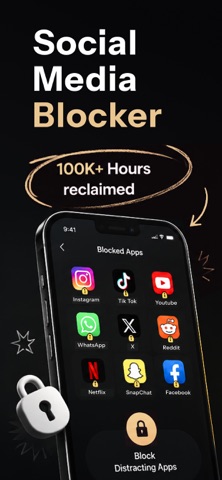
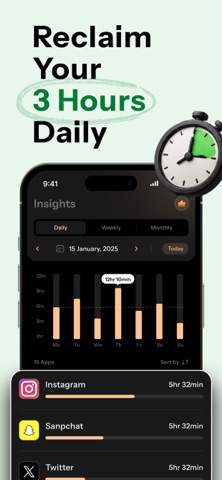
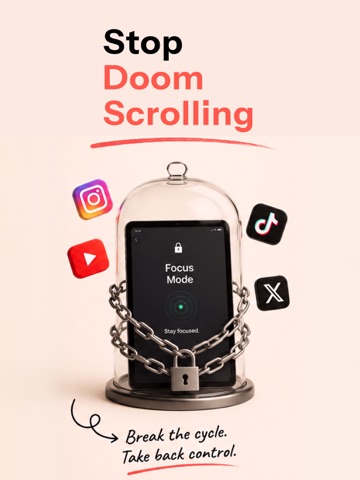
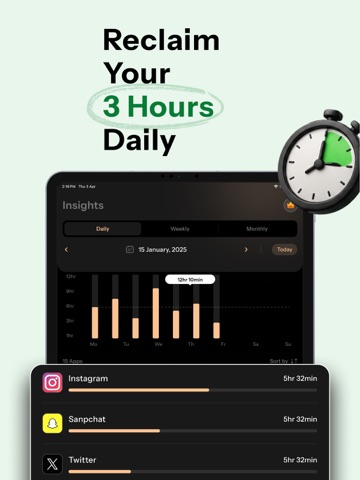
Take control of your time with ZenPause, the ultimate screen time control app to help you stay focused, reduce distractions, and build healthier habits with your phone. Whether you're looking to be more mindful or improve productivity, ZenPause gives you the tools to stay in control without the stress. Key Features: → Block Apps & Categories: Instantly block distracting apps or entire categories so you can focus on what matters most. → Set Daily Usage Limits: Set how many times you can open an app and for how long. Choose specific days to apply limits. → Scheduled Blocking: Create schedules to automatically block apps during work, study, etc. Easily set block and break periods. → Insights & Analytics: Track your screen time with clear, easy-to-understand stats. Discover patterns and improve your habits. → Smart Blocking Groups: Group apps into blocking purposes like Social Media, Gaming, or Work, and block them all at once. → Helpful Notifications: Stay on track with helpful alerts, including app blocking reminders, break-over alerts, and more. → Manage Block Groups: Create, edit, or delete groups anytime. Add or remove apps to match your routine. → Pause Blocking: On vacation or taking a break? Pause blocking temporarily and enjoy your apps guilt-free. → Private & Secure: ZenPause is built on Apple’s Screen Time framework for more secure and reliable app blocking. Why ZenPause? → Clean, simple, and easy-to-use → Privacy-first - No data collection → Powered by Apple’s technologies → Fully customizable controls Download ZenPause now and take control of your screen time! About PRO Subscription: The free version of ZenPause offers limited functionality. Go PRO to unlock unlimited blocking and full access to all features. Privacy: https://zenpause.top/privacy-policy/ Terms: https://zenpause.top/terms-of-use/ Support: https://zenpause.top/contact-us/
Latest release
What’s New
- Performance improvements - Bug fixes
Audience growth
Ratings growth
Baseline captured. Growth appears after the crawler observes a changed rating count.
Momentum comes from crawler snapshots for the tracked storefront. “Viral growth signal” means unusually fast recent rating gains; it is an indicator, not download data.
Price tracking
Price intelligence
First snapshot captured. The trend line starts after the next crawler price observation.
- First observed Aug 7, 2026 · 3:43 AM Free
Screenshots