About this app
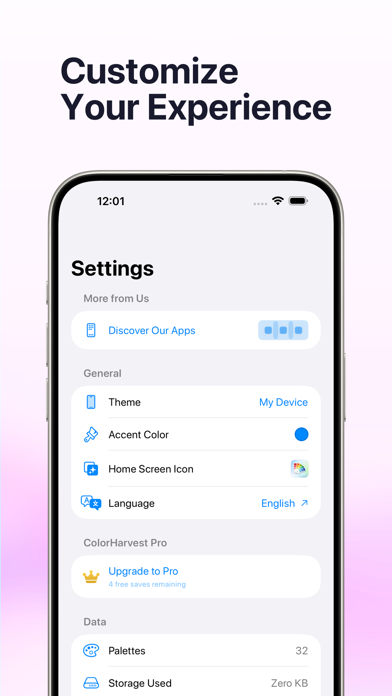
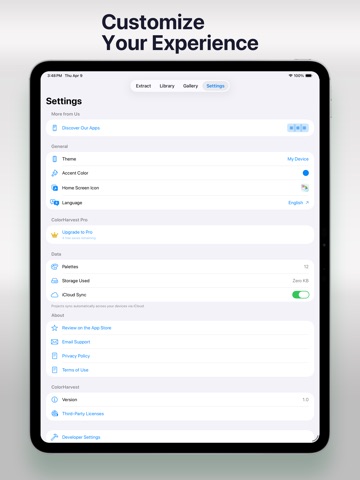
ColorHarvest turns any photo into a beautiful color palette — instantly, entirely on your device. EXTRACT COLORS FROM ANY PHOTO Import a photo from your library, snap one with your camera, or open an image from the Files app. ColorHarvest uses advanced color analysis to identify dominant colors and present them as a clean, usable palette. Choose anywhere from 2 to 12 swatches per extraction. YOUR PERSONAL COLOR LIBRARY Save every palette you create to a searchable library. Add custom names, organize with tags, and group palettes into collections. Find any saved palette with full-text search and filtering. CURATED INSPIRATION GALLERY Browse hundreds of hand-picked color palettes in 10 categories: Warm, Cool, Earthy, Pastel, Bold, Muted, Vintage, Nature, Monochrome, and Jewel Tones. EVERY COLOR CODE YOU NEED Tap any swatch to copy its HEX, RGB, or HSL value to your clipboard — ready to paste into your design tool, code editor, or document. SHARE & EXPORT Export palettes as shareable images. Send them via Messages, save to Files, or share through any app on your device. DESIGNED FOR PRIVACY All color extraction happens on your device. No photos are uploaded, no server processing, no account required. Your images stay on your iPhone or iPad. MAKE IT YOURS Choose your preferred theme, accent color, and home screen icon. Sync your palette library across devices with iCloud. Available for iPhone and iPad. Terms of Use (EULA): https://www.apple.com/legal/internet-services/itunes/dev/stdeula/
Audience growth
Ratings growth
Baseline captured. Growth appears after the crawler observes a changed rating count.
Momentum comes from crawler snapshots for the tracked storefront. “Viral growth signal” means unusually fast recent rating gains; it is an indicator, not download data.
Price tracking
Price intelligence
First snapshot captured. The trend line starts after the next crawler price observation.
- First observed Oct 15, 2026 · 3:23 PM Free
Screenshots