About this app
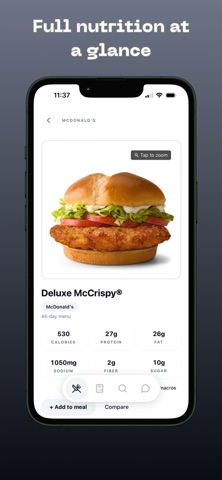
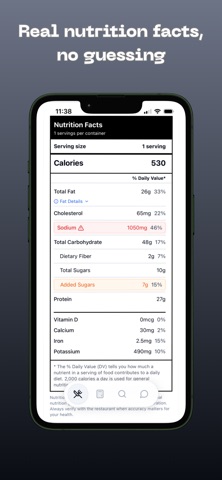
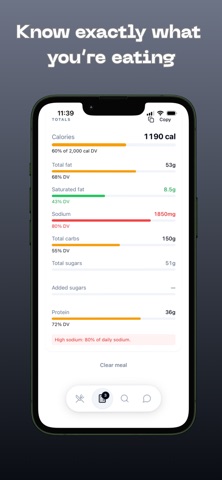
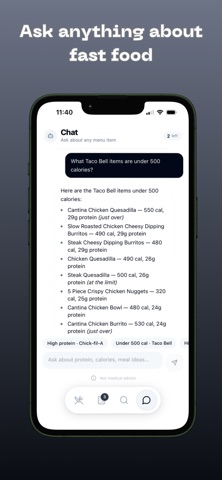
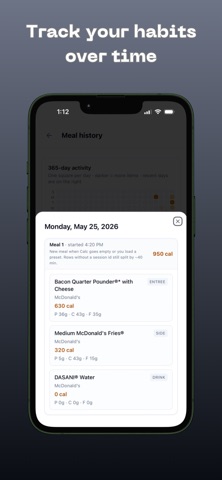
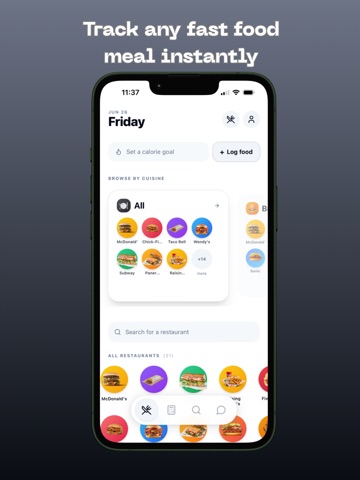
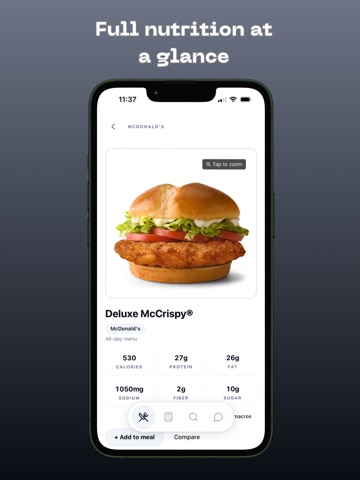
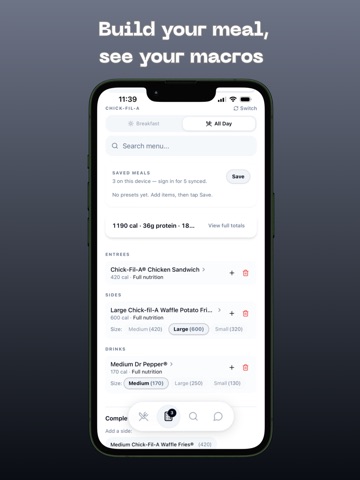
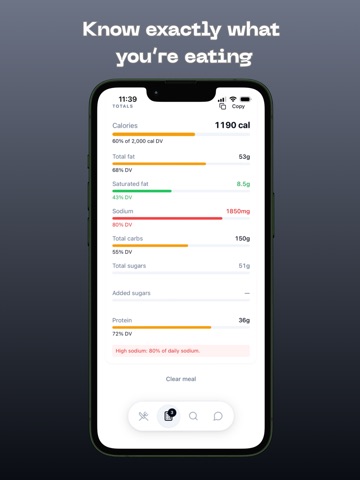
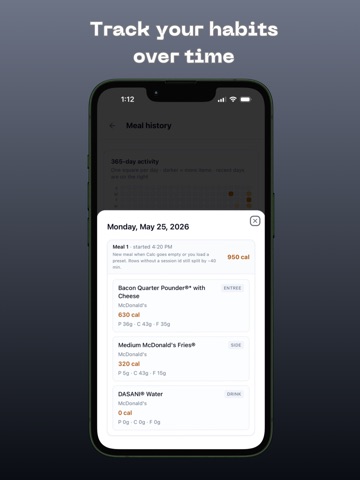
Know exactly what you're eating before you order. NutrientMAXX gives you instant access to complete nutrition information for 20 major restaurant chains. Real data, straight from the source — no guesses, no tricks. Browse full menus, build custom meals, track your history, and ask our AI nutrition assistant anything about fast food. Whether you're tracking macros, avoiding allergens, or just curious about what's going into your body — NutrientMAXX has you covered. Chains included: McDonald's • Chick-fil-A • Taco Bell • Wendy's • Burger King • Raising Cane's • Panda Express • Five Guys • Chipotle • Subway • Panera Bread • Popeyes • Sonic • Starbucks • Dunkin' • Wingstop • Domino's • Chili's • Olive Garden • Papa John's Free Features: Full nutrition data — calories, protein, fat, sodium, carbs, and more Allergen information for every menu item Meal builder with real-time combined totals Compare any two items side by side Search across all chains at once Sort by goal — low calorie, high protein, low sodium, and more AI nutrition assistant — ask anything about fast food NutrientMAXX Pro: Unlimited saved meals 365-day meal history with activity heatmap 50 AI messages per day 7-day free trial — then $4.99/month or $29.99/year Built on official restaurant nutrition data. Free to use. No account required. Terms of Use: https://oozyfr.github.io/healthoptimizedworks.com/terms.html Privacy Policy: https://oozyfr.github.io/nutrientmaxx-privacy/
Latest release
What’s New
What’s New in 1.3.0 • Added ~80 more restaurants — browse menus across 100 brands • Better meals & combos so you can log full orders, not just single items • New Report an Issue — flag wrong nutrition, missing items, or bugs • Smoother browsing: sticky back header, clearer cuisine filters, and updated chain icons • Fresh menu photos and nutrition updates across many chains Nutrition can vary by location and may lag official menus for some limited-time items — use Report an Issue if something looks off.
Audience growth
Ratings growth
Baseline captured. Growth appears after the crawler observes a changed rating count.
Momentum comes from crawler snapshots for the tracked storefront. “Viral growth signal” means unusually fast recent rating gains; it is an indicator, not download data.
Price tracking
Price intelligence
First snapshot captured. The trend line starts after the next crawler price observation.
- First observed Aug 23, 2026 · 6:09 AM Free
Screenshots