About this app
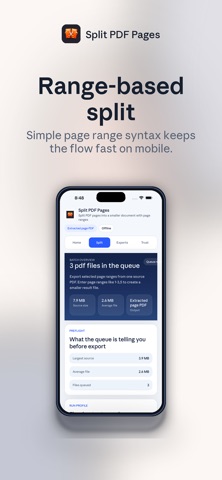
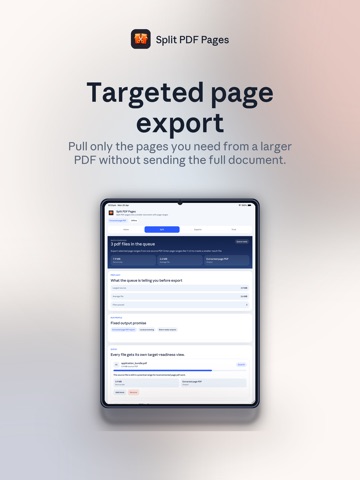
Split PDF Pages offers powerful document editing capabilities that enable you to extract, reorganize, and manage individual pages from PDF documents. This intuitive application makes it simple to break down large PDF files into smaller, more manageable components for better document organization and distribution. Key Capabilities: • Extract specific page ranges from any PDF document • Reorder pages within your PDF files • Remove unwanted pages from PDFs • Split single PDF into multiple documents • Preserve original PDF quality and formatting • Batch processing for multiple files • Offline processing ensures maximum privacy • Compatible with all PDF file types Perfect for content creators, business professionals, students, and anyone managing complex PDF workflows who need precise page-level control.
Latest release
What’s New
Bug fixes, stability improvements, and remote update support.
Audience growth
Ratings growth
Baseline captured. Growth appears after the crawler observes a changed rating count.
Momentum comes from crawler snapshots for the tracked storefront. “Viral growth signal” means unusually fast recent rating gains; it is an indicator, not download data.
Price tracking
Price intelligence
First snapshot captured. The trend line starts after the next crawler price observation.
- First observed Aug 15, 2026 · 1:16 PM Free
Screenshots