About this app
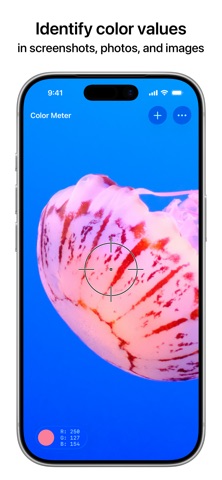
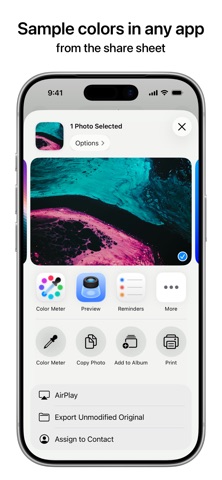
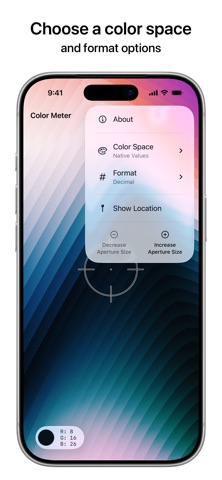
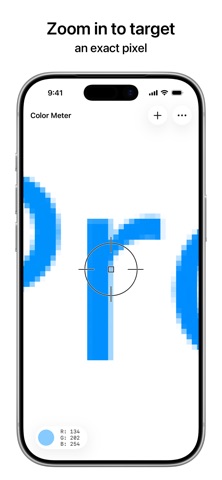
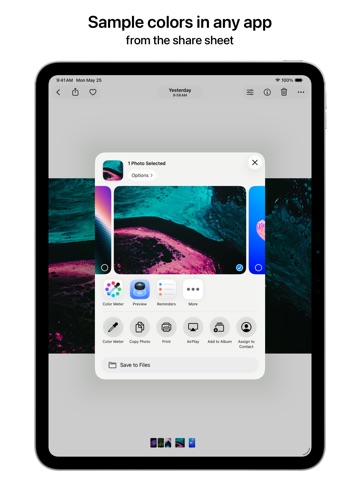
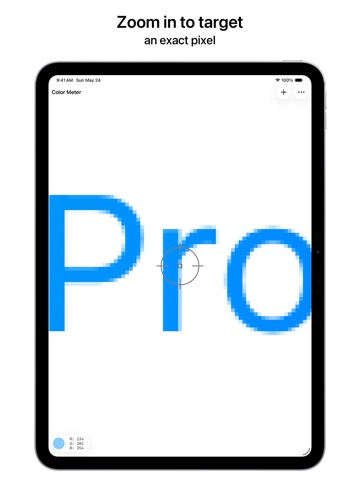
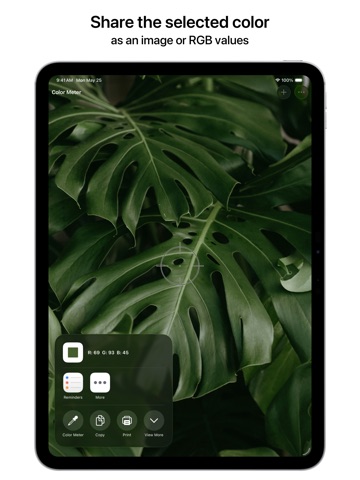
Find the value of a color in your screenshots, photos, and other images. How to Use • From anywhere: Take a screenshot, tap the Share button, and choose Color Meter • From any app: Drag and drop an image directly into Color Meter or onto the app icon • In the app: Add a photo from Photos, Files, Camera, or Clipboard • In another app like Photos: Share an image and choose Color Meter in the share sheet Features • Zoom in and pan around to pinpoint specific pixel color values • Increase the aperture size to average the color values of sampled pixels • Choose a color space from Native Values (including EDR and EDR Linear), P3, sRGB, BT.2020, Adobe RGB, or L*a*b* • Display RGB color values in Decimal, Hexadecimal, Percentage, or Float • Share the color value as text or an image • Drag and drop the sampled color into another app And More • Beautiful Liquid Glass design • Available for iPhone and iPad • Customizable toolbar, menu bar, keyboard shortcuts, and multiple windows on iPad • Supports HDR photos and wide colors • Full accessibility support • No ads, no tracking, no subscriptions Color Meter is a simple and focused tool for picking colors from images. It intentionally does not include functionality such as generating color palettes, saving favorite colors, etc. Color Meter Pro is an available in-app purchase that allows you to sample colors without any limits or interruptions. Purchase once to unlock on all your devices forever. If you’ve used Digital Color Meter on the Mac, you’ll feel right at home in this app. Made for designers, developers, and anyone else who will find it useful. If you appreciate the app, please leave a kind review!
Latest release
What’s New
This update includes minor improvements.
Audience growth
Ratings growth
Baseline captured. Growth appears after the crawler observes a changed rating count.
Momentum comes from crawler snapshots for the tracked storefront. “Viral growth signal” means unusually fast recent rating gains; it is an indicator, not download data.
Price tracking
Price intelligence
First snapshot captured. The trend line starts after the next crawler price observation.
- First observed Aug 15, 2026 · 7:59 AM Free
Screenshots