About this app
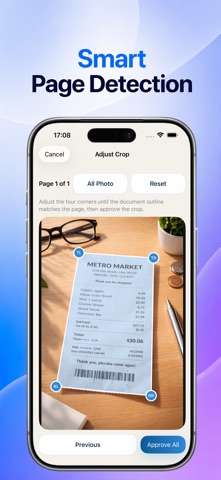
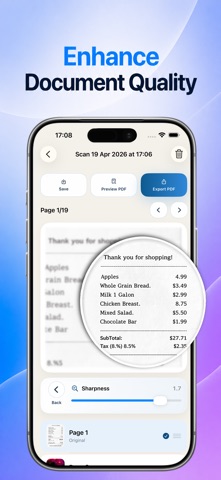
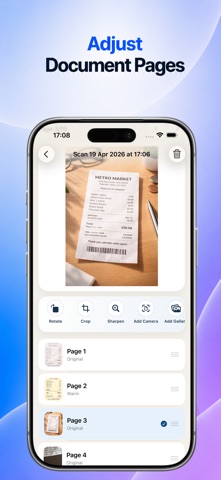
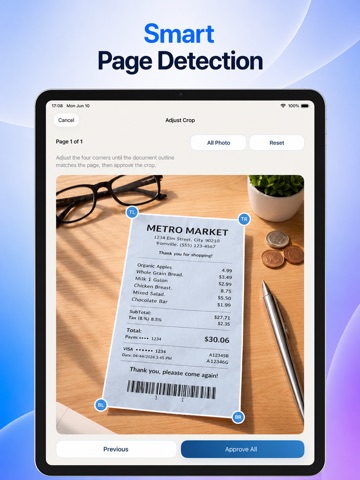
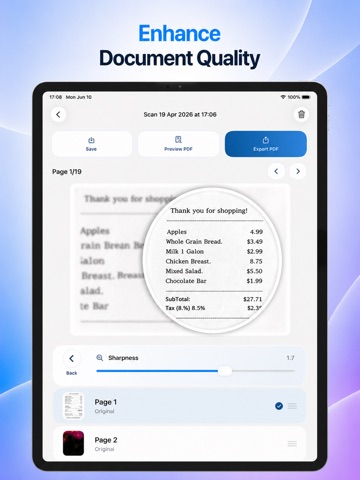
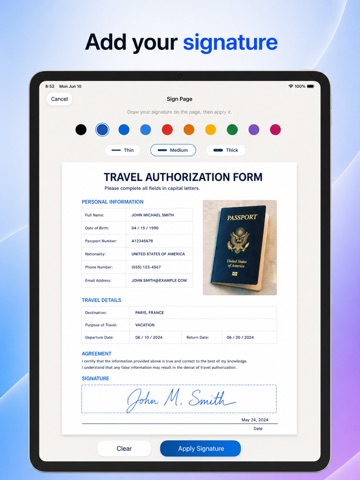
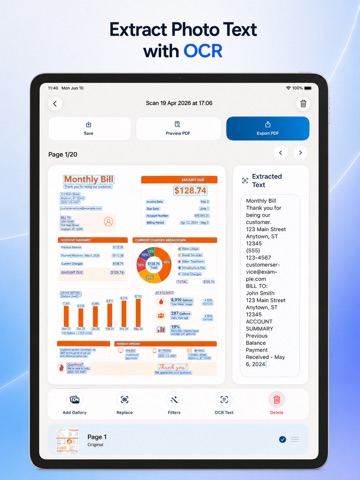
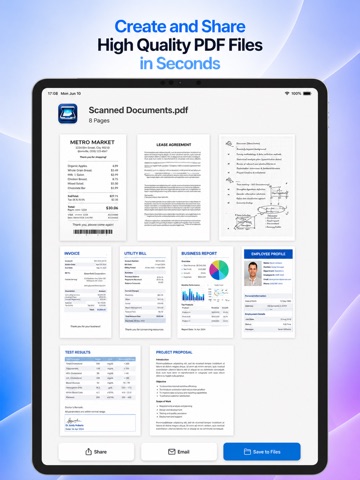
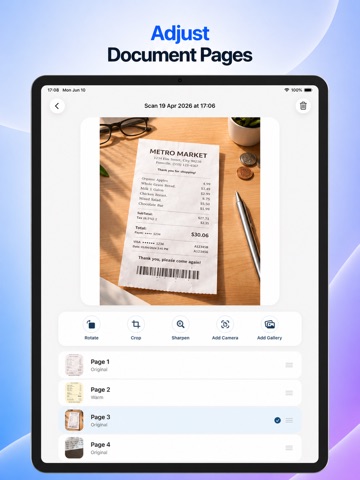
FiriScan PDF Document Scanner is a powerful and simple document scanner that helps you scan, enhance, organize, sign, and share high-quality PDF files in seconds — all with a beautiful, easy-to-use design. SMART DOCUMENT SCANNER Scan documents directly using your camera Import and scan documents from your photo gallery Automatic page edge detection for perfect results Smart auto-cropping and perspective correction Automatically straighten tilted pages for a professional look Create clean, sharp, and readable digital documents instantly DOCUMENT ENHANCEMENT Enhance document quality with advanced sharpening tools Improve text clarity for receipts, notes, contracts, invoices, and more Make blurry photos look cleaner and easier to read Optimize scans for professional-looking PDF output Preserve important details with high-quality image processing SIGN DOCUMENTS Add your signature directly to PDF documents Sign contracts, forms, invoices, agreements, and business documents in seconds Create professional-looking signed documents without printing Save time by signing and sharing documents directly from your device Fast, simple, and secure digital signature workflow OCR TEXT EXTRACTION Automatically extract text from scanned photos using OCR Turn paper documents into editable and searchable text Great for notes, receipts, business cards, invoices, and forms Save time by copying text directly from your scanned documents HIGH-QUALITY PDF CREATION Generate PDF files in three quality levels: Medium, High, and Extra High Create crystal-clear PDFs with amazing scan quality Perfect for printing, sharing, archiving, or professional use Keep your files sharp and high-resolution without losing details SMART FILTERS Apply beautiful smart filters for better readability Choose from Black & White, Grayscale, Vivid, Cool, Warm, and more Instantly improve document visibility and contrast Perfect for receipts, reports, forms, handwritten notes, and old documents PAGE MANAGEMENT Reorder pages easily with drag and drop Crop, rotate, and adjust pages anytime Organize multi-page documents exactly how you want Continue editing your saved PDF projects whenever you want EASY SHARING Share PDF files instantly using email, messaging apps, cloud storage, and more Export documents to other apps with one tap Save your work and access it later anytime Perfect for work, school, business, and everyday personal use --- Please read our terms of service and privacy policy before using the application: * Terms of service - https://ofirapps.blogspot.com/2026/04/firiscan-pdf-scanner-terms-and.html * Privacy Policy - https://ofirapps.blogspot.com/2026/04/firiscan-pdf-scanner-privacy-policy.html
Latest release
What’s New
Bug fixes and performance improvements for a smoother experience.
Audience growth
Ratings growth
Baseline captured. Growth appears after the crawler observes a changed rating count.
Momentum comes from crawler snapshots for the tracked storefront. “Viral growth signal” means unusually fast recent rating gains; it is an indicator, not download data.
Price tracking
Price intelligence
First snapshot captured. The trend line starts after the next crawler price observation.
- First observed Aug 12, 2026 · 4:07 PM Free
Screenshots