About this app
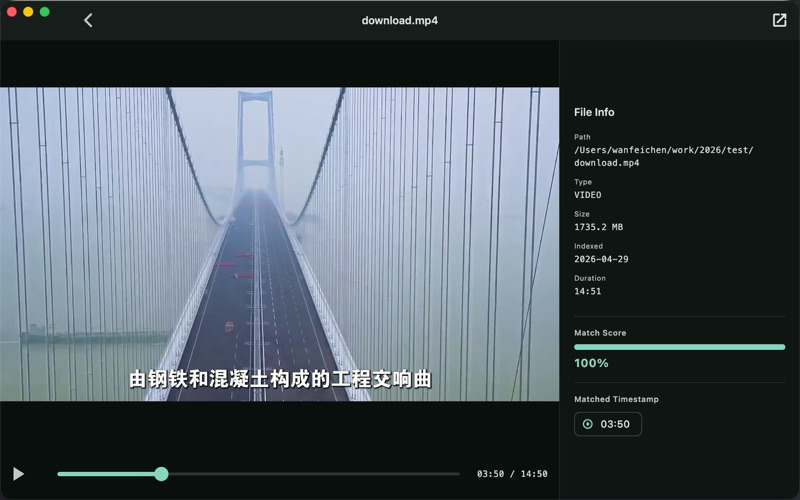
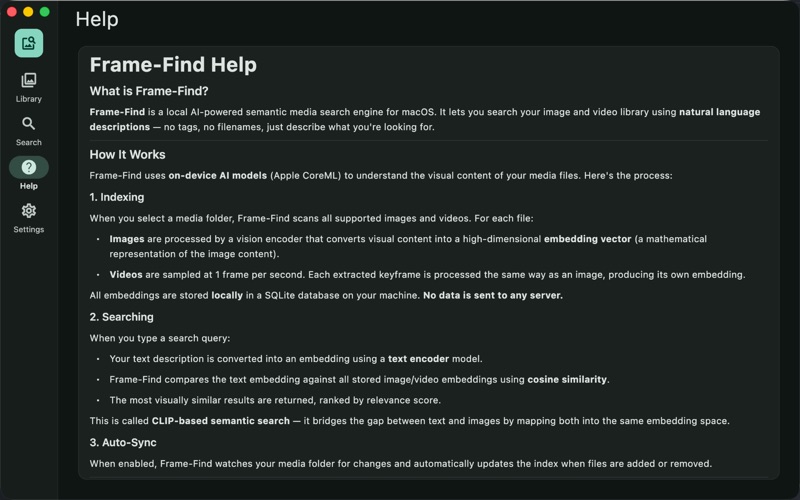
Frame-Find is a powerful macOS app that lets you search your entire photo and video library using natural language. Instead of scrolling through thousands of files, simply describe what you're looking for — "a golden retriever on the beach", "sunset over mountains", or "birthday cake with candles" — and Frame-Find instantly finds matching images and video frames. How it works: 1. Choose a folder containing your photos and videos 2. Frame-Find indexes your media using on-device AI (Apple CoreML) 3. Type any description in the search bar 4. Get ranked results showing the most visually relevant matches Key Features: • Natural language search — describe what you see, find what you need • On-device AI — powered by Apple CoreML, no internet required • Video frame search — find specific moments within videos • Auto-sync — watches your folder and updates the index automatically • Bookmarks — save your favorite search results for quick access • System tray integration — runs quietly in the background • Beautiful dark mode interface with elegant design • Adjustable result count — return up to 50 results per search • Search history — quickly re-run previous searches Supported formats: • Images: JPG, PNG, WebP, GIF, BMP, HEIC, TIFF • Videos: MP4, MOV, AVI, MKV (sampled at 1 frame per second) Why Frame-Find? Traditional photo search relies on filenames, dates, or manual tags. Frame-Find understands the actual visual content of your media. Looking for that photo from your trip but can't remember when you took it? Just describe the scene and let AI find it for you. 7-Day Free Trial: Try Frame-Find with full functionality for 7 days. After the trial, unlock unlimited access with a one-time purchase — no subscriptions, no recurring fees. 100% Private: Frame-Find processes all media entirely on your Mac using Apple's CoreML framework. No images, videos, or search queries are ever sent to external servers. Your media stays yours. Period.
Latest release
What’s New
bug fixing
Audience growth
Ratings growth
Baseline captured. Growth appears after the crawler observes a changed rating count.
Momentum comes from crawler snapshots for the tracked storefront. “Viral growth signal” means unusually fast recent rating gains; it is an indicator, not download data.
Price tracking
Price intelligence
First snapshot captured. The trend line starts after the next crawler price observation.
- First observed Aug 7, 2026 · 10:26 PM Free
Screenshots