About this app
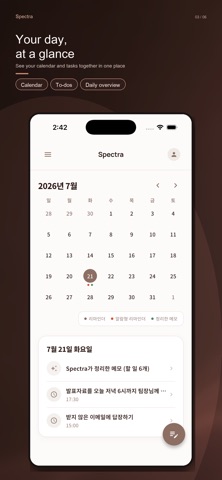
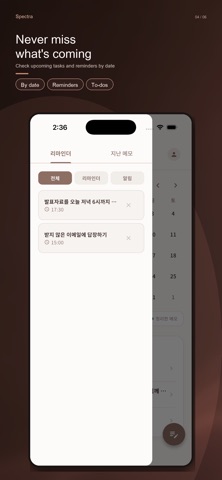
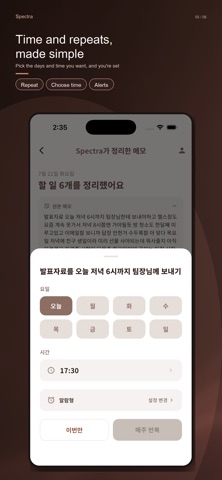
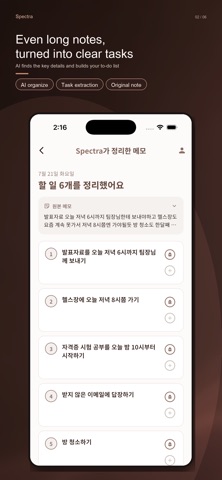
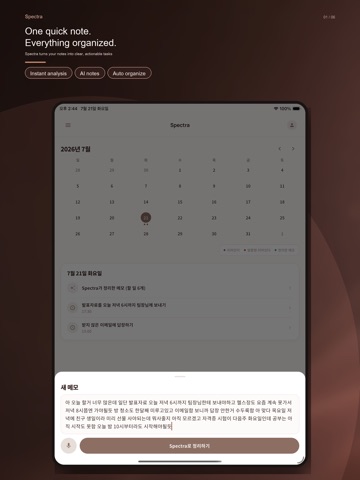
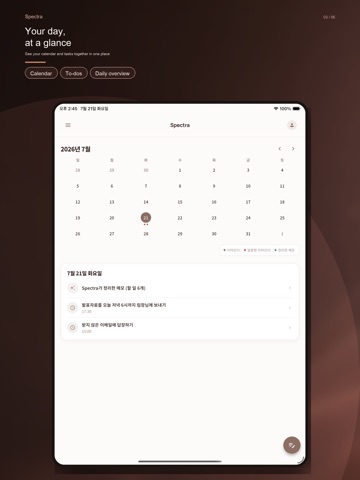
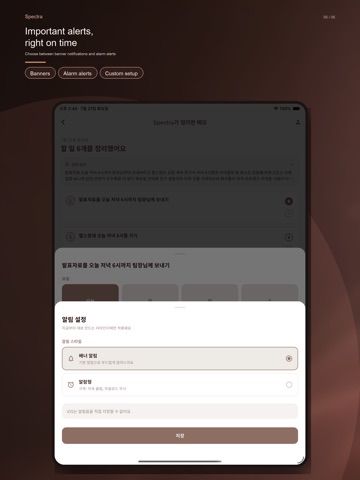
Spectra is a to-do app that uses AI to automatically turn a single note into organized to-dos and reminders. Before the thought slips away, one line is enough. No need to sort into categories or tag anything. Write it down as it comes to mind, and Spectra takes care of the rest. ▸ Write it your way Don't worry about order or format. However you write it, AI sorts it neatly into to-dos. Speak it and it becomes a note just the same — write as freely as a journal entry. ▸ Reminders, timed for you If a note mentions a day and time — like "gym Tuesday evening" — AI suggests the right reminder time first. Just confirm, and the alert is set. ▸ Your day, at a glance See organized to-dos and reminders by date on a calendar. From today through next week, scattered plans become one clear flow. ▸ Nothing slips through Reminders survive a new device or reinstall. Set important plans as alarm-style alerts that cut through silent mode, and lighter ones as quiet banners — whichever fits. ▸ The feeling of done One tap marks a to-do complete. See what you finished today and what's left, right on the calendar and list. Spectra is for - Anyone who freezes up once the to-do list piles up - Anyone who takes notes diligently but rarely acts on them - Anyone tired of juggling a separate to-do app and calendar app - Anyone who often misses important appointments and deadlines - Anyone for whom sorting and categorizing tasks feels especially heavy (including ADHD tendencies) Frequently asked questions Q. Is Spectra free? A. Yes, Spectra is free to use. Q. Does it work without an internet connection? A. Sorting a note into to-dos with AI requires an internet connection. Viewing to-dos and reminders you've already organized works offline. Q. How is this different from other to-do apps? A. You don't have to split or categorize tasks yourself. Just write a note — AI organizes it into to-dos and suggests reminder times when needed. Q. Can I use this if I have ADHD? A. Since you just write freely and AI handles the organizing, it's easy to use even if sorting tasks yourself feels overwhelming. That said, Spectra isn't intended for medical diagnosis or treatment. Start your day with one line. The organizing is Spectra's job.
Latest release
What’s New
- Bug fixes Reviewed and improved internal app security.
Audience growth
Ratings growth
Baseline captured. Growth appears after the crawler observes a changed rating count.
Momentum comes from crawler snapshots for the tracked storefront. “Viral growth signal” means unusually fast recent rating gains; it is an indicator, not download data.
Price tracking
Price intelligence
First snapshot captured. The trend line starts after the next crawler price observation.
- First observed Aug 20, 2026 · 10:56 PM Free
Screenshots