About this app
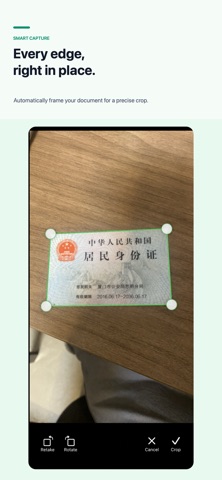
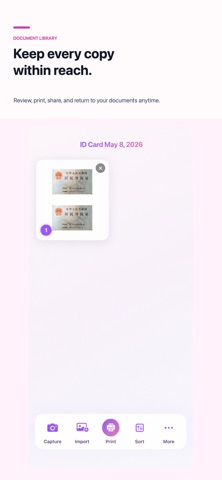
Doc Copy makes print-ready copies from IDs and documents. Capture a document or import photos, then crop, straighten, enhance, and place it on a clean A4 page. Put front and back on one page, export a PDF, save, share, or print. MORE WAYS TO WORK • Camera to PDF with single and continuous capture • PDF tools for merge, split, reorder, extract, signatures, watermarks, encryption, images, and long images • On-device text recognition and searchable PDFs • Document history with search • Home Screen widgets for quick access Your documents are processed on your device. Doc Copy supports English and Simplified Chinese, including Dark Mode.
Latest release
What’s New
bug fix
Audience growth
Ratings growth
Baseline captured. Growth appears after the crawler observes a changed rating count.
Momentum comes from crawler snapshots for the tracked storefront. “Viral growth signal” means unusually fast recent rating gains; it is an indicator, not download data.
Price tracking
Price intelligence
First snapshot captured. The trend line starts after the next crawler price observation.
- First observed Sep 18, 2026 · 7:50 PM Free
Screenshots