About this app
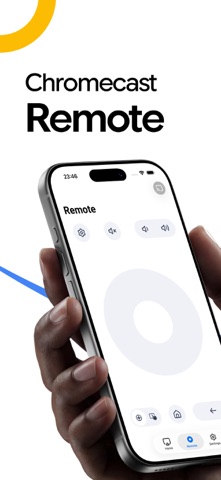
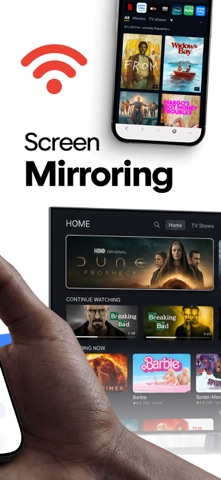
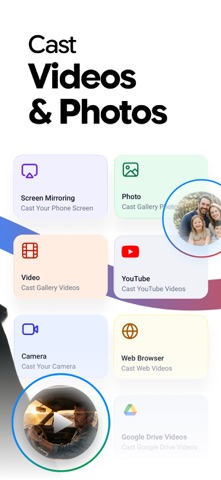
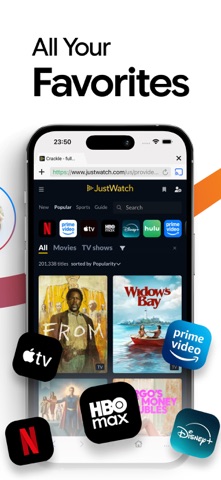
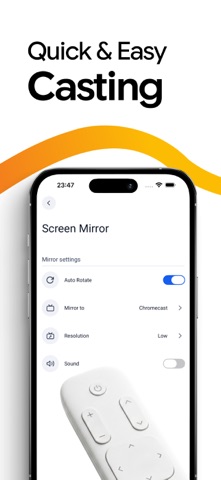
SwiftCast is the easiest way to cast and mirror to your Chromecast or Smart TV. Stream videos, photos, and websites from your iPhone or iPad to the big screen and use your phone as a TV remote. No cables, just tap and watch. FEATURES - Screen Mirroring: mirror your full iPhone or iPad screen to your TV in real time. - Cast Videos & Web: find any online video in the built-in browser and cast it in full screen. - Photos & Slideshows: cast photos and videos from your gallery or Google Drive. - Camera Casting: stream your phone's camera live to your TV. - TV Remote: navigate, adjust volume, and power your TV on or off from your phone. HOW IT WORKS Connect your phone and TV to the same Wi-Fi, open SwiftCast, select your device, and tap cast or mirror. COMPATIBILITY Works with Chromecast, Chromecast built-in, Android TV, and most DLNA-compatible Smart TVs. SwiftCast is not affiliated with or endorsed by Google, Chromecast, or any TV manufacturer. Terms & Conditions(EULA): https://netsismobile.com/tos.html
Audience growth
Ratings growth
Baseline captured. Growth appears after the crawler observes a changed rating count.
Momentum comes from crawler snapshots for the tracked storefront. “Viral growth signal” means unusually fast recent rating gains; it is an indicator, not download data.
Price tracking
Price intelligence
First snapshot captured. The trend line starts after the next crawler price observation.
- First observed Aug 28, 2026 · 5:39 PM Free
Screenshots