About this app
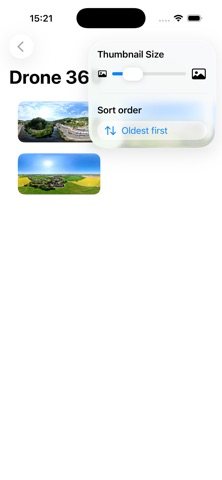
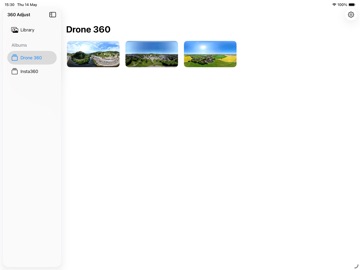
Image Adjust 360 allows you to rotate your 360º photos to ensure the subject you want to appear in front is in the correct place. Browse all of your 360º images from the Photos app and adjust them to put the subject at the centre. A handy centre line shows where the exact centre is. This is what will be directly in front of you when you want to view the image. Move the image left and right to get the perfect alignment. You can toggle the centre line off and on according to preference. You can either save the result as a new image, or overwrite the original. Note that changes are non-destructive and any adjustment can be reverted in the Photos app if necessary.
Audience growth
Ratings growth
Baseline captured. Growth appears after the crawler observes a changed rating count.
Momentum comes from crawler snapshots for the tracked storefront. “Viral growth signal” means unusually fast recent rating gains; it is an indicator, not download data.
Price tracking
Price intelligence
First snapshot captured. The trend line starts after the next crawler price observation.
- First observed Aug 17, 2026 · 7:10 PM $0.99
Screenshots