About this app
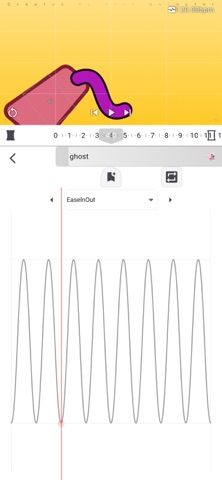
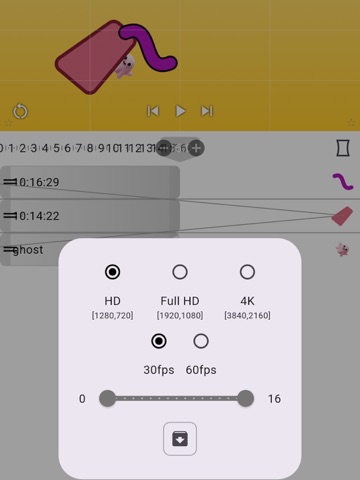
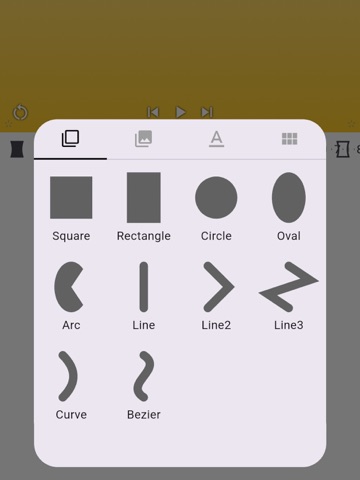
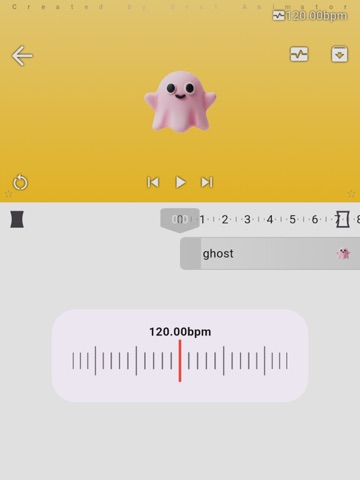
Beat Animator: A rhythm-focused animation creation tool that lets you create videos synchronized with the tempo of music. Create beat-driven animations from your fingertips. Beat Animator is a video creation app that allows anyone to intuitively create motion animations in sync with the tempo (BPM) of a song. "I want to move pictures and shapes in time with the music." "I want to create a music video that moves to the rhythm." Beat Animator brings these creators' desires to life with simple operation and professional-grade features. 【Main Features】 ・BPM-Synchronized Motion Creation Create animations that match the rhythm of the music. Simply specify the song's BPM (tempo), and the video will perfectly synchronize. ・Intuitive Operation Even without advanced knowledge, you can create animations by feel. We've adopted an interface that allows you to quickly bring your ideas to life while they're still fresh. ・Professional-Grade Editing Settings on a Small Screen View Screen: Switches between portrait and landscape orientations to maximize the workspace. You can zoom in on detailed areas you want to edit. Keyframe Settings: A wide variety of highly flexible movements are available. Bone Attachment (Parenting): Connect multiple parts to smoothly express complex character and mechanical movements. Display Prioritization: Freely manipulate overlapping elements to control depth-ordered video. If elements have the same priority, they share border items. 【Recommended for those who:】 Create music (DTM) and want to add visuals to their songs Want to easily animate their drawings Want to create "synchronized" videos for social media Are interested in motion graphics Want to perform professional animation editing even when on the go 【Function Details】 Project BPM Setting: Set a base rhythm to match your music. Display Order Management: Easily manage complex drawing orders by setting priority. Press and hold the icon on the left and drag. Bone Function: Link objects together for efficient motion creation. Press and hold the bone icon and drag. Gravity element: Tap the thumbnail on the right to add gravity from the center point. Keyframe Setting: Automatically generate smooth animations by simply placing points. Visualize your music with Beat Animator. [Subscription Billing] Monthly Plan: Removes watermarks, hides ads (iOS), and enables video export (macOS). Automatic Renewal: Subscriptions renew automatically. Unless you cancel at least 24 hours before the end of the current period, the subscription will automatically renew, and billing will continue. Cancellation: Cancellation cannot be performed within the app. Please cancel the subscription yourself via your device's store account settings (e.g., the App Store's subscription management screen). Refunds: Payments made are non-refundable for any reason, except where required by law. Pricing: Prices vary depending on the region and plan. Please check the in-app purchase screen for exact pricing and plan details. Terms of Use(EULA): https://www.apple.com/legal/internet-services/itunes/dev/stdeula/
Latest release
What’s New
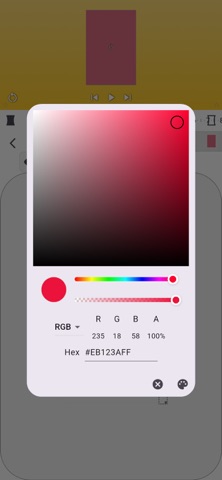
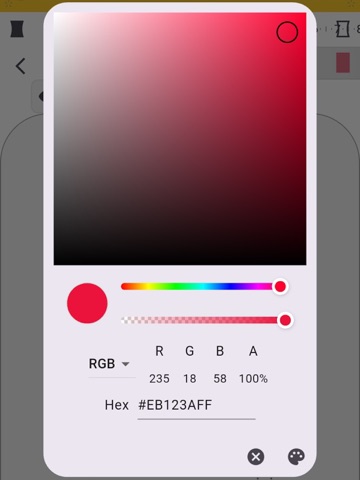
An image editing tool has been added.
Audience growth
Ratings growth
Baseline captured. Growth appears after the crawler observes a changed rating count.
Momentum comes from crawler snapshots for the tracked storefront. “Viral growth signal” means unusually fast recent rating gains; it is an indicator, not download data.
Price tracking
Price intelligence
First snapshot captured. The trend line starts after the next crawler price observation.
- First observed Aug 20, 2026 · 9:24 PM Free
Screenshots