About this app
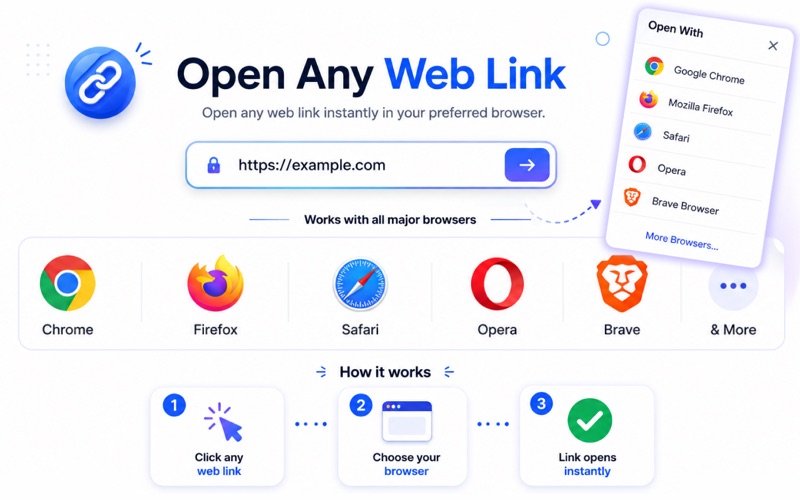
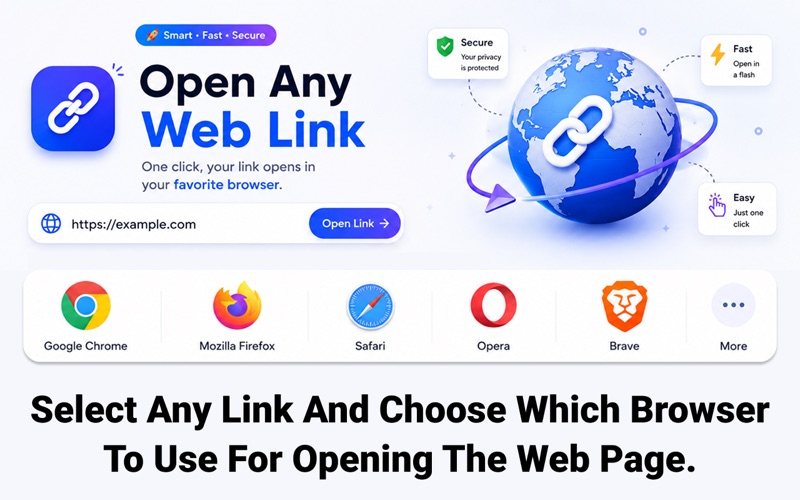
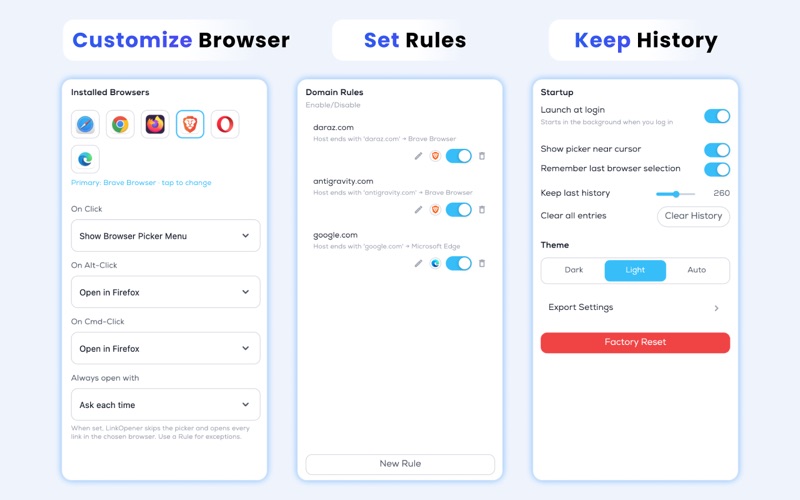
Take control of every link you open. Open Link lets you choose exactly which browser should handle each website, making multitasking faster, cleaner, and more organized on your Mac. Whether you use separate browsers for work, personal browsing, development, or privacy, Open Link gives you a seamless way to manage links with customizable rules and instant browser switching. Features • Choose your preferred browser before opening links • Create custom domain rules for automatic browser selection • Support for popular browsers including Safari, Chrome, Firefox, Brave, Edge, Opera, and more • Quick browser picker menu for one-click access • Keep browser history and recent selections • Launch at login for a seamless workflow • Lightweight, fast, and designed for macOS • Simple and clean user interface • Privacy-focused experience with local settings management Perfect For • Developers managing multiple accounts • Professionals separating work and personal browsing • Privacy-conscious users using dedicated browsers • Users who frequently switch between browsers • Productivity-focused Mac users Open Link helps streamline your browsing workflow and keeps your web experience organized exactly the way you want. Privacy Policy https://sites.google.com/view/bushra-sohail-privacy-policy/home Terms of Service https://sites.google.com/view/bushra-sohail-terms-n-services/home End User License Agreement (EULA) https://www.apple.com/legal/internet-services/itunes/dev/stdeula/
Latest release
What’s New
- Bug fixes and Performance Enhancements
Audience growth
Ratings growth
Baseline captured. Growth appears after the crawler observes a changed rating count.
Momentum comes from crawler snapshots for the tracked storefront. “Viral growth signal” means unusually fast recent rating gains; it is an indicator, not download data.
Price tracking
Price intelligence
First snapshot captured. The trend line starts after the next crawler price observation.
- First observed Aug 8, 2026 · 11:22 PM Free
Screenshots