About this app
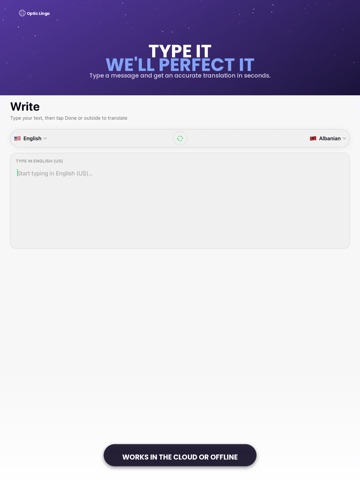
LensLingo is your travel translation companion. Point your camera at signs and menus, speak naturally, or type text and get fast translations between the languages you choose. Camera - Drag to select text, then Capture - Import photos, PDFs, and text files - Detect language automatically Voice & Write - Tap the mic, speak, tap again to translate between any two languages - Type with live translation as you write Conversation - Two-way mode for you and a partner - Optional group mode for three languages More - Travel phrasebook and emergency phrases - Home Screen and Lock Screen widgets - Share extension for text and images - On-device learning from your corrections (iOS 18+ where available) Free tier includes tries per language. Subscriptions may be offered in future updates.
Latest release
What’s New
What’s new - Camera translation: smarter OCR + cloud fallback for some languages, Capture more reliable - iPad layout: removed the narrow phone-width column, screens use full width Have some questions? reach out to muzaffarumar768@gmail.com
Audience growth
Ratings growth
Baseline captured. Growth appears after the crawler observes a changed rating count.
Momentum comes from crawler snapshots for the tracked storefront. “Viral growth signal” means unusually fast recent rating gains; it is an indicator, not download data.
Price tracking
Price intelligence
First snapshot captured. The trend line starts after the next crawler price observation.
- First observed Sep 17, 2026 · 1:14 PM Free
Screenshots