About this app
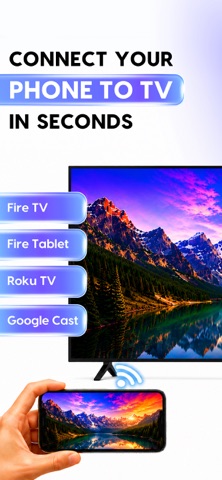
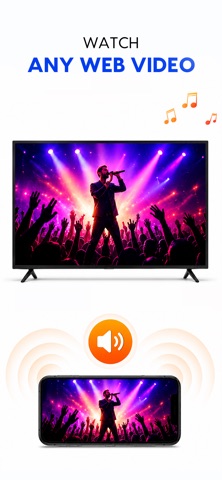
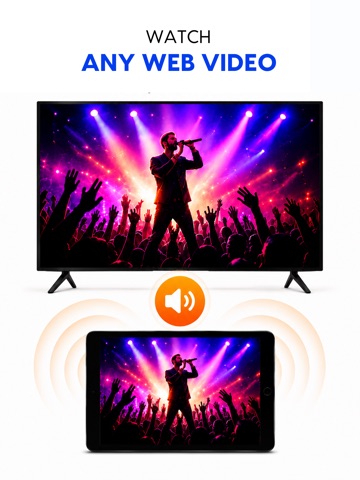
Mirror Cast turns your TV into a wireless display for your iPhone or iPad. Share your screen, photos, videos, and music on the big screen in seconds — no cables, no Apple TV, no extra hardware required. SCREEN MIRRORING Show your entire iPhone or iPad screen on your TV in real time. Perfect for presentations, browsing photos, showing apps to family, or sharing anything on a bigger display. Just pair with the code shown on your TV and start mirroring. CAST PHOTOS, VIDEOS & MUSIC • Photos — view your gallery on the TV, full screen • Videos — stream your videos with sound, straight from your phone • Music & audio — play your audio files through your TV WEB VIDEO CASTING Browse the web inside the app and cast videos you find directly to your TV. WHY YOU'LL LOVE IT • Fast, simple pairing — just enter the code on your TV • Works over your home Wi-Fi — no cables needed • Clean, easy-to-use design • Cast media or mirror your whole screen — your choice HOW IT WORKS 1. Open the Screen Mirror channel on your TV 2. Open this app and enter the 6-character code shown on your TV 3. Tap Start Mirroring, or pick a photo, video, or song to cast 4. Enjoy on the big screen! Download now and put your iPhone on the big screen! Terms of Use (EULA): https://www.apple.com/legal/internet-services/itunes/dev/stdeula/ Privacy Policy: http://techconsolidated.org/terms.html
Latest release
What’s New
What's new in Screen Mirror Cast to TV: • Faster, more reliable phone-to-TV pairing • Improved connection stability during mirroring • Performance improvements and bug fixes
Audience growth
Ratings growth
Momentum comes from crawler snapshots for the tracked storefront. “Viral growth signal” means unusually fast recent rating gains; it is an indicator, not download data.
Price tracking
Price intelligence
- First observed Aug 5, 2026 · 7:28 AM Free
Screenshots