About this app
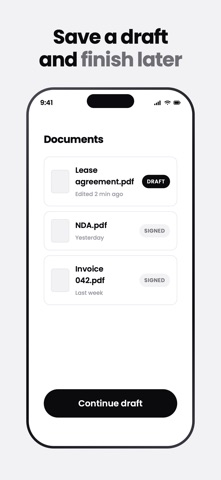
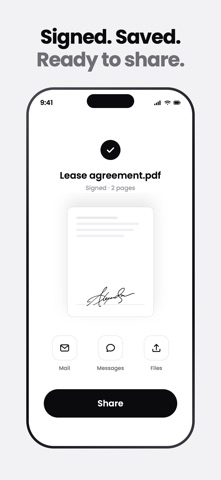
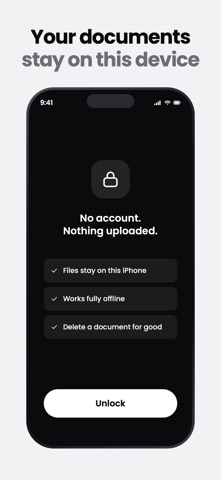
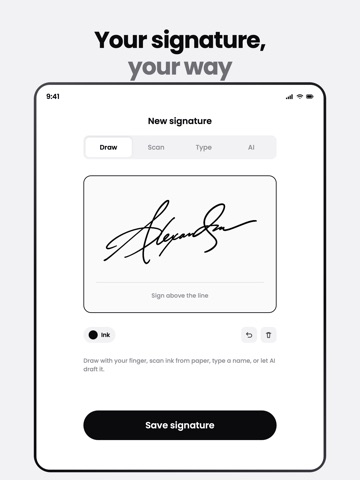
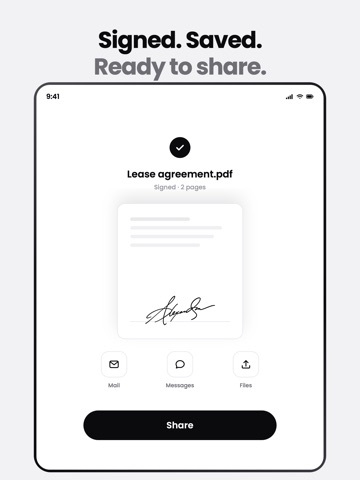
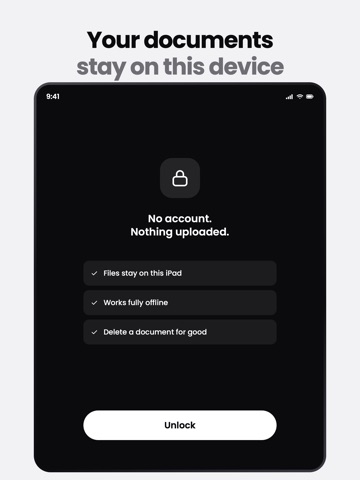
Signing a document shouldn't mean printing, scrawling, scanning, and emailing it back. Signed lets you do the whole thing on your iPhone in under a minute — and keeps every document private to your device. Make a signature you're proud of - Draw it with your finger on a smooth, natural canvas. - Generate one with AI — type your name, pick a style, and get a real handwritten-style signature. - Scan or import one you already have. - Save your favorite as the default and reuse it everywhere. Sign any PDF in seconds - Import a PDF from Files, Photos, or another app. - Drop your signature, initials, name, date, text, or a checkmark exactly where they belong. - Your name and today's date fill themselves in, so the common stuff is one tap. - Export a clean, flattened, signed PDF and share it anywhere. Private by design — this is the part that matters Signed is local-first. Your documents, your signatures, your initials — they're stored only on your iPhone. We never upload them, we can't see them, and there's no cloud copy on any server. The paperwork you sign is nobody's business but yours. Made to feel good to use - A calm, clean design that gets out of your way. - Optional Face ID lock for an extra layer of privacy. - Dark mode from day one. Signed is for the everyday signing life — leases, NDAs, offer letters, school forms, waivers, the form your landlord just emailed. Fast, beautiful, and yours alone. What your subscription includes Signed Pro is a subscription — it unlocks everything above: AI signature generation, saving signatures and initials to your library, and signing and exporting unlimited PDFs. You can create your first signature free during setup; an active subscription is required to keep using the app. The subscription auto-renews until you cancel — manage or cancel anytime in your Apple Account settings. Terms of Use: https://trysigned.app/terms Privacy Policy: https://trysigned.app/privacy
Latest release
What’s New
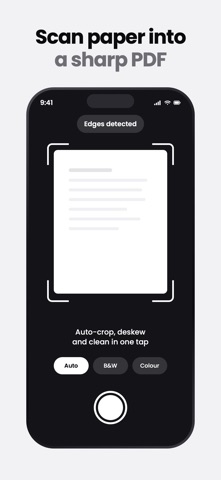
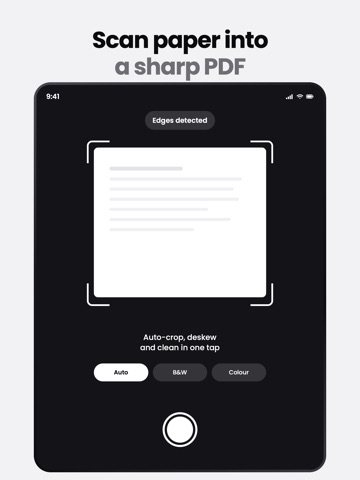
• Document scanning: a faster, more reliable scanner. Scans open straight in the editor, ready to sign, fill and share. • Performance: quicker launch and a smoother editor. • Bug fixes and stability improvements.
Audience growth
Ratings growth
Baseline captured. Growth appears after the crawler observes a changed rating count.
Momentum comes from crawler snapshots for the tracked storefront. “Viral growth signal” means unusually fast recent rating gains; it is an indicator, not download data.
Price tracking
Price intelligence
First snapshot captured. The trend line starts after the next crawler price observation.
- First observed Sep 18, 2026 · 7:50 PM Free
Screenshots