About this app
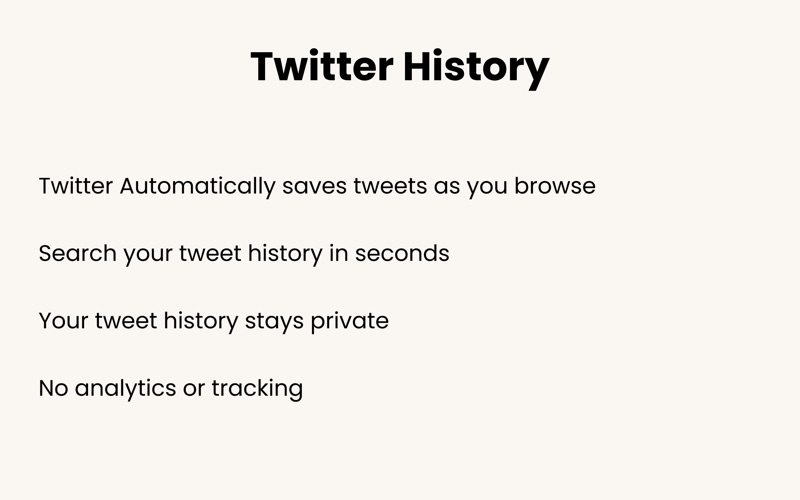
Logs every tweet you've viewed on Twitter Ever wish you could easily find that tweet you loved but can't seem to locate again? With Twitter History, you can save every tweet you come across, making it easier to revisit important posts, funny memes, or insightful threads. This browser extension runs quietly in the background, automatically archiving tweets as you browse Twitter. No need to click or take extra steps. How to Get Started with Twitter History: • Click the install button to add Log All Tweets for Twitter. • Open Safari • Go to Settings -> Safari Settings -> Extensions -> enable Log All Tweets for Twitter • Browse Twitter as usual. Twitter History saves everything you view automatically. • Click the icon anytime to view and search your archive! What Exactly Can Twitter History Do For You? - Automatic Archiving: As you browse Twitter, Twitter History automatically saves the tweets you see. No clicks, no hassle. - Effortless Search: Find specific tweets in your archive by searching keywords. Whether it’s a tweet from a few days ago or a thread from weeks ago, it’s easy to track down what you’re looking for. - Versatile Sorting: Organize your saved tweets by when you first viewed them or by the date they were originally posted. It's easy to manage your archive and find what you need. Terms of use: https://www.apple.com/legal/internet-services/itunes/dev/stdeula/
Audience growth
Ratings growth
Baseline captured. Growth appears after the crawler observes a changed rating count.
Momentum comes from crawler snapshots for the tracked storefront. “Viral growth signal” means unusually fast recent rating gains; it is an indicator, not download data.
Price tracking
Price intelligence
First snapshot captured. The trend line starts after the next crawler price observation.
- First observed Sep 22, 2026 · 10:18 PM $14.99
Screenshots