About this app
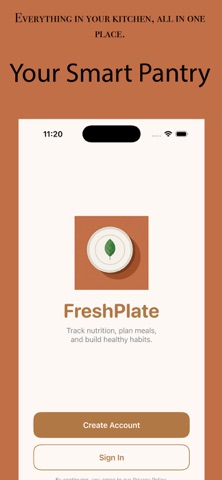
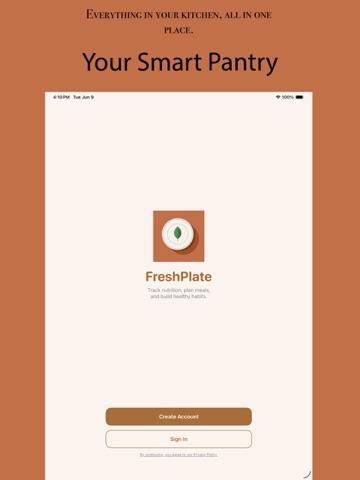
FreshPlate helps you take control of your kitchen — track what's in your pantry, reduce food waste, and plan meals around ingredients you already have. Pantry Tracking Add ingredients to your digital pantry in seconds. FreshPlate keeps track of what you have, what's running low, and what's about to expire — so nothing goes to waste. AI-Powered Meal Planning Let FreshPlate's AI suggest meals based on your actual pantry. No more staring at the fridge wondering what to cook — get personalized recipes built around what you already own. Calorie & Nutrition Tracking Log your meals and track your daily calories and macros. FreshPlate makes it easy to stay on top of your nutrition goals without the hassle. Reduce Food Waste Know exactly what's in your kitchen at all times. FreshPlate helps you use ingredients before they expire, saving you money and reducing waste. Friends & Leaderboards Add friends and see how you stack up. Compare pantry efficiency, food waste stats, and nutrition goals — a little friendly competition goes a long way toward building better habits. Whether you're meal prepping for the week, competing with friends, or just trying to use up what's in the fridge, FreshPlate makes your kitchen smarter. Privacy Policy: https://kirtanpatel04.github.io/freshplate-privacy/ Terms of Use (EULA): https://www.apple.com/legal/internet-services/itunes/dev/stdeula/ Support: https://kirtanpatel04.github.io/freshplate-support/
Latest release
What’s New
Food Scan Overlay — Meal Selector Redesign The big change: The meal assignment UI (Breakfast / Lunch / Dinner / Snack) was completely redesigned inside FoodScanCloudOverlay. Before: Meal selection was a floating "cloud-shaped" row (mealRowClouds) that hovered above the result card, using mini cloud silhouettes with composited circles — visually cute but clunky and separate from the result card. After: Meal selection is now an inline section inside the result card, placed right above the Log button with a divider separating it. It shows: - A header line: "Adding to [Meal]" with an icon - A "Change" label - A horizontal pill-button row for all 4 meal types — filled gradient when selected, tinted when not Other Changes - Background cloud puffs — bgCloud() (crisp composited circles) was replaced with puff() (soft blurred ellipses). Softer, more atmospheric look. - Ad timing fix — AdManager.shared.showInterstitialIfNeeded() was moved from firing immediately after the user submits a scan to after the result comes back (when phase transitions to .result). This avoids showing an ad before the user even sees their food result. - Spacing — The main VStack spacing in the overlay dropped from 28 → 0.
Audience growth
Ratings growth
Baseline captured. Growth appears after the crawler observes a changed rating count.
Momentum comes from crawler snapshots for the tracked storefront. “Viral growth signal” means unusually fast recent rating gains; it is an indicator, not download data.
Price tracking
Price intelligence
First snapshot captured. The trend line starts after the next crawler price observation.
- First observed Sep 8, 2026 · 12:35 AM Free
Screenshots