About this app
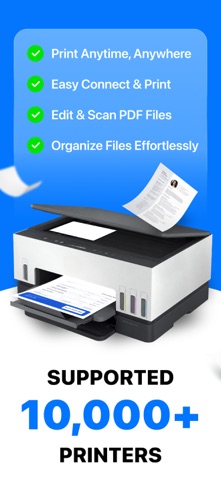
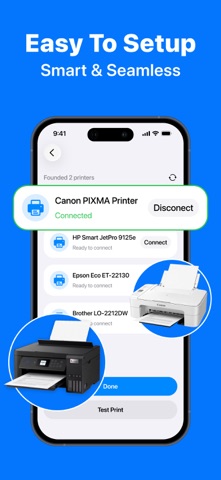
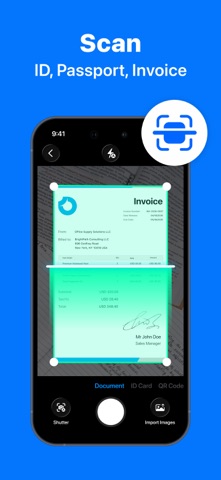
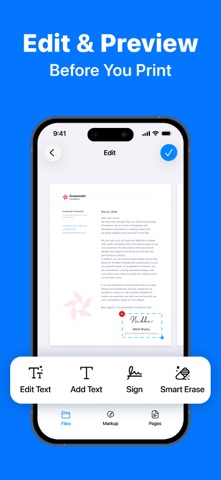
Need a hard copy fast but tired of complicated printer setups? Smart Printer: PDF & Scanner brings printing, scanning, and document management together in one simple, all-in-one mobile workspace — no computer or complex setup required. WIRELESS PRINTING Connect to your local network and print from almost anywhere. • Print PDF, DOCX, XLSX, and PPTX files. • Print photos directly from your camera roll or photo library. • Print emails, contacts, and webpages with one tap. • Sign documents and make quick edits before printing. • Review and reprint recent jobs from your print history. SMART SCANNER Turn paper into clean, polished digital files in seconds. • Auto-crop and OCR scan documents, receipts, and multi-page books. • Dedicated scan modes for ID cards and passports. • Instant QR code scanning. • On-device text recognition (OCR) turns scans into searchable, editable text. PDF & FILE TOOLS Edit and organize your files without leaving the app. • Merge multiple PDFs into one, or split a PDF into separate files. • Compress PDFs for easier sharing and smaller email attachments. • Rotate pages and lock or unlock PDFs with a password. • Crop and compress photos, remove image backgrounds, and extract text with OCR. • Convert PDFs from multiple file types, including DOCX, XLSX, PPTX, JPG, PNG, and more. FILE MANAGER Keep everything organized in one place. • Manage local files and your photo library with a clean, simple layout. • Sync automatically with iCloud. • Print directly from cloud files without downloading first. YOUR PRIVACY COMES FIRST All scanning, OCR, and photo editing happen directly on your iPhone — not on a remote server. Your contracts, IDs, and personal documents stay private and never leave your device during processing. Download Smart Printer: PDF & Scanner today and turn your iPhone into your complete mobile printing and document toolkit. Privacy Policy: https://sites.google.com/view/smartclean-ai-storage-cleaner/home EULA: https://www.apple.com/legal/internet-services/itunes/dev/stdeula/
Latest release
What’s New
Improved printer connection flow for a faster, smoother setup. Enhanced connection guidance to help resolve common printer issues. Optimized the interface and overall app performance. Fixed bugs and improved stability.
Audience growth
Ratings growth
Momentum comes from crawler snapshots for the tracked storefront. “Viral growth signal” means unusually fast recent rating gains; it is an indicator, not download data.
Price tracking
Price intelligence
- First observed Aug 7, 2026 · 8:34 PM Free
Screenshots