About this app
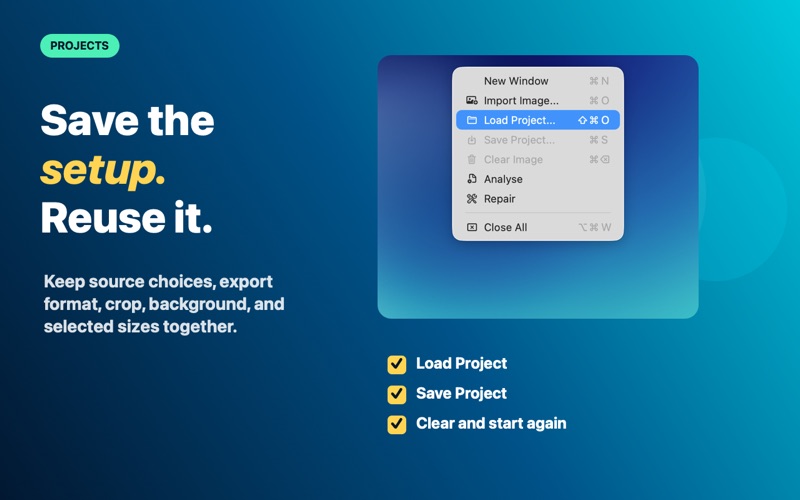
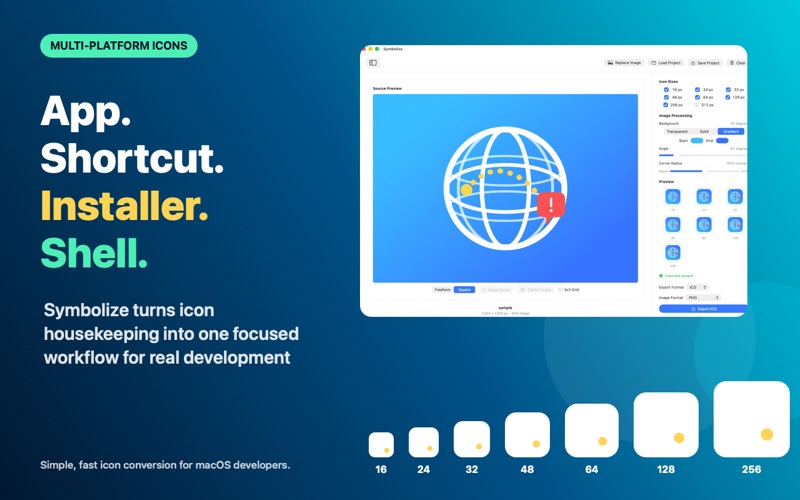
Symbolize makes creating icon files for Windows, macOS and Linux simple, fast, and precise. Whether you are building a desktop app, website, installer, shortcut, or brand asset, Symbolize helps you turn a single source image into a clean, multi-size icon file in seconds. Import your artwork, choose the icon sizes you need, preview every generated version, and export a ready-to-use .ico or .icns file with crisp results. Key Features - Create Windows .ico files from common image formats - Create macOS .icns files from common image formats - Import PNG, JPG, JPEG, BMP, and basic SVG files - Generate multiple icon sizes from one source image - Add a custom solid or linear gradient background - Supports standard icon dimensions: 16, 24, 32, 48, 64, 128, and 256 px - Select exactly which sizes to include in your final icon - Preview each generated icon size before exporting - Preserve transparency where possible - Automatic resizing with aspect ratio preservation - Transparent padding for non-square images - Native macOS interface - Fast local processing with no upload required Why Use Symbolize? Creating icon files manually for cross platform development can be tedious. You often need to resize images one by one, preserve transparency, check small-size readability, and package everything correctly into an icon file. Symbolize handles that workflow for you. Instead of juggling multiple tools, you can start with one image and export a complete icon file that includes the sizes apps, shortcuts, installers, and shell interfaces commonly expect. Built for Developers, Designers, and App Makers Symbolize is ideal for: - Windows, macOS and Linux app icons - Installer icons - Website favicons - Shortcut icons - Utility apps and internal tools - Brand or product icon exports Private by Design Your images are processed locally on your Mac. No accounts, no cloud upload, no external conversion service. Simple, Focused, Native Symbolize does one job well: turning source artwork into practical icon files. It gives you the controls you need without burying the workflow under unnecessary complexity.
Latest release
What’s New
Added support for Radial and Conic gradients New offset toggle for creating a buffer around your focus
Audience growth
Ratings growth
Baseline captured. Growth appears after the crawler observes a changed rating count.
Momentum comes from crawler snapshots for the tracked storefront. “Viral growth signal” means unusually fast recent rating gains; it is an indicator, not download data.
Price tracking
Price intelligence
First snapshot captured. The trend line starts after the next crawler price observation.
- First observed Sep 28, 2026 · 4:20 AM $0.99
Screenshots