About this app
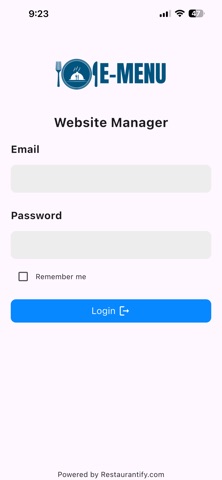
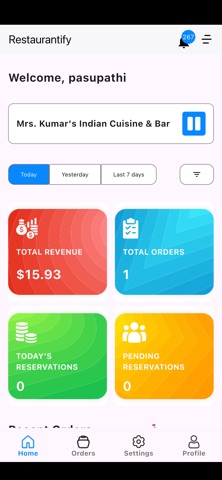
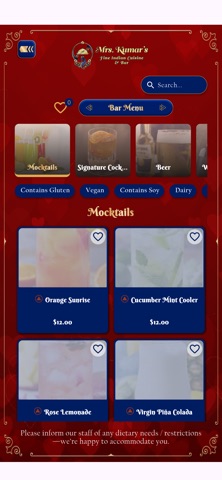
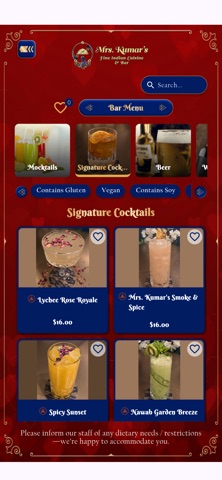
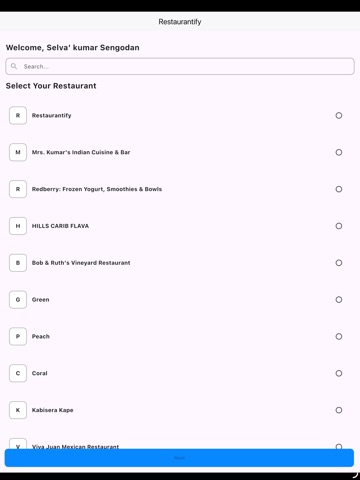
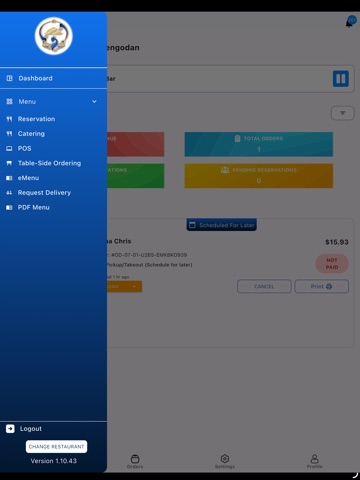
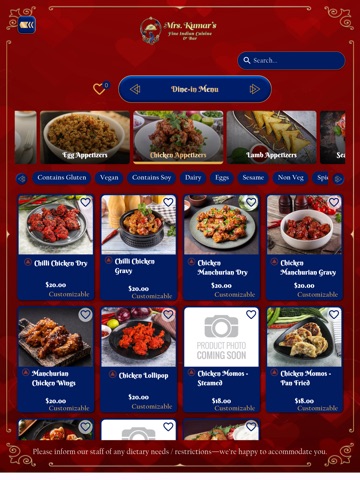
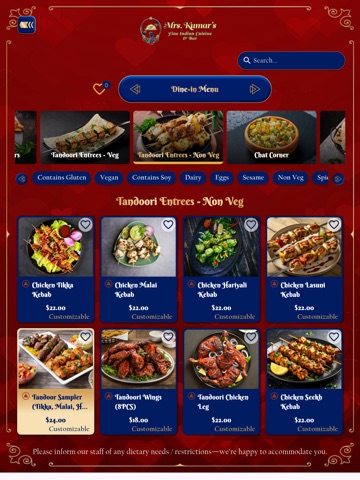
The eMenu section is designed to provide a clean, modern, and easy-to-use digital menu experience, allowing customers to quickly view the restaurant's complete food menu with detailed information before placing an order through the restaurant's preferred ordering method. How It Works 1. Sign in to the app. 2. Select your restaurant. 3. Tap **eMenu** from the top menu. 4. Browse the restaurant's digital menu. 5. Explore food categories. 6. View food items with images, descriptions, and prices. 7. Open any menu item to see detailed information, available options, and ingredients (where provided). 8. Continue exploring the restaurant's menu to discover your favorite dishes.
Audience growth
Ratings growth
Baseline captured. Growth appears after the crawler observes a changed rating count.
Momentum comes from crawler snapshots for the tracked storefront. “Viral growth signal” means unusually fast recent rating gains; it is an indicator, not download data.
Price tracking
Price intelligence
First snapshot captured. The trend line starts after the next crawler price observation.
- First observed Aug 23, 2026 · 1:23 PM Free
Screenshots