About this app
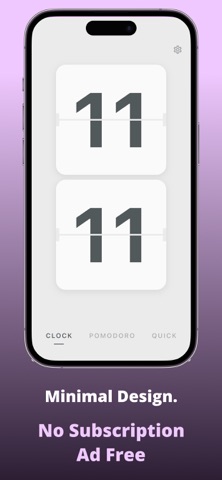
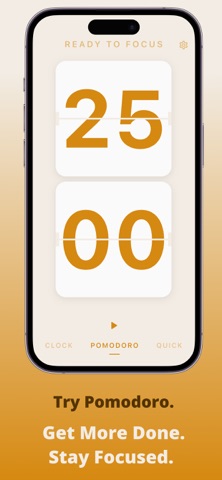
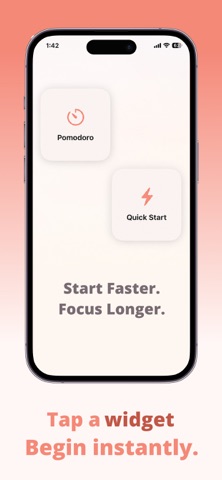
• Pomodoro timer • Live activity • Widgets • Flip clock like old digital styles • Custom themes No crap, unwanted features. Only focus on your goal. Use My Clock and be productive.
Latest release
What’s New
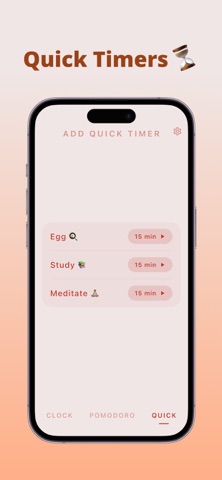
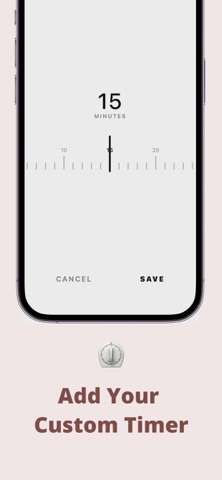
In this update, we’ve added several highly requested features and made overall improvements to keep your focus sessions smooth: • Custom Quick Timers: You can now create and save custom countdowns. Perfect for stretching, brewing tea, or short tasks without affecting your main Pomodoro flow. • Rearrangeable List: Long-press and drag your saved Quick Timers to easily organize them by priority. • Enhanced Home Screen Widgets: The Quick Start widget now instantly launches the app and begins a countdown for the very first timer in your Quick Timers list with a single tap. • iPad & UI Improvements: Fixed an issue where the settings menu would instantly close on iPad, and optimized the layout to better support landscape screens. • Under-the-hood performance optimizations and minor bug fixes for a more seamless experience. Thank you for using My Clock! If you enjoy the app, please consider leaving a review.
Audience growth
Ratings growth
Baseline captured. Growth appears after the crawler observes a changed rating count.
Momentum comes from crawler snapshots for the tracked storefront. “Viral growth signal” means unusually fast recent rating gains; it is an indicator, not download data.
Price tracking
Price intelligence
First snapshot captured. The trend line starts after the next crawler price observation.
- First observed Aug 22, 2026 · 9:19 AM Free
Screenshots