About this app
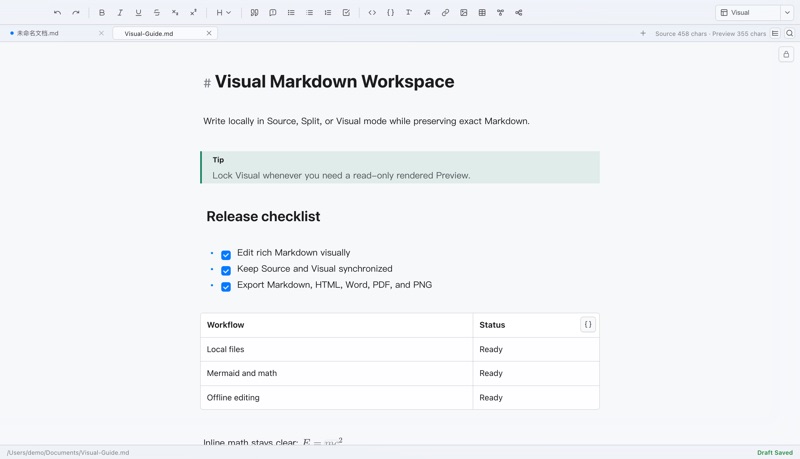
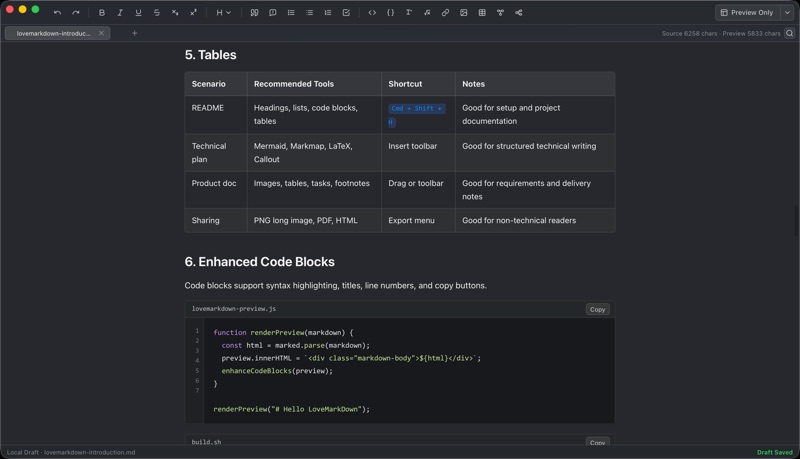
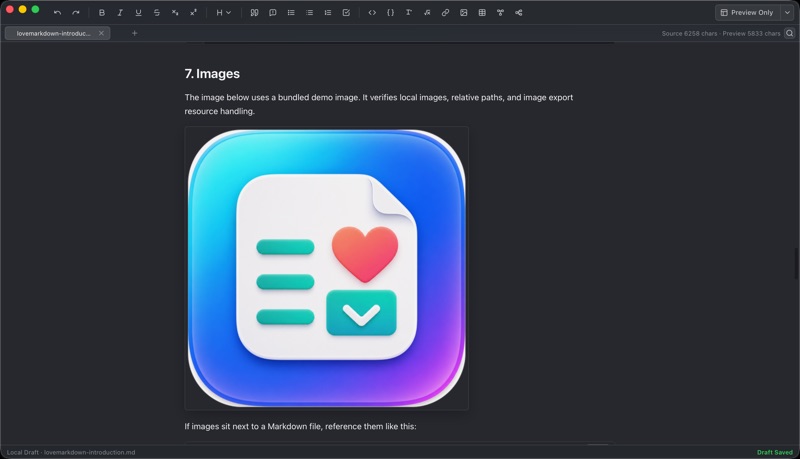
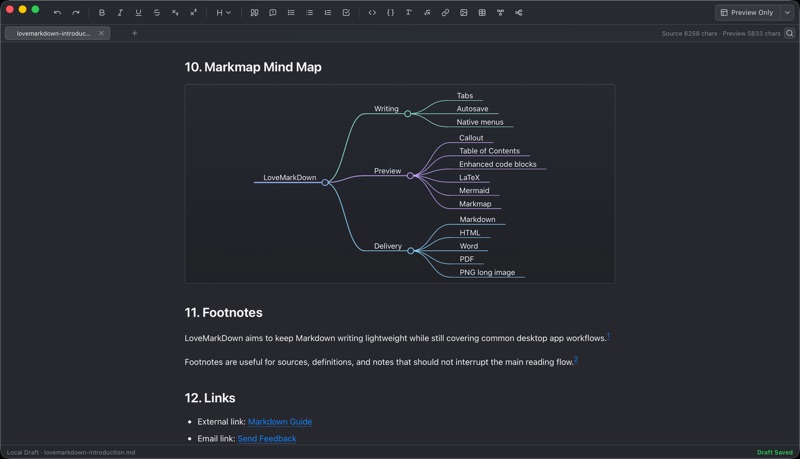
LoveMarkDown is a lightweight, local-first Markdown editor for technical notes, README files, product documentation, and documents with nearby image assets. Choose the workspace that fits the task: - Source keeps the original Markdown text editor. - Split keeps Source on the left and an editable Visual Markdown workspace on the right. - Visual gives the editable Visual workspace the full document area. - Lock Visual when you need a read-only rendered Preview. Key features: - Browse folders and nearby Markdown files from a compact path bar with saved visibility - Copy a path or filename, reveal it in Finder, and rename files from tab actions - Remember user-selected folder access locally across launches - Open .md, .markdown, and .txt files from the File menu or by drag and drop - Edit headings, links, lists, task items, tables, callouts, footnotes, and TOC markers in Visual Markdown - View local images, LaTeX, Mermaid, and Markmap inside the editable workspace - Use synchronized Find/Replace, document outline, formatting, insertion, tabs, recovery, and external reload - Save back to the original local file - Export to Markdown, HTML, Word, PDF, and PNG - Use light, dark, and system appearance modes - Work with native macOS menus and shortcuts - Send optional, user-initiated feedback from the Help menu LoveMarkDown requires no cloud account and does not automatically upload your Markdown content, file names, or local file paths. Network behavior is limited and explicit: - Anonymous product analytics do not include document content, selections, file names, full paths, source URLs, clipboard content, or feedback message text. - Feedback is sent only when you choose Help -> Send Feedback. Contact information is optional. - Web-to-Markdown requests only the URL you enter when you initiate conversion. LoveMarkDown is built for writers, developers, makers, students, and product teams who want a compact Markdown workspace without turning local documents into a cloud workflow.
Latest release
What’s New
Navigate nearby Markdown files from a compact path bar below your tabs. Click an ancestor folder to browse its folders and Markdown files, then open a file in a tab. The path bar remembers its visibility without changing the tab bar height. Readable folders appear immediately. When macOS requires folder selection, LoveMarkDown remembers the selected folder across launches. Right-click path items to copy the path or name, or reveal them in Finder. This update also fixes Tab Rename and prevents right-clicks from selecting tab and path text.
Audience growth
Ratings growth
Baseline captured. Growth appears after the crawler observes a changed rating count.
Momentum comes from crawler snapshots for the tracked storefront. “Viral growth signal” means unusually fast recent rating gains; it is an indicator, not download data.
Price tracking
Price intelligence
- First observed Aug 16, 2026 · 6:16 AM Free
Screenshots