About this app
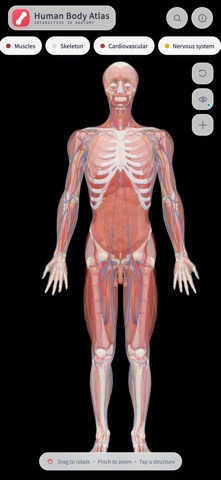
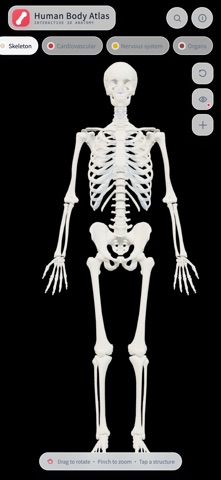
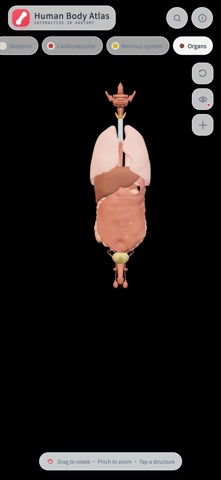
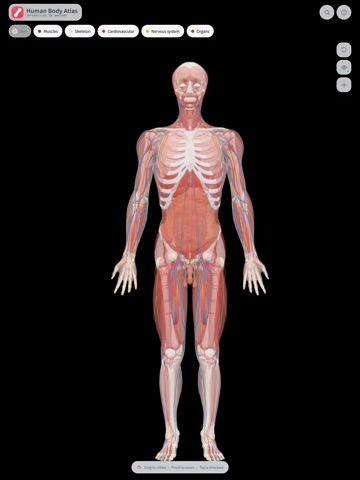
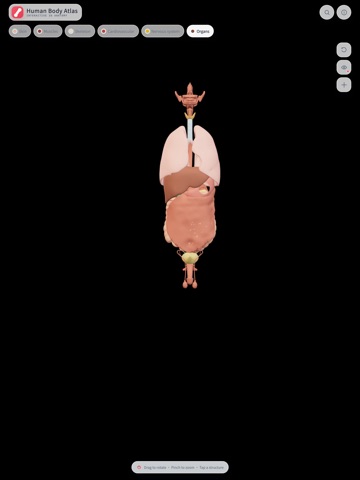
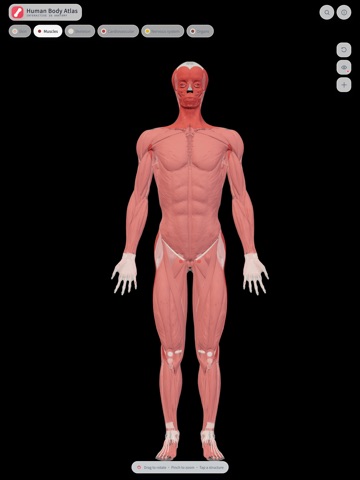
HumanBodyAtlas is an offline 3D atlas designed for anatomy learning and everyday reference. Explore the body from a complete view down to individual structures, combine anatomical systems, and select a structure to see its name and system. Key Features • Six layered systems: skin, muscular, skeletal, cardiovascular, nervous, and organs • More than 2,000 selectable anatomical structures • Rotate with a drag and zoom with a pinch to inspect different angles and details • Search structures by their Chinese or English names • Use Chinese, English, or follow the system language • Models and search data stay on the device for offline use with no account required • No advertising, analytics, or third-party tracking HumanBodyAtlas is suitable for students, educators, artists, and anyone who wants a visual way to learn about human anatomy. This app is for anatomy education and general reference only. It is not intended for diagnosis, treatment, or medical decisions and does not replace advice from a physician or other qualified healthcare professional. email:proxima.centauri0@gmail.com
Latest release
What’s New
- The lab now opens in the full-body 3D volume view by default, with a synchronized axial preview in the lower-left corner. - Added a more accessible library of 26 organ 3D models. Organs can be viewed individually or highlighted in their anatomical positions inside the whole-body volume. - Free users can enter the lab and explore the whole-body 3D preview and a sample axial section. Pro unlocks all 1,878 sections, coronal and sagittal views, organ masks, organ 3D models, and slice clipping. - Improved structure selection and anatomical information display in transparent and fully illuminated viewing modes. - Fixed an issue where the fullscreen button did not enter fullscreen in some situations. - Added official App Store version checking to make future updates easier to discover. - Improved 3D resource switching, loading feedback, memory management, and stability.
Audience growth
Ratings growth
Baseline captured. Growth appears after the crawler observes a changed rating count.
Momentum comes from crawler snapshots for the tracked storefront. “Viral growth signal” means unusually fast recent rating gains; it is an indicator, not download data.
Price tracking
Price intelligence
First snapshot captured. The trend line starts after the next crawler price observation.
- First observed Aug 15, 2026 · 7:53 AM Free
Screenshots